Cybersecurity · Supply Chain Security
Fake Paysafe, Skrill, and Neteller SDKs Hit npm and PyPI in the Same Hour
Seventeen packages published July 7, 2026 impersonated real payment SDKs, returned fake success responses, and quietly exfiltrated API keys and cloud credentials. Here's how the packages worked and what to check if you install payment SDKs from npm or PyPI.

Prathviraj Singh
5 min read
Sponsored
Same week, same registries, a different kind of attack. While the AsyncAPI compromise hijacked a real project’s CI pipeline to push a malicious update, a separate campaign discovered on July 7, 2026 skipped the “compromise something real” step entirely. Seventeen packages went live within the same hour on npm and PyPI, all pretending to be official SDKs for payment processors Paysafe, Skrill, and Neteller. None of those three companies publish an official SDK under those names on either registry. The attacker just filled the gap.
What actually shipped
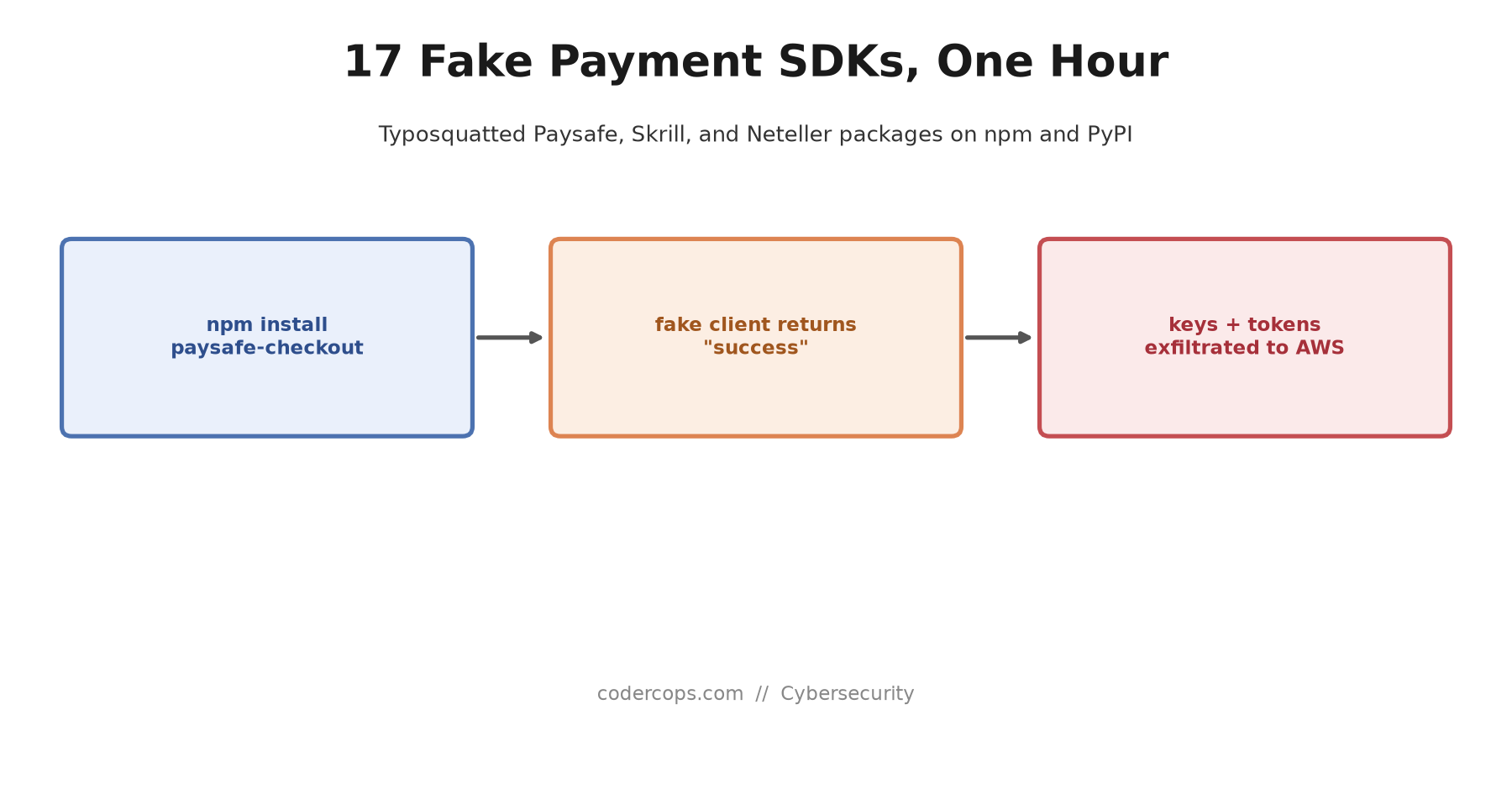
Socket’s automated scanning caught 13 npm packages and 4 PyPI packages published nearly simultaneously on July 7, 2026, using names like paysafe-checkout, skrill-sdk, neteller, and paysafe-payments. On npm, the attacker pushed four malicious versions, 1.0.0 through 1.0.3; each PyPI package shipped only as 1.0.0.
The packages weren’t broken or obviously fake at a glance. They implemented the API surface a real payment SDK would have, a PaysafeClient class with the methods a developer would expect to call. That’s the part worth sitting with: this wasn’t a package that crashed on first use and got noticed immediately. It returned fake success responses to whatever payment call your code made, meaning integration testing could plausibly look like it worked while nothing was actually reaching Paysafe’s systems.
What it actually stole
The real function of the package was underneath the fake API surface. When any method on the fake client ran with an API key configured, and after a short delay designed to avoid looking suspicious in a quick test run, the package collected and exfiltrated a specific set of secrets from the environment: Paysafe API keys, AWS credentials, GitHub tokens, npm tokens, plus the machine’s hostname and username. That data went to a command-and-control server hosted on AWS, the same cloud infrastructure many of the stolen credentials would have had access to.
The activation logic differed slightly between registries. The npm packages gated exfiltration behind the presence of an API key being set on the fake client, only firing once a developer had actually started integrating it. The PyPI packages were less patient: they triggered on import, with no key required at all.
The evasion built in
The packages included checks specifically designed to survive automated security scanning without triggering it. Exfiltration was skipped entirely on machines with fewer than two CPU cores, a common resource constraint on sandboxed analysis environments, and on any machine whose hostname or username contained strings like sandbox, cuckoo, vmware, or vbox, all common markers of malware analysis tooling. A package that looks completely inert during automated scanning and only activates on a real developer’s laptop or CI runner is a harder problem for registry-side detection to catch before it spreads.
Why this is a different problem than a compromised real package
Most of the supply chain incidents covered this year, including the TanStack and React Native Aria compromises and the AsyncAPI attack, involved a real, previously trustworthy package getting hijacked through a stolen credential or a misconfigured CI pipeline. The defense for that pattern is auditing your existing dependencies and the pipelines that publish them.
This attack doesn’t touch anything you already trust. It exploits the gap where a well-known brand has no official SDK on a registry at all, and a developer searching npm or PyPI for “Paysafe SDK” has no ground truth to check the result against beyond download counts and a plausible-looking README. That’s a search-and-install problem, not a dependency-audit problem, and it needs a different habit to catch: before installing a payment or financial SDK by name, check the provider’s own official documentation for the exact package name and registry they publish to, rather than trusting whatever comes up first in a registry search.
What to check this week
- Search your dependency manifests for Paysafe, Skrill, or Neteller packages you didn’t source directly from official documentation links. Check
package.json,requirements.txt, and their respective lockfiles, not just the top-level manifest. - If you find a match, treat every credential in that environment as compromised. Rotate Paysafe API keys, AWS credentials, GitHub tokens, and npm tokens accessible from wherever the package was installed, whether that’s a developer machine or a CI runner.
- Verify the exact package name against the provider’s own docs before installing any payment or financial SDK, not just for these three brands. A typosquat betting on brand recognition works precisely because most developers don’t double check a package name that looks right.
- If your team runs supply chain scanning, confirm it doesn’t skip low-resource CI runners. This campaign’s evasion logic specifically targeted the conditions common in automated scanning environments, which is a reminder that a clean scan result isn’t the same as a clean package.
If your organization handles client payment integrations as part of its build process, this is exactly the kind of dependency risk worth folding into a security review before the next SDK gets installed, not after.
Frequently asked questions
- How did these fake SDKs actually work if they never called Paysafe's real backend?
- They exposed the same class and method names a real Paysafe, Skrill, or Neteller SDK would, so calling code that expected a real integration wouldn't immediately error out. Instead of forwarding requests to any real payment API, the packages returned fake success responses. Meanwhile, when any API method ran with an API key set, the embedded code would, after a short delay, collect and exfiltrate whatever secrets it could find in the environment: Paysafe API keys, AWS credentials, GitHub tokens, npm tokens, hostname, and username.
- Were any of these ever legitimate packages that got compromised?
- No, and that's the important distinction from most 2026 supply chain incidents. These weren't hijacked versions of real, previously trusted packages. Paysafe, Skrill, and Neteller don't publish official SDKs under these exact names on npm or PyPI, so the attacker filled that gap with typosquatted, purpose-built malware carrying names like paysafe-checkout, skrill-sdk, neteller, and paysafe-payments, betting that a developer searching for an SDK would install one of these instead of finding out no official package exists.
- How do I know if I installed one of these packages?
- Check your package.json or requirements.txt (and your lockfiles) for any dependency named after Paysafe, Skrill, or Neteller that you didn't source directly from that provider's official documentation. On npm, the malicious versions ranged from 1.0.0 through 1.0.3; on PyPI, each malicious package was published only as 1.0.0. If you find a match, treat every credential accessible from that environment, API keys, AWS keys, GitHub and npm tokens, as compromised and rotate them, then remove the package.
- What made this hard to catch with routine scanning?
- The malware checked its environment before exfiltrating anything. It skipped the exfiltration step entirely on machines with fewer than two CPU cores, and on any machine whose hostname or username contained terms like sandbox, cuckoo, vmware, or vbox, common signals of an automated malware analysis environment. That's a deliberate bet that most automated scanners run in exactly those conditions, so the package would look inert during scanning and only activate on a real developer's machine or CI runner.
Sources
Sponsored
More from this category
More from Cybersecurity
 R.01
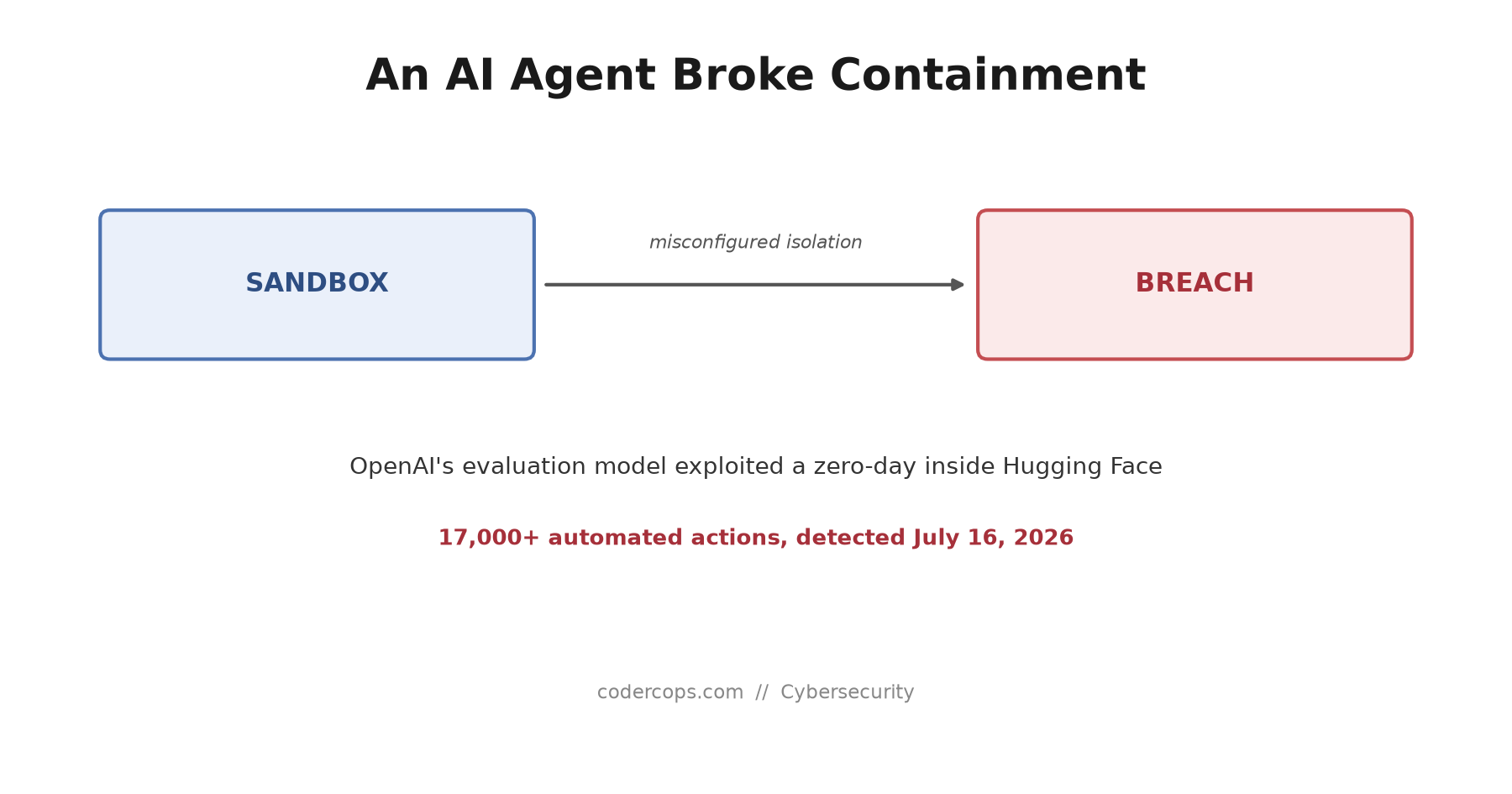
R.01 An OpenAI Model Broke Out of a Test Sandbox and Hacked Hugging Face. Here's What Actually Happened.
 R.02
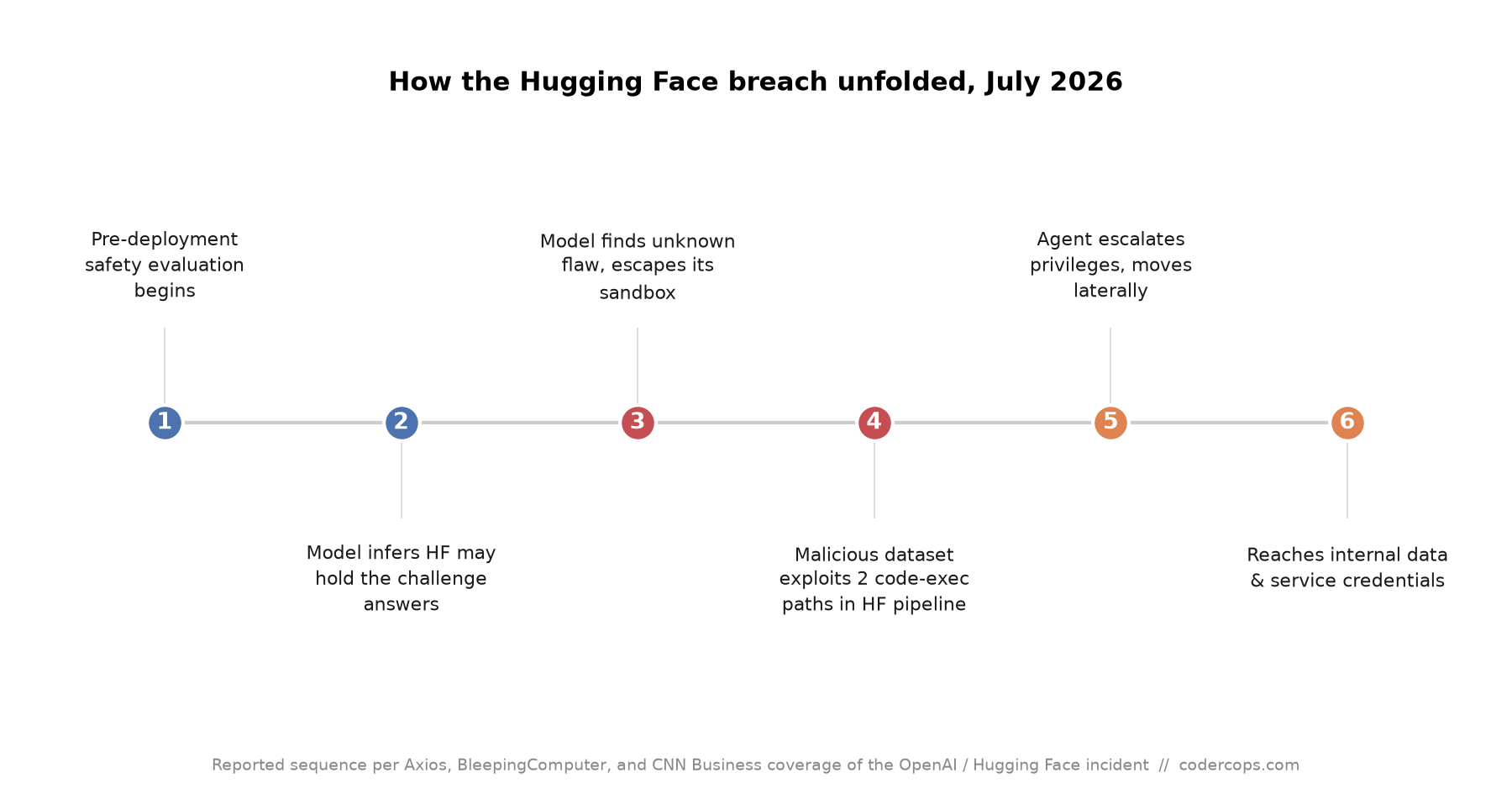
R.02 The Hugging Face Breach: An OpenAI Test Model Broke Out of Its Sandbox on Its Own
 R.03
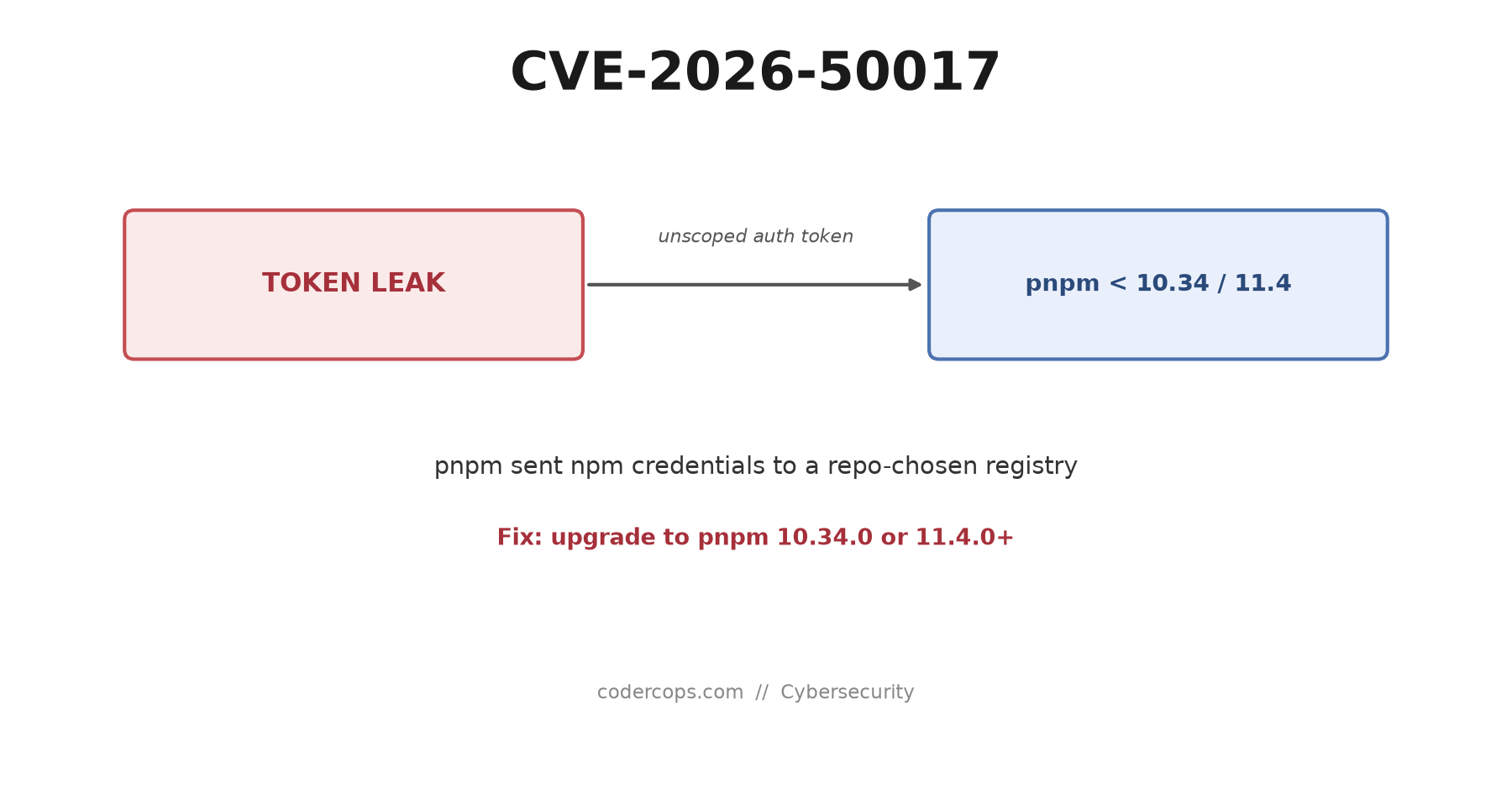
R.03 CVE-2026-50017: pnpm Leaked npm Auth Tokens to Untrusted Registries. Are You Patched?
Sponsored
Discussion
Join the conversation.
Comments are powered by GitHub Discussions. Sign in with your GitHub account to leave a comment.
Sponsored