Cybersecurity · Supply Chain Security
npm Trusted Publishing: Drop the Long-Lived Token
Trusted publishing lets GitHub Actions and GitLab CI publish via short-lived OIDC tokens instead of a stored npm token. The setup, and the May 2026 change.

Prathviraj Singh
5 min read
Sponsored
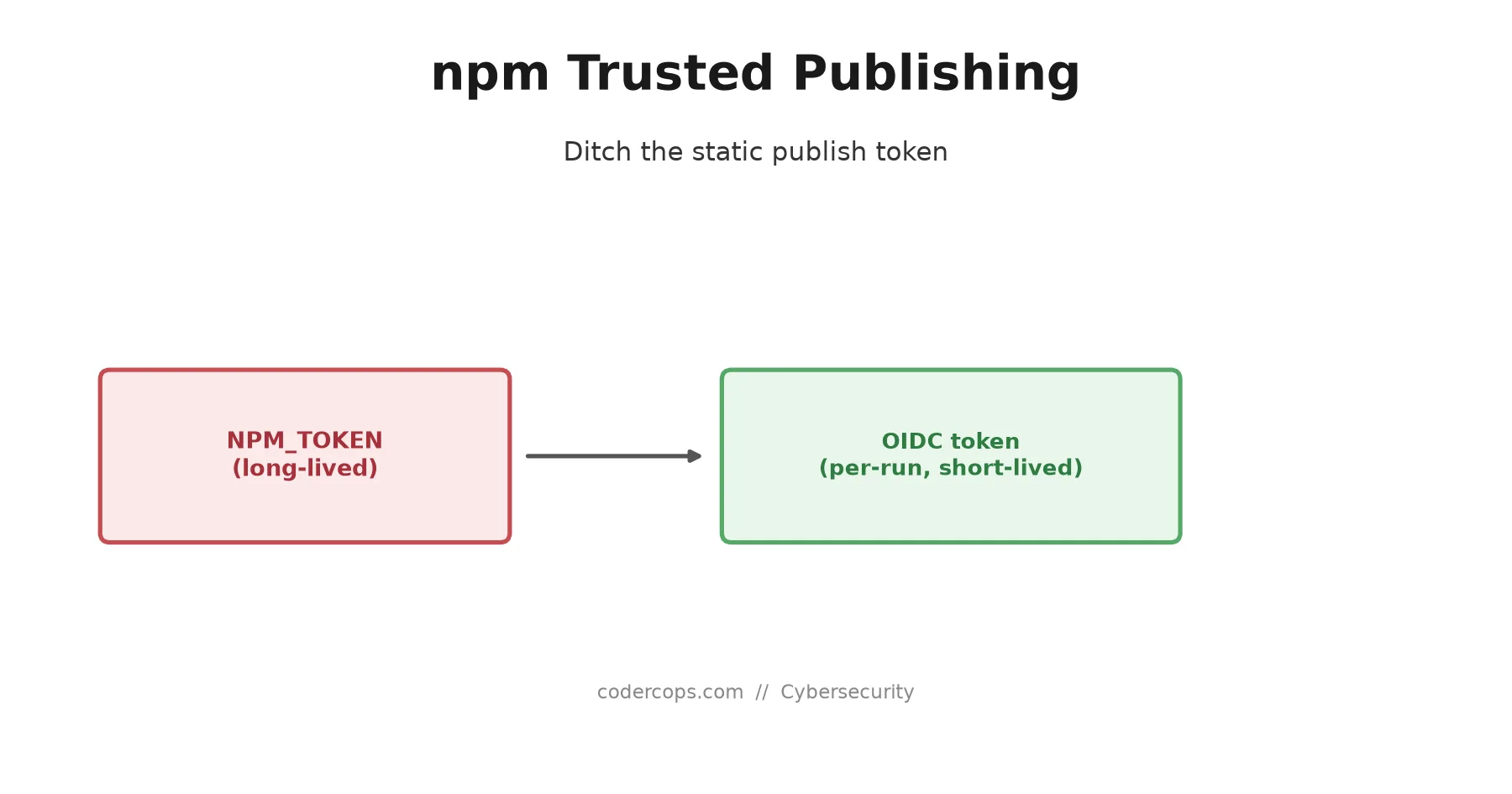
Most npm supply chain attacks that made headlines over the past year share a common ingredient: a long-lived publish token that leaked and stayed valid. Trusted publishing removes that ingredient entirely. Instead of storing an NPM_TOKEN secret in your CI provider that works until someone rotates it, npm now accepts a short-lived OIDC token minted fresh for each workflow run. If your package still publishes with a static token sitting in GitHub Actions secrets, this is a half-hour change worth making this week, not eventually.
Why a static token is the actual risk
A traditional publish workflow looks like this: generate an npm access token, paste it into your CI provider’s secret store, and reference it in a NODE_AUTH_TOKEN or NPM_TOKEN environment variable every time the workflow runs. That token typically has no expiration, and it authenticates as you, with publish rights to every package it’s scoped to. If it leaks, through a misconfigured workflow that logs secrets, a compromised third-party GitHub Action, or a breach at the CI provider itself, an attacker can publish malicious versions of your package until you notice and manually revoke it. Depending on your package’s download volume, that window can be measured in installs, not minutes.
Trusted publishing replaces the static token with a token that doesn’t exist until the moment it’s needed and expires almost immediately after.
How it actually works
Trusted publishing uses OpenID Connect (OIDC). When your CI workflow runs, GitHub Actions or GitLab CI can generate a signed identity token proving “this specific workflow, in this specific repository, is running right now.” npm’s registry is configured to trust tokens from your CI provider that match a specific repository, workflow file, and (optionally) environment. It exchanges that short-lived identity proof for a short-lived npm publish token, used once, for that one workflow run, and then it’s gone.
Setting it up
Step 1: Configure the trusted publisher on npmjs.com. In your package’s settings, add a trusted publisher and specify:
| Field | What it means |
|---|---|
| Provider | GitHub Actions or GitLab CI/CD |
| Organization or user | The account that owns the repository |
| Repository | The exact repo the workflow lives in |
| Workflow filename | e.g. .github/workflows/publish.yml, must match exactly |
| Environment (optional) | Restricts publishing to a specific GitHub Actions environment, adding an approval gate if you use one |
Step 2: Grant the workflow permission to request an OIDC token. This is the part that trips people up if skipped:
name: Publish
on:
  push:
    tags: ["v*"]

jobs:
  publish:
    runs-on: ubuntu-latest
    permissions:
      contents: read
      id-token: write   # required: lets the workflow request an OIDC token
    steps:
      - uses: actions/checkout@v4
      - uses: actions/setup-node@v4
        with:
          node-version: "24"
          registry-url: "https://registry.npmjs.org"
      - run: npm ci
      - run: npm publish --ignore-scripts
Step 3: Confirm your npm CLI version. Trusted publishing requires npm CLI 11.5.1 or later. If your workflow pins an older npm version explicitly, bump it; setup-node with a recent Node.js version generally bundles a compatible npm.
Step 4: Publish, verify, then delete the old token. Push a tag and let the workflow run. Once you see a successful publish through the new flow, delete the NPM_TOKEN secret from your repository or organization. Leaving it in place after trusted publishing works defeats the purpose: it’s still a valid, stealable credential sitting unused.
Provenance comes along for free
Once you’re publishing through a trusted publisher, npm automatically generates a provenance attestation for that release, no --provenance flag required. Provenance is a signed statement tying the published package to the exact commit, repository, and workflow run that built it, and it shows up as a verified badge on the package’s npm page. For anyone auditing your dependency tree, that’s a concrete signal the code on npm actually matches the code in your public repository, rather than something injected during a separate, unaudited publish step.
What changed in May 2026
If you set up trusted publishing before May 20, 2026, your configuration defaults to publish-only with no behavior change; nothing breaks. Configurations created after that date require you to explicitly select which actions the trusted publisher is allowed to perform. It’s a small addition, but worth checking if you’re setting this up for the first time now: don’t grant more than publish unless you have a specific reason to.
What this doesn’t fix
Trusted publishing closes one specific hole: a stolen long-lived token. It doesn’t protect against a compromised build step that runs inside the trusted workflow itself, a malicious dependency pulled in during npm ci before the publish step runs, or a maintainer’s own compromised machine if they still publish manually outside CI. Pair it with the install-time protections in npm v12’s script-blocking defaults, and treat it as one layer in a stack, not a single fix for supply chain risk. The pattern behind incidents like the TanStack and React Native Aria compromises started with credential theft; trusted publishing is the direct answer to that specific starting point.
If you maintain any package published from CI, check whether it still authenticates with a static token today. If it does, the fix is a workflow permission and a form on npmjs.com, and it removes a credential you’d otherwise have to remember to rotate for as long as the package exists.
Frequently asked questions
- What problem does trusted publishing actually solve?
- It removes the long-lived npm access token from your CI secrets entirely. A traditional npm publish workflow stores a token in a CI secret manager that, if leaked through a misconfigured workflow, a compromised dependency, or a breached CI provider, gives an attacker the ability to publish malicious versions of your package indefinitely, or until you notice and rotate it. Trusted publishing mints a short-lived OIDC token scoped to a single workflow run, so there's no standing credential to steal in the first place.
- What do I actually need to set this up?
- Two things. First, on npmjs.com, add a trusted publisher to your package's settings, specifying the CI provider, your org/user and repo, the exact workflow filename, and optionally an environment name. Second, in that workflow file, add permissions: id-token: write so GitHub Actions or GitLab CI is allowed to generate the OIDC token npm needs. You also need npm CLI 11.5.1 or later in your workflow's Node.js setup.
- Do I still need an NPM_TOKEN secret once trusted publishing is set up?
- No, and removing it is the point. Once a trusted publisher is configured and your workflow has the right permissions, npm publish authenticates via the OIDC token automatically. Delete the NPM_TOKEN secret from your repository or organization settings once you've confirmed a successful publish through the new flow, so there's no old credential left as a fallback attack surface.
- What is provenance, and do I need to configure it separately?
- Provenance is a signed attestation that cryptographically ties a published package version to the specific source commit, repository, and workflow run that built it, viewable on the npm package page as a verified build badge. With trusted publishing, npm generates and publishes this automatically. You don't need the --provenance flag or any extra configuration; it's a side effect of publishing through an OIDC-authenticated trusted publisher.
- Would trusted publishing have prevented recent npm supply chain attacks?
- It targets a specific attack vector: a stolen or leaked long-lived publish token. Several 2026 incidents, including the compromises that hit TanStack and React Native Aria packages, relied on exactly that kind of credential theft to push malicious versions. Trusted publishing doesn't fix every supply chain risk (a compromised CI workflow file or a malicious dependency in your build step are still separate problems) but it closes the specific hole where a static token, once leaked, remained valid until someone noticed.
Sources
Sponsored
More from this category
More from Cybersecurity
Sponsored
Discussion
Join the conversation.
Comments are powered by GitHub Discussions. Sign in with your GitHub account to leave a comment.
Sponsored