Business · Hiring
How to Hire a WordPress Developer in 2026: Gutenberg Blocks, WooCommerce, and Real Skill vs Setup
WordPress powers 43% of the web, but 'WordPress developer' covers everything from theme configurers to block API engineers. Here's how to find someone who can actually build what you need.

Abhishek Gupta
6 min read

Sponsored
WordPress powers roughly 43% of websites, according to W3Techs. That dominance creates a hiring paradox: the talent pool is enormous, but the skill quality is unusually variable. Almost anyone who has installed a plugin calls themselves a WordPress developer. The actual engineering work — custom block development, plugin architecture, WooCommerce customization, security hardening, performance optimization at scale — requires a fundamentally different level of skill.
Getting this hire right means understanding what you actually need before you write the job description.
The four profiles hiding under one title
Block (Gutenberg) developer builds custom blocks using the Gutenberg block API, which is React and JavaScript under the hood. This is genuine frontend engineering. They write TypeScript with @wordpress/blocks, understand the WordPress data layer (@wordpress/data, wp.data.select), and can build full-site editing templates and block patterns. This is the profile you need for editorial-heavy sites where content teams need flexible, purpose-built content types.
Plugin developer writes PHP to extend WordPress behavior through its hook system — actions and filters. They build integrations with third-party APIs, custom post types, custom fields, admin interfaces, and background tasks using WP Cron. The best ones know the hook system deeply, understand WP_Query performance, and write code that works across a wide range of hosting environments.
WooCommerce engineer specializes in WordPress’s e-commerce layer. This is a technical specialization of its own. WooCommerce is large, its hook system has hundreds of specific entry points, and customizing it correctly (vs. hacky workarounds) requires knowing the order lifecycle, the cart/checkout flow, how payment gateways integrate, and how to scale a store that handles real transaction volume.
Theme/page-builder configurator uses Elementor, Divi, ACF (Advanced Custom Fields), or WPBakery to assemble sites visually or through configuration panels. This is legitimate work and genuinely serves a market segment, but it is not the same skill as writing custom code and should not be priced or screened the same way.
Know which of these you need. The job description and the screen should reflect it.
The Gutenberg question
If your project involves any custom editorial tooling, ask: “Walk me through how you’d build a custom Gutenberg block that lets editors embed a product comparison table — two columns, arbitrary rows, an image in each column, and a headline.”
A developer with genuine block experience will describe: registering the block with registerBlockType, defining block attributes for the table data structure, using InnerBlocks or explicit attribute controls, building the edit component in React with BlockControls and InspectorControls for the toolbar options, and writing the save function (or a PHP render callback for dynamic blocks). They’ll know whether to use a static or dynamic block, and have an opinion on which is more appropriate for this case.
A developer who says “I’d use ACF’s flexible content field” is not wrong for some scenarios, but they are not a block developer. That’s a different profile and a different rate.
The PHP and hook system screen
For plugin-layer work, ask: “How would you add a 10% discount to orders from a specific user role in WooCommerce, and how would you make sure it doesn’t interact badly with existing coupon discounts?”
A competent WooCommerce developer answers with a specific hook: woocommerce_cart_calculate_fees for adding fees (or woocommerce_discount_amount or calculating in woocommerce_before_calculate_totals). They know to check the user’s role with current_user_can or get_user_by('id', $user_id)->roles. They mention the importance of testing against the coupon stack to avoid doubling discounts. They might also mention a simpler path: WooCommerce’s native role-based pricing with a plugin, and when that’s appropriate vs. custom code.
A weaker answer goes straight to “I’d use a plugin like YITH WooCommerce Role Based Prices.” That’s not wrong as a shortcut for a simple case, but it tells you nothing about their ability to handle edge cases or build custom logic.
Security — the question that actually separates them
WordPress is the most-targeted CMS on the internet. A developer who ships insecure WordPress code creates real liability. This screen is not optional.
Ask: “Walk me through the security checks you’d do before saving a form submission in a WordPress plugin.”
A developer who knows WordPress security will cover:
- Nonce verification: check
wp_verify_nonce($_POST['_wpnonce'], 'your_action')to prevent CSRF - Capability check:
if (!current_user_can('manage_options')) { wp_die('Unauthorized'); }— does the user have permission to do this? - Input sanitization:
sanitize_text_field()for text,absint()for integers,wp_kses_post()for HTML content,esc_url_raw()for URLs before saving - Output escaping:
esc_html(),esc_attr(),esc_url(),wp_kses()before echoing anything to the browser
A developer who says “I use the Wordfence plugin for security” is describing a tool that protects the installation layer, not the code layer. That’s not a substitute for writing secure code.
Performance at scale
WordPress can perform well or terribly depending on how it’s written. For any site expecting real traffic, ask about caching strategy (object cache with Redis or Memcached, page caching, fragment caching via transients), WP_Query optimization (avoiding post_status loops, using fields => ‘ids’ when you only need IDs, avoiding meta_query for high-volume sorts), and whether they understand the N+1 query problem in the context of loops.
A developer who has only worked on small sites where no query takes more than 50ms won’t have answers to these. That’s fine for a small-site role, but not for anything involving real traffic or a database with 100,000+ posts.
Multisite and enterprise WordPress
If your project involves WordPress Multisite (multiple sites in a single WordPress installation, sharing users and storage), ask specifically about multisite network architecture. It’s a distinct operational and development context with its own set of gotchas: plugin network activation vs. site activation, domain mapping, shared vs. per-site uploads, table prefix conventions, and the specific hooks that fire at the network vs. site level.
Most WordPress developers have never worked on Multisite. If you need it, screen for it explicitly.
What to look for in code samples
Any serious WordPress developer should be able to share a plugin or theme they built from scratch — not a customized off-the-shelf product. Ask for a link to a GitHub repository or a code sample.
In the code, look for:
- Properly namespaced PHP (class-based or namespaced functions to avoid conflicts)
- Hook registration in
__construct()or a dedicatedinit()method - Sanitize on input, escape on output — consistently
- Proper use of
add_actionandadd_filterwith meaningful priorities - No direct SQL queries where
$wpdb->prepare()is available - Some form of error handling and logging
The presence of something like echo $user_input; without escaping in production code should end the conversation.
If you’re hiring for a broader mix of web development roles beyond WordPress, our guide on how to hire a full-stack developer covers the overlap well.
Rate expectations in 2026
Configurators (page builders, theme setup) run $25–$60/hr. Plugin and theme developers who write clean custom PHP with solid security awareness run $60–$100/hr. WooCommerce specialists with high-volume store experience or Gutenberg block engineers with proven React output run $90–$150/hr. Senior WordPress engineers in full-time US roles sit around $90,000–$130,000 depending on specialization.
The rate gap between a configurator and a block engineer is real and predictable. Do not negotiate from the same starting point.
Frequently asked questions
- What is a Gutenberg block developer and how is that different from a general WordPress developer?
- Gutenberg is WordPress's block-based editor, built on React. Custom block development means writing JavaScript/TypeScript with React, using the @wordpress/blocks package and the WordPress data layer (@wordpress/data). It is real front-end engineering work, not PHP configuration. A Gutenberg block developer can build custom reusable content blocks, full-site editing templates, and block patterns. A general WordPress developer may know PHP and template hierarchy without knowing block API at all. For editorial-heavy sites where content teams need custom flexible content types, Gutenberg skill is essential.
- Do I need a WordPress developer or a PHP developer who knows WordPress?
- Depends on the project. Pure custom plugin or theme work from scratch can be done by a solid PHP developer who learns WordPress conventions. Large enterprise WordPress sites with complex plugin ecosystems, multisite setups, or WooCommerce benefit from someone who knows WordPress's specific hook system, transient cache, WP_Query performance, and REST API internals well. For most agency and business work, look for someone who can name WordPress-specific pitfalls, not just someone who knows PHP.
- What does a WordPress security screen look like?
- Ask about nonce verification (how WordPress prevents CSRF in form submissions), input sanitization (sanitize_text_field, wp_kses_post, absint), output escaping (esc_html, esc_url, esc_attr), and capability checking (current_user_can) before any privileged action. A developer who can describe why each of these matters — not just name them — has internalized WordPress security. A developer who says 'I use a security plugin for that' has not.
- How do I evaluate a WooCommerce developer?
- Ask them to walk you through the WooCommerce order lifecycle (pending → processing → completed/refunded), how they've hooked into payment gateway responses, how they'd add a custom fee to the cart, and how they've handled stock sync with an external system via the REST API. WooCommerce uses an extensive hook system; a developer who can't explain the difference between woocommerce_before_checkout_form and woocommerce_checkout_process — and when to use each — has not built anything non-trivial with it.
- What does a WordPress developer cost in 2026?
- Rates vary widely. A theme configurator (Elementor, Divi, page builder work) runs $25–$60/hr remotely. A developer who writes clean custom PHP plugins and knows WordPress security runs $60–$100/hr. A specialist with Gutenberg block development, WooCommerce depth, or multisite enterprise experience runs $90–$150/hr. US-based senior engineers can run higher. For vetted remote WordPress developers, rates are lower but the screening burden is higher.
Sources
Sponsored
More from this category
More from Business
 R.01
R.01 How to Hire a Game Developer in 2026: Unity, Unreal, and the Screen That Actually Works
 R.02
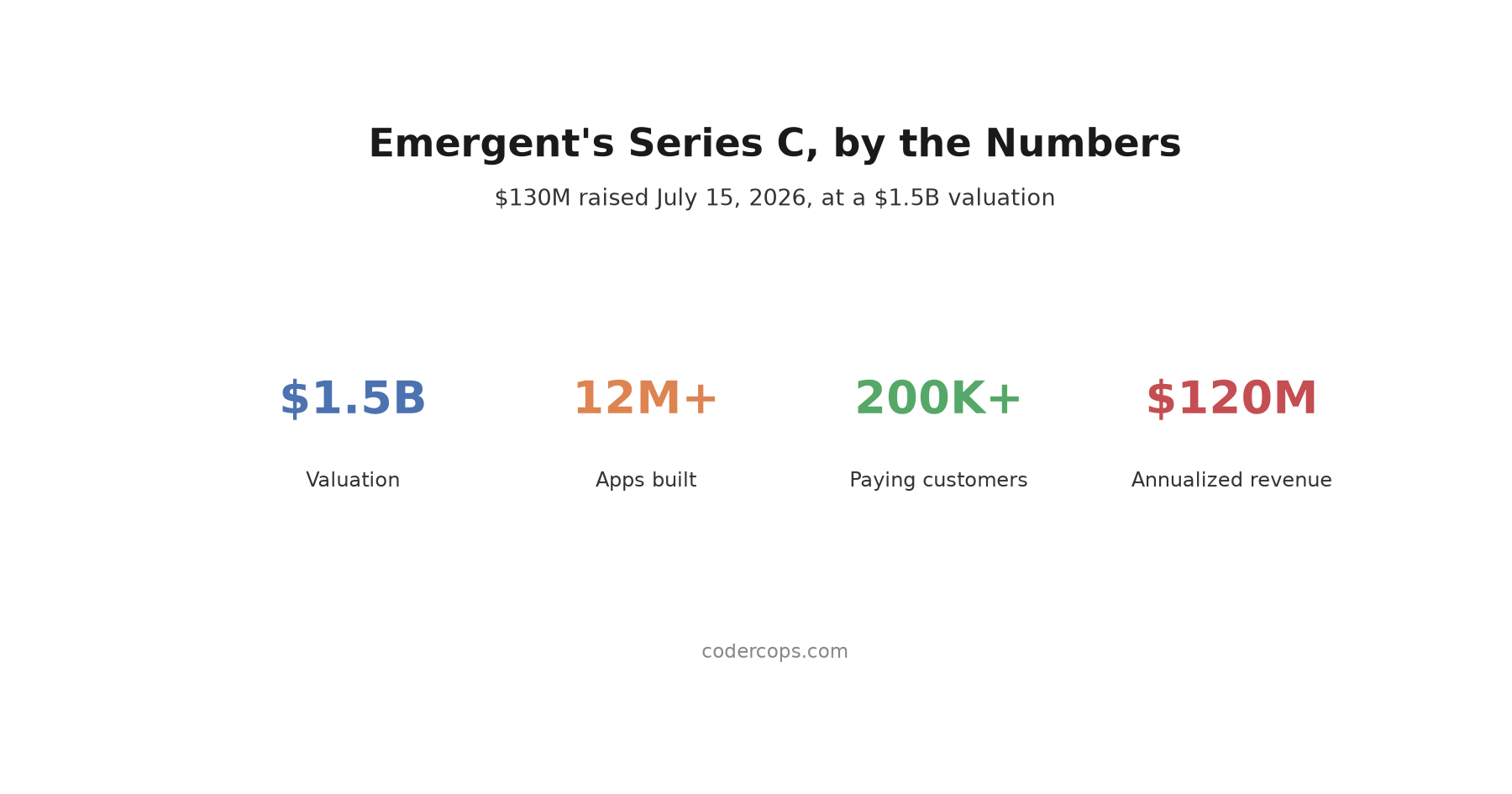
R.02 Emergent Hit a $1.5B Valuation Building Apps From Prompts. What That Means for Agencies
 R.03
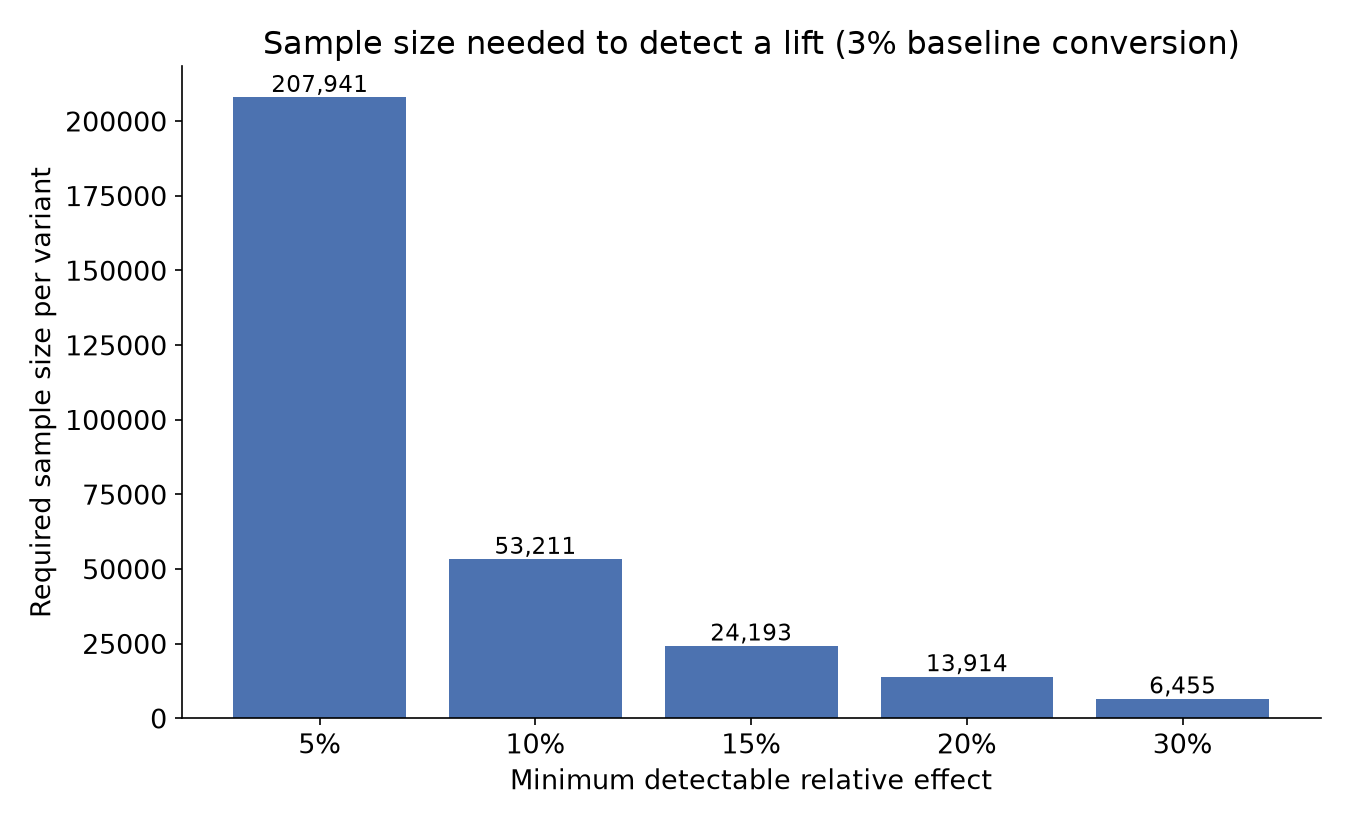
R.03 A/B Testing Statistical Significance: How Long to Actually Run a Test
Sponsored
Discussion
Join the conversation.
Comments are powered by GitHub Discussions. Sign in with your GitHub account to leave a comment.
Sponsored