Web Development · Frameworks
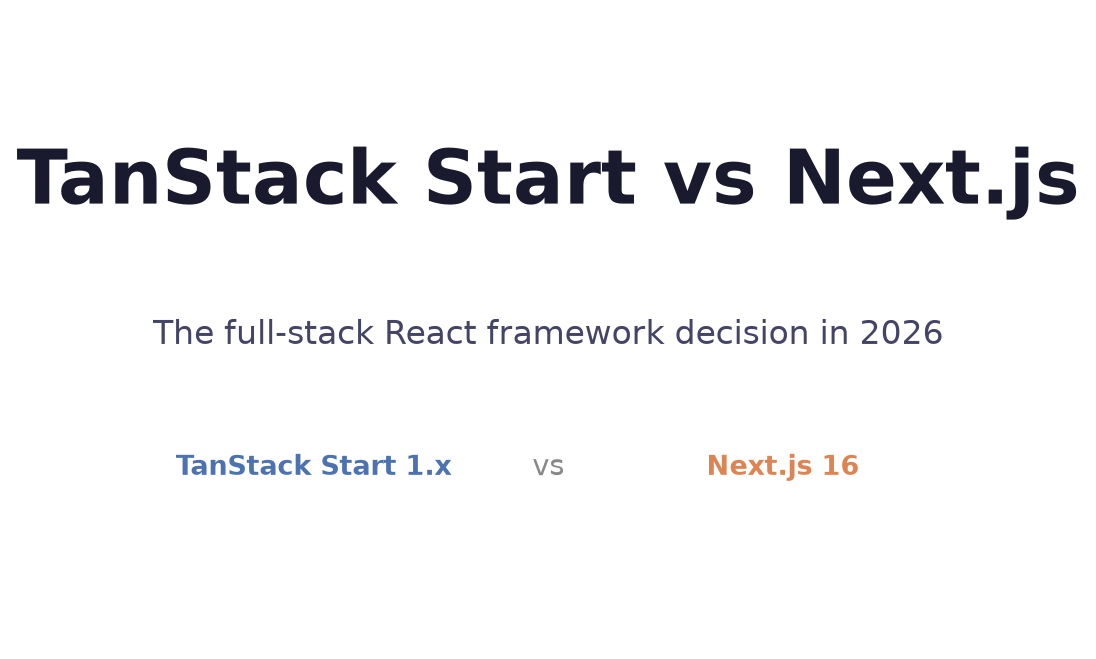
TanStack Start vs Next.js in 2026: Picking the Right Full-Stack React Framework
TanStack Start hit 1.x stable and is now closing in on Next.js in weekly downloads. Here's an honest comparison of both frameworks — what each is good at, where each falls short, and how to make the call for your project.

Prathviraj Singh
6 min read
Sponsored
For three years, the answer to “what full-stack React framework should I use?” was Next.js, with a footnote about Remix. That’s still true for a lot of teams, but TanStack Start earned a serious spot in the conversation in 2026. It hit 1.x stable in early 2026, and as of now it’s pulling 6 million weekly npm downloads — up from 600K in April. Lovable switched all new projects to it in May.
This isn’t a “Next.js killer” post. Both frameworks are genuinely good, and the right choice depends on what you’re building and what your team already knows. But the question is now worth taking seriously.
The core difference in philosophy
The single clearest way to understand the difference:
Next.js is server-first. Pages render on the server by default. You add the "use client" directive to make a component client-side. React Server Components are the default unit of composition, and data fetching happens on the server unless you explicitly move it to the client.
TanStack Start is client-first. Components are React client components by default, same as a Vite SPA. You add server functions where you need server-side execution. The mental model is: build a React app, then add a server layer where you need it.
Neither approach is wrong. They’re different defaults with different strengths.
Server-first makes sense when your app is mostly content and data display, where SEO and first-load performance are priorities. The server renders what it can, and the client hydrates. You get good Lighthouse scores and good crawlability.
Client-first makes sense when your app is mostly interactive — dashboards, editors, collaboration tools, apps where the user is always logged in and SEO is irrelevant. You get SPA responsiveness as the default, and you add server-side behavior where it helps.
Project structure
Both frameworks look similar at a glance but differ in how they handle the server/client boundary.
Next.js App Router structure:
app/
  layout.tsx          // server component by default
  page.tsx            // server component by default
  dashboard/
    page.tsx          // server component, opt into client with 'use client'
    client.tsx        // 'use client' — interactive island
TanStack Start structure:
app/
  routes/
    __root.tsx        // root layout
    index.tsx         // route, client by default
    dashboard.tsx     // route, client by default
  server-functions/
    getData.ts        // 'use server' — server-only function
In TanStack Start, routes are client components. You call server functions via RPC to fetch data or perform server-side operations:
// app/server-functions/getData.ts
"use server";

import { createServerFn } from "@tanstack/start";

export const getProjects = createServerFn().handler(async () => {
  // Runs server-side only. Has access to DB, env vars, etc.
  return await db.query("SELECT * FROM projects");
});

// In your route component
import { getProjects } from "../server-functions/getData";

export default function Dashboard() {
  const projects = getProjects();  // typed, RPC call to server
  return <ProjectList items={projects} />;
}
The server function is type-safe and integrated with TanStack Query, so the client-side cache works exactly as it would with any other Query call.
TypeScript integration
This is where TanStack Start has a clear edge, and it comes from TanStack Router rather than Start itself.
Next.js’s App Router has some TypeScript support, but route parameters and search parameters are string | string[] | undefined by default. You cast them or handle the unknown type yourself.
TanStack Router infers types from your route definitions end-to-end:
// routes/projects/$projectId.tsx
import { createFileRoute } from "@tanstack/react-router";

export const Route = createFileRoute("/projects/$projectId")({
  validateSearch: (search) => ({
    tab: (search.tab as string) || "overview",
    filter: search.filter as string | undefined,
  }),
  loader: ({ params }) => getProject(params.projectId),  // params.projectId is string, typed
});

// In the component
export default function Project() {
  const { projectId } = Route.useParams();  // string, typed
  const { tab } = Route.useSearch();         // string, typed
  const project = Route.useLoaderData();     // typed from loader return
}
Every route parameter, every search param, every loader return value is typed without any manual annotation. This is probably the single most compelling feature for TypeScript-heavy teams. If type safety throughout routing matters to your codebase, TanStack Router (and therefore TanStack Start) is hard to beat.
Ecosystem and deployment
Next.js has a larger ecosystem, a longer history, and clearer deployment integration with Vercel. If you use Vercel, Next.js gets features like Image Optimization, Edge Functions, and ISR that are deeply integrated and well-documented. That’s not a knock on TanStack Start; it’s just a fact that Vercel optimizes for their own framework.
TanStack Start uses Nitro as its server adapter, which supports Vercel, Cloudflare Workers, AWS Lambda, and self-hosted Node.js. Deployment works, just without the Vercel-specific niceties.
For self-hosted or multi-cloud deployments, the Nitro adapter story is actually an advantage: the same app deploys to any supported platform without framework-specific configuration.
When to use TanStack Start
The strongest case is when your team already uses the TanStack ecosystem. If you have TanStack Query in your current app and TanStack Router handling navigation, adding Start is a natural extension rather than a framework switch. The API surface is consistent and the data flow model you already know carries over.
It’s also a strong pick for apps where client-side interactivity is the primary use case: dashboards, SaaS apps behind a login, collaborative tools. You get SPA behavior by default without fighting the framework’s server-first defaults.
It’s a weaker pick for content-heavy public sites where SEO and first-load performance are top priorities, or for teams that haven’t used TanStack Query/Router before and would need to learn the ecosystem from scratch.
When to use Next.js
Next.js is still the safer default for most teams. The ecosystem is larger, the deployment story is more documented, and there are more examples of every possible pattern in the wild.
It’s the clearer choice for public-facing sites, e-commerce, and content apps. The server-first model makes SEO straightforward and first-load performance good without extra configuration. The community is bigger, which means more third-party integrations and more answered Stack Overflow questions.
Next.js 16.3’s Instant Navigations feature (released June 25, 2026) also narrows the client-side responsiveness gap. The argument that Next.js “feels slower” than a SPA is less true than it was with 16.3 in the picture.
The practical advice
If you’re starting a new project today:
- Public site, content-heavy, SEO matters: Next.js, no contest.
- SaaS app behind auth, dashboard-heavy: TanStack Start is worth a serious look.
- Team already using TanStack Query and Router: TanStack Start, naturally.
- Deploying to Vercel and want the deep integration: Next.js.
- Need the largest possible community and third-party plugin support: Next.js.
- Type safety through routing is a hard requirement: TanStack Start.
Both frameworks are worth knowing in 2026. If you’ve only worked with one, spending a weekend with the other is worthwhile — the client-first vs server-first distinction is a genuinely useful mental model for thinking about where your app actually lives. The comparison from the community at large is also useful context for this decision, as discussed in how teams are thinking about framework selection this year.
Frequently asked questions
- Is TanStack Start production-ready in 2026?
- Yes. TanStack Start reached 1.x stable in early 2026 and now has 6 million weekly npm downloads. Lovable (the AI app builder) switched new projects to TanStack Start in May 2026. The community, plugin ecosystem, and documentation are all in good shape for production use.
- What is the biggest difference between TanStack Start and Next.js?
- The mental model. Next.js starts from the server and lets you add client behavior. TanStack Start starts from the client and lets you add server behavior. In practice, Next.js default apps are server components with client islands; TanStack Start default apps are client-side React with server functions available when you need them.
- Does TanStack Start work with TanStack Query?
- Yes, and well. TanStack Start is designed to work with the rest of the TanStack ecosystem. Server functions integrate naturally with TanStack Query's cache, and TanStack Router handles routing. If you already use Query and Router, Start extends them to the full-stack layer.
- Can I deploy TanStack Start apps to Vercel?
- Yes. TanStack Start uses Nitro as its server adapter, and Nitro supports Vercel, Cloudflare Workers, AWS Lambda, and self-hosted Node.js. Deployment works the same way as a Vite project. Vercel's Next.js-specific optimizations don't apply, but the standard serverless deployment path works fine.
Sources
Sponsored
More from this category
More from Web Development
 R.01
R.01 MySQL Now Has a Native VECTOR Type. Should You Drop pgvector For It?
 R.02
R.02 React 19.2 vs 'React 20': There Is No React 20, and Here's What's Actually New
 R.03
R.03 Next.js's First Scheduled Security Release Shipped: 9 Advisories, What to Patch
Sponsored
Discussion
Join the conversation.
Comments are powered by GitHub Discussions. Sign in with your GitHub account to leave a comment.
Sponsored