Web Development · Backend Infrastructure
How to Run Untrusted Code Safely With Deno Sandbox
Deno Sandbox spins up isolated Firecracker microVMs in under 200ms for running code you don't trust, AI-agent output included. Here's how it works and a working example.

Abhishek Gupta
5 min read
Sponsored
Every application that executes code it didn’t write, a plugin system, a code playground, a webhook handler, an AI agent running its own generated scripts, has the same underlying problem: that code might do something you didn’t ask for. Deno Sandbox, generally available since February 2026, is a hosted way to run that code in genuine isolation without standing up your own virtualization infrastructure. Here’s how it works and a working example.
Why this needs to be a microVM, not a container
Containers share the host kernel. That’s fine for isolating trusted workloads from each other, but it’s a weaker boundary than most teams realize once you’re running code you don’t trust at all, since a kernel-level container escape gives an attacker the host, not just the container.
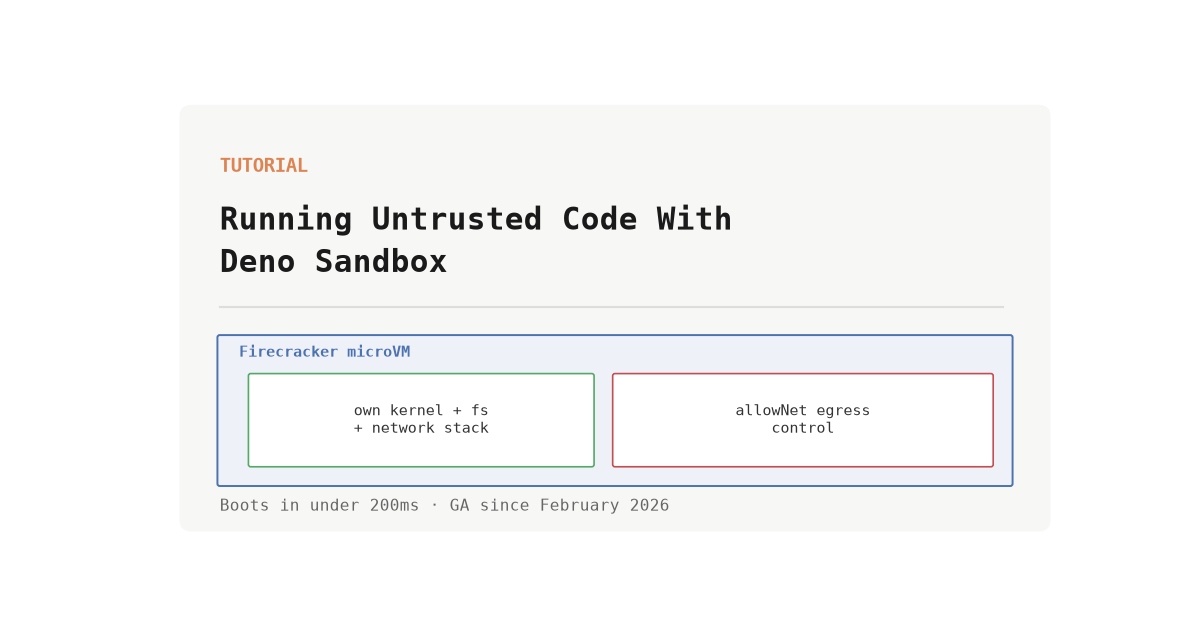
Deno Sandbox uses Firecracker, the microVM technology AWS built for Lambda, specifically because it closes that gap. Each sandbox gets its own kernel, its own filesystem, its own network stack, and its own process tree. It’s real virtual-machine isolation, not namespace-and-cgroup isolation wearing a VM-shaped label. The tradeoff virtualization usually comes with, slow boot times, is the part Deno Sandbox is built to avoid: sandboxes boot in under 200ms, which is fast enough to spin one up per request instead of keeping a warm pool around and hoping nothing leaks between reuses.
A working example
Install the SDK:
npm install @deno/sandboxAuthenticate with a DENO_DEPLOY_TOKEN (generated from your Deno Deploy organization settings), then create and use a sandbox:
import { Sandbox } from "@deno/sandbox";

// Create an isolated microVM, scoped to only reach the hosts it needs
await using sandbox = await Sandbox.create({
  allowNet: ["api.example.com"],
  region: "ams",
  memoryMb: 1024,
});

// Run untrusted code inside it
const result = await sandbox.sh`node ./agent-generated-script.js`;

console.log(result.stdout);
console.log(result.exitCode);

// The sandbox and everything in it is torn down when the `using` block exits
That’s the entire API surface for the common case: create a sandbox with an explicit network allowlist, run a command, read the output, let it clean itself up. There’s no separate provisioning step, no image to build ahead of time for the base environment, and no orchestration layer for you to operate.
The lever that matters most: network egress
The allowNet option is where most of the actual security decision-making happens. By default, a sandbox can’t reach anything. You pass a list of hosts it’s permitted to talk to, and everything else is blocked at the network layer, not just discouraged by policy.
This matters more than filesystem isolation for most real workloads, because the highest-value thing untrusted code can do if it’s malicious or simply buggy is exfiltrate data or call an API you didn’t intend it to call. Isolating the filesystem stops it from reading your other files. Isolating the network stops it from phoning home with whatever it found.
// A sandbox for an AI agent that only needs to hit your own API,
// with nowhere else to send data even if the generated code tries
await using sandbox = await Sandbox.create({
  allowNet: ["internal-api.yourcompany.com"],
  memoryMb: 768,
});
Secrets follow the same principle: nothing is auto-injected into a sandbox’s environment. If code inside it needs an API key, you pass it explicitly, which means a sandbox running code you don’t fully trust never has implicit access to credentials sitting in your broader deployment environment.
Where this fits: AI agents running their own code
The use case Deno’s own materials and outside coverage keep coming back to is AI agents that write and immediately execute code, whether that’s a coding assistant testing a generated script, an agentic workflow doing data transformation, or a “vibe coding” tool letting a model iterate on its own output. That code has the same trust profile as code from an unfamiliar human contributor: nobody has reviewed it, and it can contain mistakes or, per the indirect prompt injection attacks researchers are actively finding in coding agents, instructions the agent never should have followed in the first place. A sandbox doesn’t stop an agent from writing something harmful. It limits the blast radius if it does, which is the only realistic posture once you accept that agent-generated code isn’t inherently safer than code from any other untrusted source.
The other established use cases still apply: interactive code playgrounds where visitors run arbitrary snippets, plugin systems that execute customer-supplied logic, webhook handlers processing payloads that might contain adversarial input, and ephemeral CI runners for jobs you don’t want sharing a host with anything sensitive. What’s changed is which of those categories is growing fastest, and it’s the AI-agent one.
When you don’t need this
If the code you’re running is entirely your own, written and reviewed by your team, deployed through your normal pipeline, a sandbox is unnecessary overhead. This is specifically for the boundary where code you didn’t write, or didn’t fully review, is about to execute with real resources behind it. Reach for it at that boundary, and skip it everywhere else; not every function call needs a microVM around it.
Frequently asked questions
- What is Deno Sandbox?
- A hosted service from Deno that spins up an isolated microVM on demand for running code you don't fully trust. Each sandbox is its own Firecracker microVM (the same virtualization technology AWS Lambda uses) with its own filesystem, network stack, and process tree, and it boots in under 200ms, fast enough to create one per request rather than keeping a pool warm.
- How is this different from running code in a Docker container?
- A container shares the host kernel with everything else on that host, which is a meaningfully weaker isolation boundary than a microVM. Firecracker-based microVMs give each sandbox its own kernel, so a container escape and a microVM escape are different classes of vulnerability, with the microVM boundary being the one cloud providers themselves use for multi-tenant isolation. Container startup is also typically measured in seconds; Deno Sandbox's under-200ms boot time is closer to a function-call latency budget.
- What can I actually restrict inside a sandbox?
- Network egress is the main lever: you pass an allowNet list of hosts the sandbox is permitted to reach, and anything not on that list is blocked by default. You also set a memory ceiling (768MB to 4096MB) and a Deploy region per sandbox. Secrets aren't automatically injected into a sandbox's environment, so code running inside one only sees what you explicitly pass in.
- Why would I run AI-agent-generated code in a sandbox instead of just executing it directly?
- Because code an AI agent wrote in response to a prompt is, from a trust perspective, no different from code you downloaded from an unfamiliar source: you haven't reviewed it, and it may do something you didn't ask for, whether from a model mistake or a prompt injection the agent fell for. Sandboxing doesn't stop an agent from writing bad code, but it limits what that code can reach if it does, which is the same reasoning that applies to any other untrusted execution.
- Do I need to manage my own infrastructure to use this?
- No. It's a hosted service authenticated with a Deno Deploy organization token; sandbox creation and teardown are API calls. You don't provision or patch the underlying microVM host yourself, which is the main appeal over rolling your own Firecracker setup.
Sources
Sponsored
More from this category
More from Web Development
 R.01
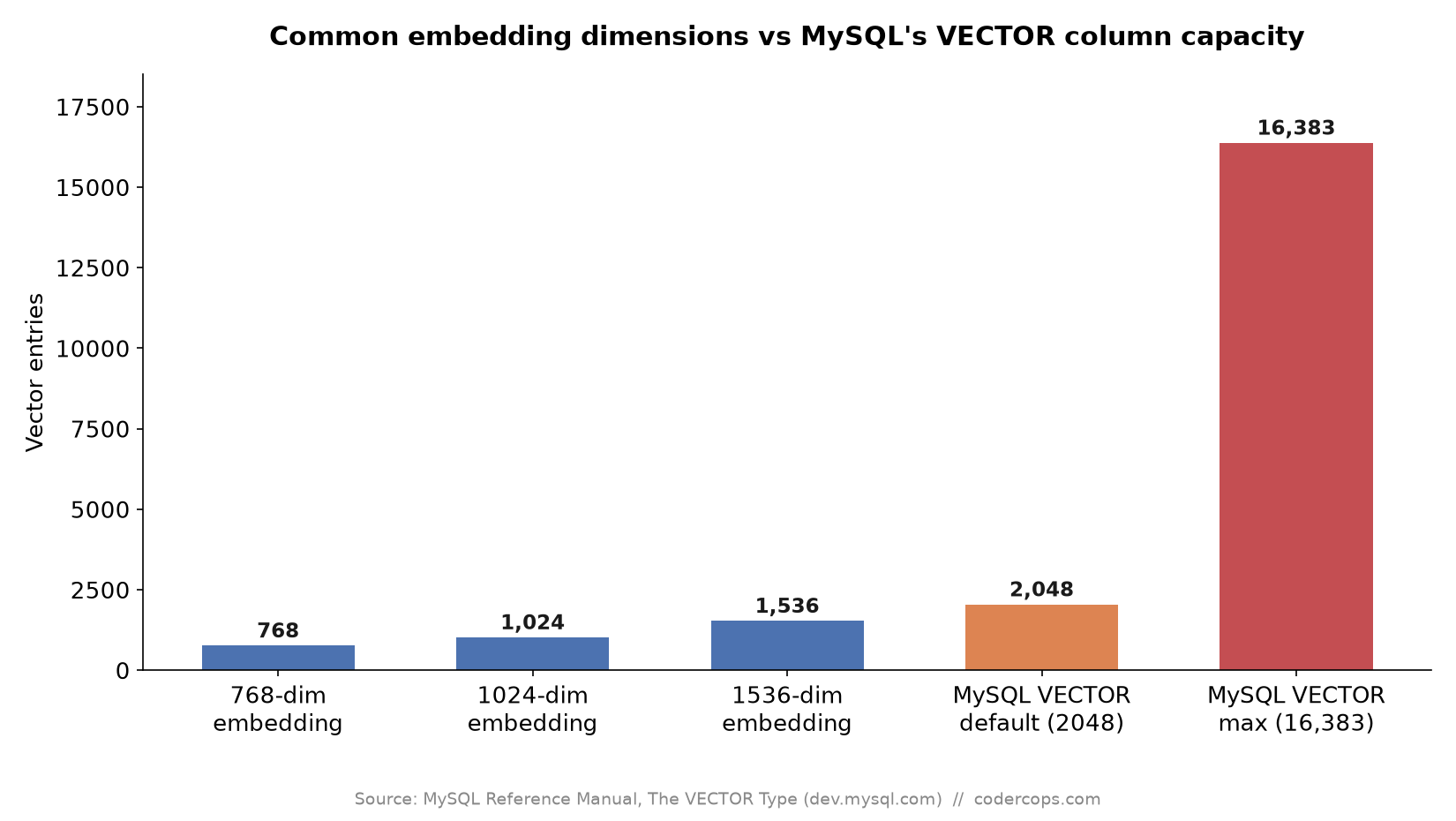
R.01 MySQL Now Has a Native VECTOR Type. Should You Drop pgvector For It?
 R.02
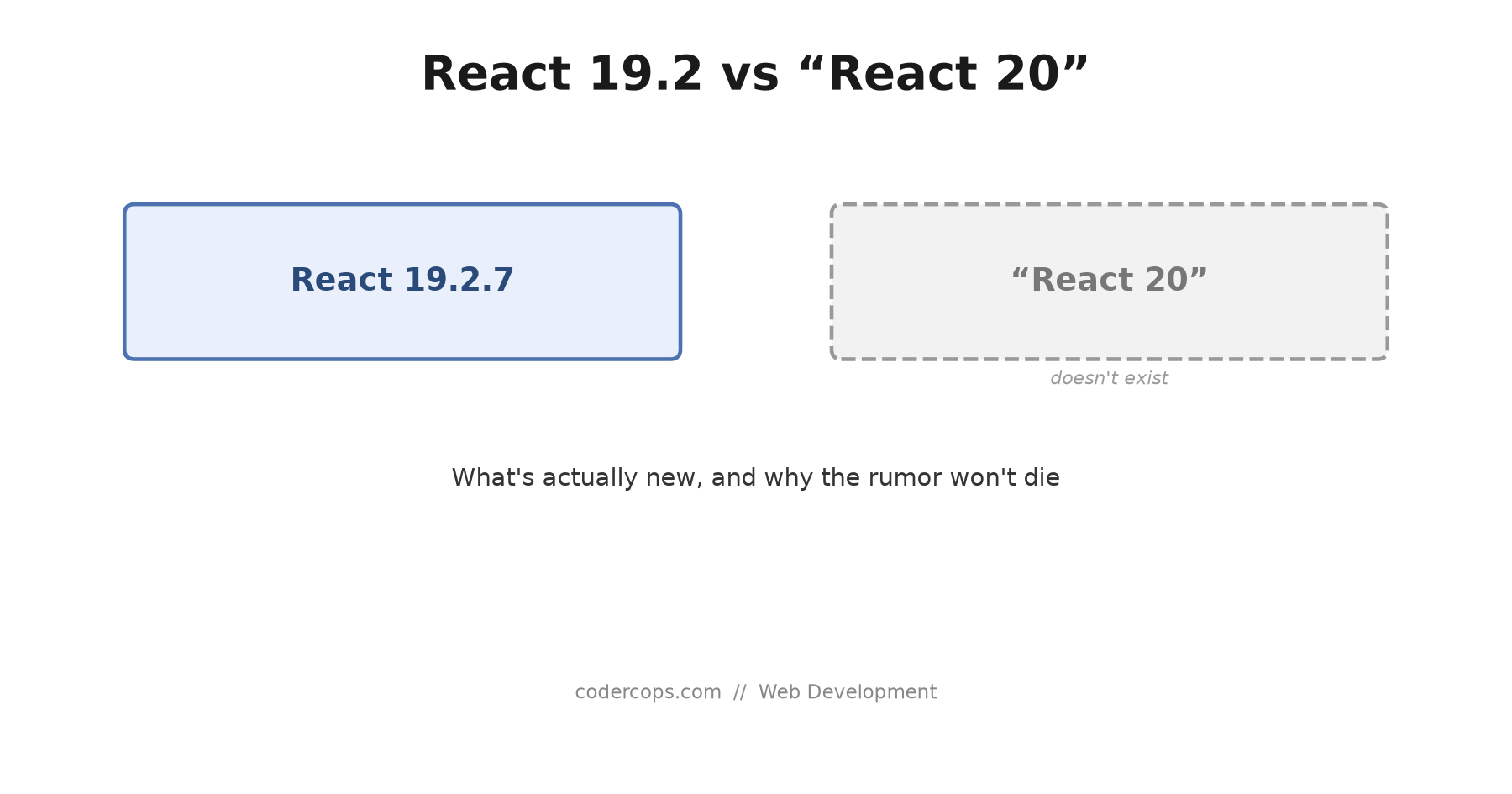
R.02 React 19.2 vs 'React 20': There Is No React 20, and Here's What's Actually New
 R.03
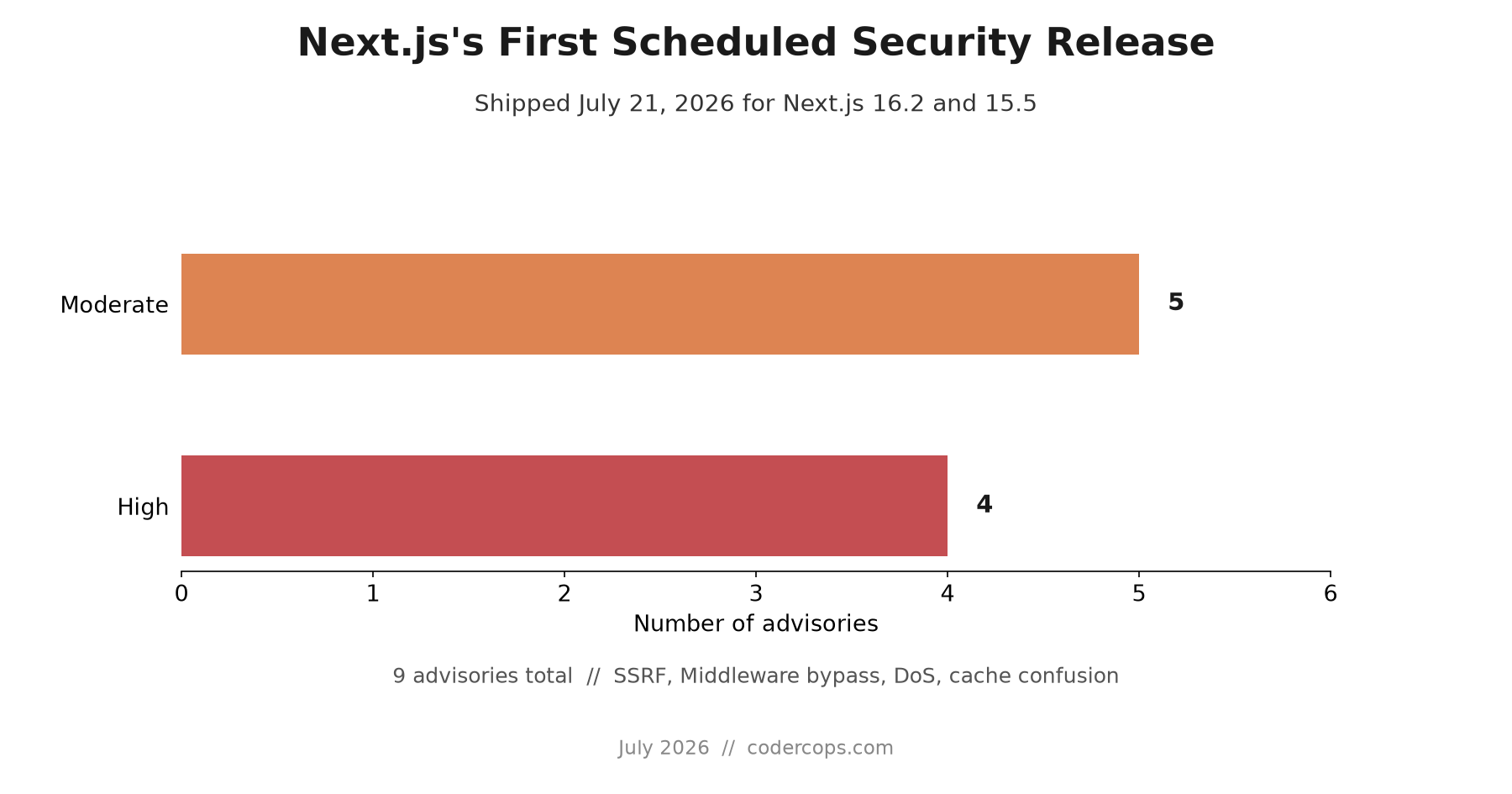
R.03 Next.js's First Scheduled Security Release Shipped: 9 Advisories, What to Patch
Sponsored
Discussion
Join the conversation.
Comments are powered by GitHub Discussions. Sign in with your GitHub account to leave a comment.
Sponsored