Web Development · Testing
Mutation Testing: What Code Coverage Doesn't Tell You
Full coverage means every line ran, not that your tests would notice it breaking. How mutation testing answers that, with Stryker and mutmut.

Shashikant Gupta
5 min read
Sponsored
A function has 100% line coverage and a green test suite. Delete the return statement inside it, replace it with return None, rerun the tests. They still pass. That gap, between “every line executed” and “the tests would notice if this were wrong,” is exactly what code coverage cannot measure and mutation testing was built to catch.
The problem coverage doesn’t solve
Coverage tools answer one question: did this line run during the test suite? They don’t ask whether anything checked the result. This test has 100% coverage and catches nothing:
def test_calculate_discount():
    result = calculate_discount(price=100, percent=20)
    # no assertion at all
That’s an obvious example, but the subtler version shows up constantly in real codebases: an assertion that’s technically present but too loose to catch the actual bug class.
def test_calculate_discount():
    result = calculate_discount(price=100, percent=20)
    assert result is not None  # passes even if the discount math is wrong
Both versions show green in a coverage report. Neither would catch calculate_discount returning the wrong number.
How mutation testing closes the gap
Mutation testing works by mechanically introducing small, realistic bugs into your source code, one at a time, and rerunning your test suite against each mutated version. Typical mutations include:
- Flipping a comparison operator (
>becomes>=,==becomes!=) - Changing a boundary constant (
if age >= 18becomesif age >= 19) - Negating a boolean condition
- Swapping
+for-, orandforor - Removing a line entirely
Each mutated version of the code is called a mutant. Your test suite runs against it. Two outcomes:
- Killed: at least one test failed, meaning your tests actually detect this class of bug.
- Survived: every test still passed, meaning this logic has no real verification behind it, regardless of what your coverage report says.
The mutation score is mutants killed / total mutants, expressed as a percentage. It’s a stricter, more honest number than coverage because it directly tests whether your assertions do their job, not just whether your code got executed.
Running it in Python with mutmut
pip install mutmut
mutmut run --paths-to-mutate=src/pricing.py
Given this function:
# src/pricing.py
def calculate_discount(price, percent):
    if percent > 100:
        raise ValueError("percent cannot exceed 100")
    return price - (price * percent / 100)
And this test:
# tests/test_pricing.py
from src.pricing import calculate_discount

def test_calculate_discount():
    assert calculate_discount(100, 20) == 80
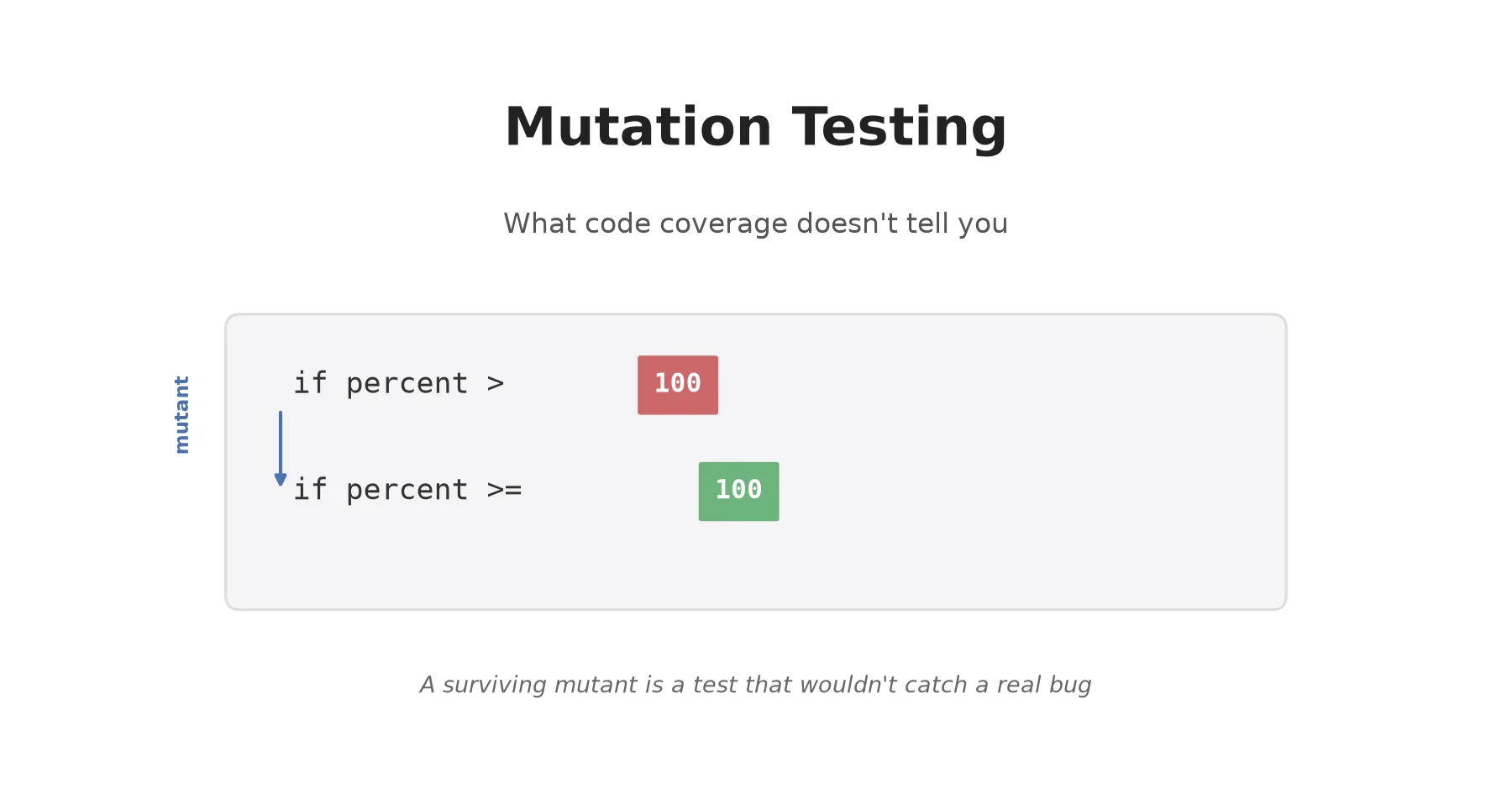
mutmut run will generate mutants like changing percent > 100 to percent >= 100, or price - (...) to price + (...), and rerun the test against each. The addition mutant gets killed immediately, since 100 + 20 = 120 != 80. The > 100 versus >= 100 mutant might survive, because the existing test never calls calculate_discount with percent=100, so the boundary is never exercised.
mutmut results
mutmut show <mutant-id>   # inspect exactly what changed and why it survived
That surviving mutant is the actionable output. It tells you precisely which test to add:
def test_calculate_discount_rejects_percent_over_100():
    with pytest.raises(ValueError):
        calculate_discount(100, 101)

def test_calculate_discount_allows_exactly_100_percent():
    assert calculate_discount(100, 100) == 0
Running it in JavaScript/TypeScript with Stryker
npm install --save-dev @stryker-mutator/core @stryker-mutator/jest-runner
npx stryker init
Stryker’s init walks you through picking your test runner (Jest, Vitest, Mocha) and generates a stryker.conf.json. A minimal config targeting one module:
{
  "mutate": ["src/pricing.ts"],
  "testRunner": "jest",
  "reporters": ["html", "clear-text", "progress"],
  "thresholds": { "high": 80, "low": 60, "break": 50 }
}
npx stryker runThe thresholds.break value is worth setting deliberately: it fails the run (and can fail CI) if the mutation score drops below that floor, which is how teams turn this from a one-off audit into an enforced quality bar for critical modules. Stryker’s HTML report highlights every surviving mutant with the exact line and mutation applied, which makes triage fast, most surviving mutants map directly to one missing test case, the same way the >= 100 example did above.
Where to actually use this
Mutation testing is slow by construction, it reruns your suite once per mutant, and a few hundred lines of business logic can generate hundreds of mutants. Running it across an entire codebase on every push is impractical for most teams. The pattern that works:
| Approach | When it fits |
|---|---|
| Scoped to critical files (payments, auth, permissions) | Most teams, most of the time |
| Nightly or weekly scheduled run across the full suite | Teams with CI budget to spare and a culture of acting on the report |
| Blocking CI check with a threshold | Only for the highest-risk modules, not the whole repo |
| One-off audit before a major release | Low-effort way to find gaps in test suites you didn’t write |
Start with the first row. Pick the two or three modules where a silent bug would actually hurt, run mutation testing against just those, and fix what survives. That’s a better use of an afternoon than chasing a mutation score across code that was never going to hide a dangerous bug in the first place.
The takeaway
A coverage report can tell you your tests touched every line. It can’t tell you your tests would notice if that line were wrong. Mutation testing answers the question coverage was never built to answer, and for the modules where being wrong is expensive, that’s the number worth tracking instead. If your team is building out a broader test strategy, mutation testing on your highest-risk logic is a better use of an hour than chasing another five points of line coverage.
Related reading: contract testing for microservices and load testing APIs with k6 cover other test types that coverage numbers say little about.
Frequently asked questions
- What is mutation testing?
- Mutation testing checks the quality of your test suite by making small, automated changes to your source code, called mutants, such as flipping a comparison operator or changing a boundary value, and then running your existing tests against each mutated version. If a test fails, the mutant is killed, meaning your tests caught the bug. If every test still passes, the mutant survives, which means that piece of logic isn't actually verified by anything.
- How is mutation testing different from code coverage?
- Code coverage tells you which lines of code executed while your tests ran. It says nothing about whether the assertions in those tests would catch a bug in that line. You can have 100% line coverage with tests that call a function and never check its return value, coverage stays green, but a broken function would sail through undetected. Mutation testing directly tests whether your assertions would catch a real defect.
- What's a good mutation score?
- There's no universal number, it depends on how critical the code is. Payment logic, auth checks, and anything handling money or access control is worth pushing toward 80%+ mutation score. Glue code, config loading, and UI wiring generally isn't worth the same investment. Chasing 100% everywhere burns time on mutants that don't represent realistic bugs.
- Why not just run mutation testing on every commit like a linter?
- Cost. Mutation testing reruns your test suite once per mutant, and a mid-sized module can generate hundreds of mutants. A suite that takes 30 seconds normally can take 20+ minutes under mutation testing. Most teams run it on a schedule (nightly, weekly) or scoped to files changed in a PR, not as a blocking check on every push.
- Which tool should I use, Stryker or mutmut?
- Stryker if you're in JavaScript, TypeScript, or C#, it's the more actively maintained option with broad test runner integration (Jest, Vitest, Mocha). Mutmut if you're in Python, it's simpler and pairs directly with pytest. Both work the same way conceptually: generate mutants, run your suite, report which mutants survived.
Sponsored
More from this category
More from Web Development



Sponsored
Discussion
Join the conversation.
Comments are powered by GitHub Discussions. Sign in with your GitHub account to leave a comment.
Sponsored