AI Integration · Agent Tooling
Cloudflare's Kitesurf: A Browser Built for Agents
Kitesurf is a browser runtime with no UI or tabs, built for AI agents to load pages and extract HTML. It claims 3-7x less CPU than Chromium. When to use it.

Prathviraj Singh
5 min read
Sponsored
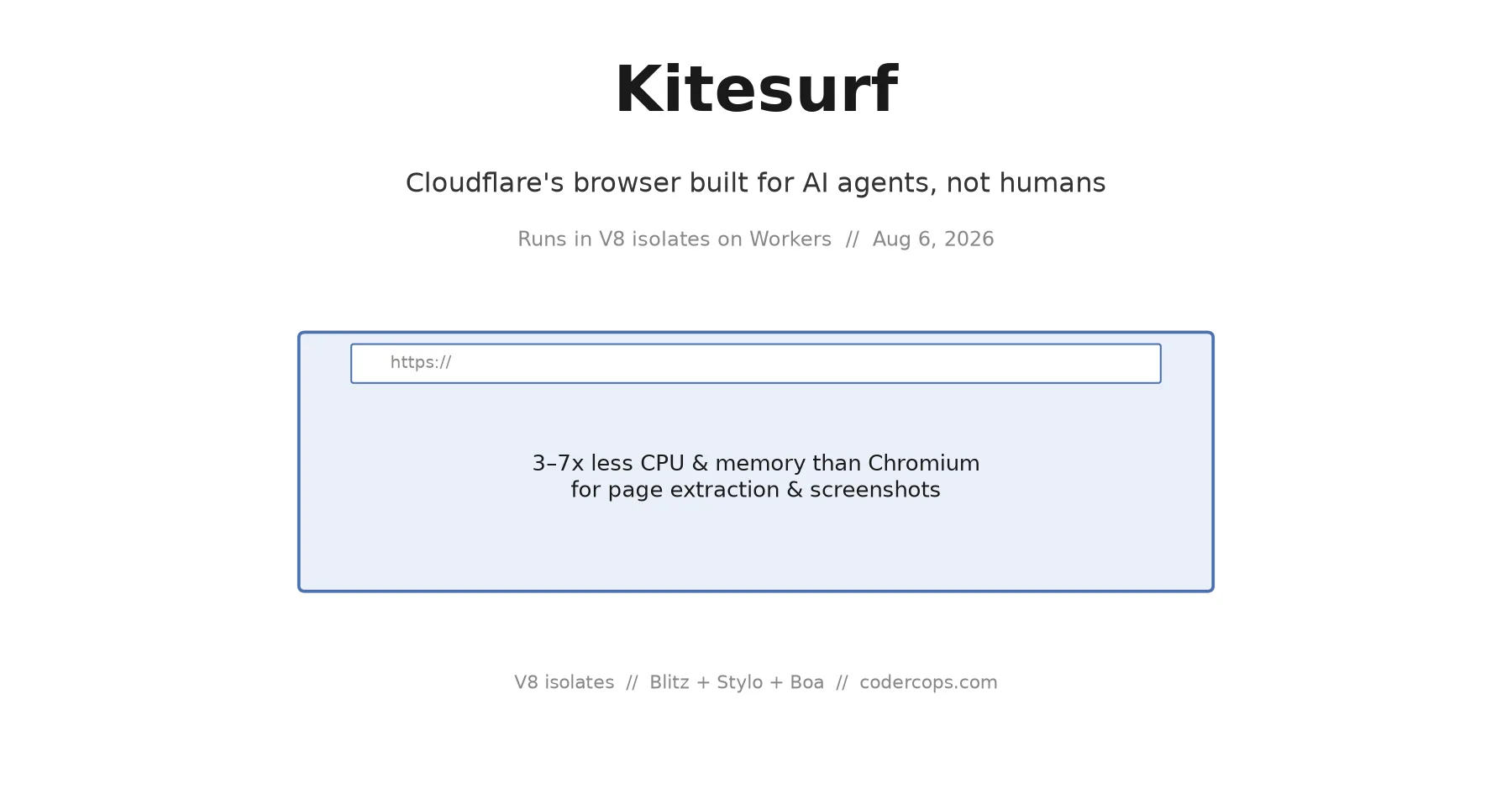
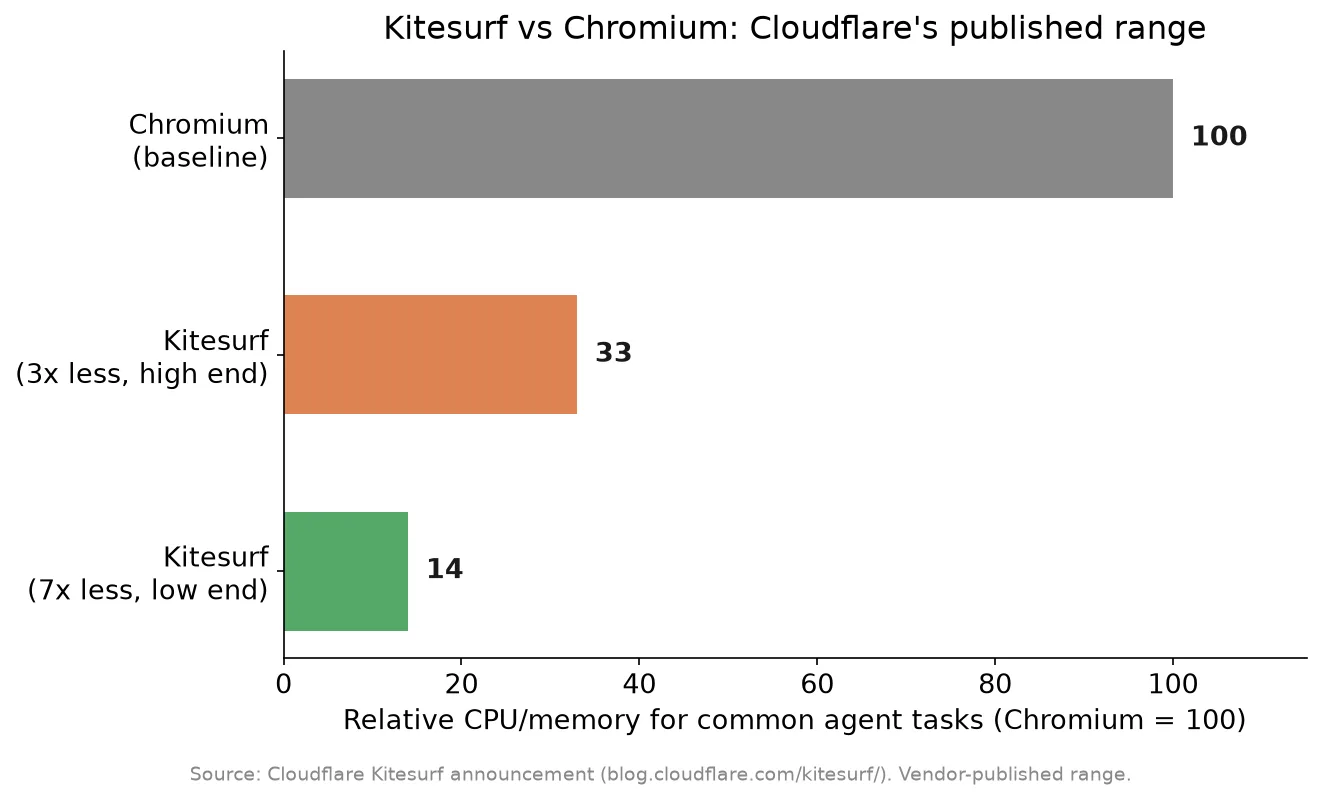
Cloudflare shipped a browser this month with no tabs, no theme, and no attempt at pixel-perfect rendering. That’s not a limitation, it’s the design brief. Kitesurf, announced August 6, is built for AI agents that need to load a page, read what’s on it, or grab a screenshot, not for a person looking at a screen. It runs entirely inside V8 isolates on Cloudflare Workers, and Cloudflare says it uses 3 to 7 times less CPU and memory than Chromium for the tasks agents actually do.
Why a browser needs a rewrite for agents
Headless Chromium has been the default choice for browser automation for years, and it works, but it was never designed for the job it’s increasingly being asked to do. Every Chromium instance carries the weight of rendering for a human: GPU compositing, font hinting, media codecs, extension support, all the machinery that makes a page look right on a screen. An agent extracting text from a page or taking a screenshot for a vision model doesn’t need most of that, and pays the CPU and memory cost anyway.
Cloudflare’s bet is that stripping those human-facing layers out, while keeping real JavaScript execution and real CSS layout, gets you a browser that’s dramatically cheaper to run for the automated case without sacrificing the compatibility that makes a real browser more reliable than a lightweight HTML parser. Kitesurf isn’t a Chromium fork with features removed. It’s assembled from a different set of open-source parts entirely: a modular rendering engine from the Blitz project, Firefox’s Stylo CSS parser, and Boa, a Rust-based ECMAScript engine. Cloudflare says the whole thing came together in about 12 weeks, which is a fast timeline for something claiming to pass 235,000 Web Platform Tests, with 97% DOM and 96% HTML subtest coverage.
What it actually looks like to use
The compatibility story is the part that determines whether this is a curiosity or a real option. Kitesurf exposes a Chrome DevTools Protocol endpoint, the same protocol Puppeteer and Playwright already speak to drive Chromium:
import puppeteer from "puppeteer-core";

const browser = await puppeteer.connect({
  browserWSEndpoint: "wss://<your-account>.browser-run.cloudflare.com/kitesurf",
});
const page = await browser.newPage();
await page.goto("https://example.com");
const html = await page.content();
const screenshot = await page.screenshot();
await browser.close();
For a script that’s already using Puppeteer or Playwright against headless Chromium, moving to Kitesurf is closer to a config change than a rewrite. It’s also stateless by design, no session persists between connections, which matches how most agent tooling already treats browser instances: spin one up, do the task, tear it down.
This also fits naturally with MCP-based tool calling, where an agent needs a browsing tool it can invoke without standing up its own Chromium infrastructure. A Kitesurf-backed browsing tool behind an MCP server removes the operational weight of managing browser instances from whoever’s building the agent, similar in spirit to how Durable Objects removed the weight of managing consistent state at Cloudflare’s edge.
Where it doesn’t fit
This isn’t a Chromium replacement for every automation workload. Anything that depends on pixel-perfect rendering, visual regression testing, screenshot diffing for a design system, cross-browser QA against real user conditions, still needs real Chromium, Firefox, and WebKit, which is what Playwright’s managed browsers are actually for. Kitesurf also doesn’t claim extension support or the full media stack, so anything involving video playback, DRM content, or browser extensions is out of scope.
The honest way to think about it: Kitesurf is optimized for reading the web, not rendering it faithfully for a human to judge. Content extraction, monitoring a page for changes, feeding a page’s text or structure to an LLM, taking a functional (not pixel-exact) screenshot for a vision model, these are squarely in its lane. Visual QA and anything brand- or design-sensitive are not.
Should you switch today
It’s in public beta, free within per-account limits through Cloudflare’s Browser Rendering service. For a new agent project doing content extraction or monitoring at any real scale, it’s worth prototyping against before defaulting to a Chromium-based service purely out of habit, since the CPU and memory savings compound fast at volume. For an existing production pipeline built on Chromium, the CDP compatibility makes testing low-risk, point a non-critical job at it, compare output and latency, and decide from real numbers rather than the vendor’s benchmark. Given how young the project is, twelve weeks from zero to a public beta, keep a Chromium fallback path in the code for anything that can’t tolerate a beta-stage outage while Cloudflare works out the edges. If reliability and edge architecture decisions like this are part of your own cloud infrastructure planning, Kitesurf is a genuinely new lever worth having in the toolbox, not yet one to bet a whole pipeline on unconditionally.
Frequently asked questions
- What is Cloudflare Kitesurf?
- A browser runtime built specifically for AI agents rather than human users. It loads real web pages and executes real JavaScript, but has no tabs, no visual chrome, and doesn't aim for pixel-perfect rendering. It runs inside V8 isolates on Cloudflare Workers and is assembled from existing open-source engines: a modular rendering engine from the Blitz project, Firefox's Stylo CSS parser, and Boa, a Rust-based ECMAScript engine.
- How is Kitesurf different from running headless Chromium?
- Chromium is built to render pages the way a human sees them, with full visual fidelity, GPU compositing, and a large resource footprint. Kitesurf drops the parts an agent doesn't need, pixel-perfect layout, media codecs, extension support, in exchange for a much smaller CPU and memory footprint. Cloudflare claims a 3-7x reduction for typical agent tasks like extracting page content or taking a screenshot.
- Does Kitesurf work with my existing Puppeteer or Playwright code?
- Mostly, yes. Kitesurf exposes a Chrome DevTools Protocol (CDP) endpoint, the same protocol Puppeteer and Playwright already use to drive Chromium. Pointing existing automation at Kitesurf is typically a matter of changing the connection endpoint rather than rewriting your automation scripts, though anything relying on Chromium-specific rendering behavior or extensions won't carry over.
- Is Kitesurf ready for production use?
- It's in public beta, available now through Cloudflare's Browser Rendering service at no cost within per-account limits. It passes a large majority of Web Platform Tests (97% DOM, 96% HTML subtests), which is a strong compatibility signal for a project built from scratch in 12 weeks, but beta status means treating it as production-ready for anything business-critical is premature. It's a strong fit for lower-stakes agent workloads today: content extraction, monitoring, screenshot generation.
Sources
Sponsored
More from this category
More from AI Integration



Sponsored
Discussion
Join the conversation.
Comments are powered by GitHub Discussions. Sign in with your GitHub account to leave a comment.
Sponsored