Web Development · Backend Engineering
Flyway vs Liquibase vs Prisma Migrate vs Atlas
Four philosophies for one problem: moving a schema from what it is to what it should be, safely, in a team. How they differ and which fits your stack.

Abhishek Gupta
5 min read
Sponsored
Every team eventually asks the same question in a different form: how do we change the database schema without breaking production, losing data, or leaving two developers’ local databases in different states by Friday. Four tools answer that question in genuinely different ways, and the differences matter more than a feature checklist suggests.
Two philosophies, not four options
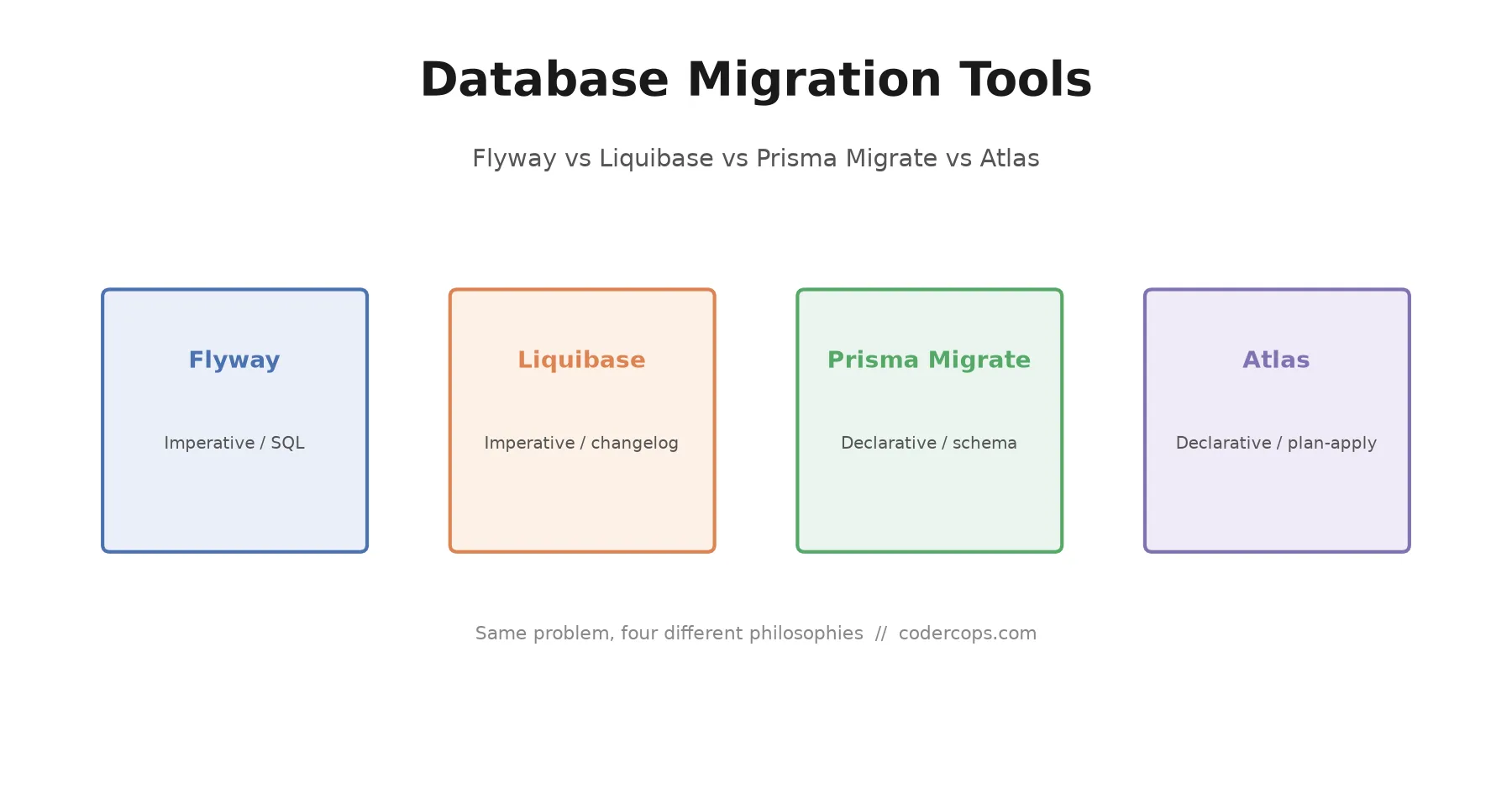
Flyway and Liquibase are imperative: you write the migration steps and the tool applies and tracks them in order. Prisma Migrate and Atlas are declarative: you describe the desired schema and the tool computes the diff. Imperative gives full control over the SQL; declarative removes hand-written mistakes but asks you to trust the diff engine.
The first split to understand isn’t Flyway vs Liquibase vs Prisma Migrate vs Atlas, it’s imperative vs declarative.
Imperative tools (Flyway, Liquibase) have you write the actual migration steps. You author a SQL file or a changelog entry that says “add this column,” the tool runs it, and records that it ran. The schema’s current state is whatever you get by replaying every migration in order. This is straightforward to reason about and gives you full control over exactly what SQL executes, but the burden of getting each step right, especially for anything non-trivial like a backfill or a column rename, is entirely on you.
Declarative tools (Prisma Migrate, Atlas) have you describe the schema you want, and the tool diffs that against the current database state to generate the migration itself. You’re not writing “ALTER TABLE users ADD COLUMN,” you’re editing a schema definition and letting the tool figure out the ALTER statement. This removes a class of hand-written-SQL mistakes, but it also means trusting the diff engine to make the same call you would have made, particularly for changes that are ambiguous from a pure before/after comparison (is a column rename actually a rename, or a drop-and-add that loses data?).
The comparison
| Flyway | Liquibase | Prisma Migrate | Atlas | |
|---|---|---|---|---|
| Approach | Imperative, SQL-first | Imperative, changelog-based | Declarative, schema-first | Declarative, plan-then-apply |
| Format | Plain SQL files | XML / YAML / JSON / SQL | Prisma schema DSL | HCL or SQL |
| Database support | ~20 engines | 50+ engines | Whatever Prisma supports | Postgres, MySQL, SQLite, others |
| Language / runtime | Java | Java | Node.js (tied to Prisma) | Go |
| Best fit | Single-engine team wanting simplicity | Multi-engine, regulated, audit-heavy | Teams already using Prisma as ORM | Multi-language stacks, Terraform-style review workflow |
| Rollback support | Limited (paid tier for some features) | Built-in, mature | Limited | Plan review catches destructive changes pre-apply |
Recent releases sharpen the picture. Flyway 12.9 focused on CI/CD ergonomics: more specific exit codes and finer drift-resolution controls, useful signals if you’re gating deploys on migration status. Liquibase 5.0 reset its baseline entirely: a Java 17 requirement, a move to the Fair Source License, and a built-in AI changelog generator for teams that want to describe a change in plain language and get a starting changelog. Both are still under active, meaningful development, not legacy tools coasting on install base.
Picking one
If you’re on a single database engine and want the least ceremony, Flyway is the right default (the Bytebase comparison of Flyway and Liquibase goes deeper on the tradeoffs). Plain SQL files, minimal abstraction, easy for a new team member to understand in ten minutes by reading the migrations folder directly.
If you’re running multiple database engines under one compliance or audit requirement, Liquibase’s changelog abstraction and rollback tooling earn their added complexity. This is the common choice in regulated industries for a reason: the audit trail and cross-engine portability are worth the steeper learning curve.
If you’re already using Prisma as your ORM, use Prisma Migrate. (If you’re evaluating ORMs instead, our Drizzle ORM overview is a useful comparison point.) It’s not a decision you’re making independently of your ORM choice, it’s a consequence of it. Adopting Prisma Migrate without Prisma doesn’t make sense, and fighting Prisma’s migration workflow while using Prisma as your ORM creates friction for no benefit.
If you want a review step before changes hit the database, Atlas’s plan-then-apply workflow is the most direct answer of the four. Generating a migration plan, reviewing it like a pull request, and only then applying it maps naturally onto how most teams already review infrastructure changes, which is exactly the model Atlas borrows from Terraform.
The part that doesn’t change
Whichever tool you pick, the operational discipline underneath it is the same: migrations run in CI before they run in production, every migration is reversible or has a documented reason it isn’t, and nobody edits an already-applied migration file, because doing so silently desyncs whichever environments already ran the old version from the ones that haven’t yet. That last rule trips up more teams than tool choice ever does. If your migration history has files edited after the fact “just this once,” that’s worth fixing before it’s the reason a deploy goes sideways, independent of which of these four tools you’re using. For the harder cases, like changing a large live table without a maintenance window, see our guide to zero-downtime database migrations and the walkthrough on partitioning an existing Postgres table without downtime. The same discipline about not touching applied state mid-flight shows up in the strangler fig pattern for legacy migrations: once a piece of a system is live and serving real traffic, you route around it and forward, you don’t quietly rewrite what’s already there.
Frequently asked questions
- What's the real difference between Flyway and Liquibase?
- Flyway is SQL-first: you write plain versioned SQL migration files, and Flyway tracks which ones have run against a given database. Liquibase adds an abstraction layer, changelogs written in XML, YAML, JSON, or SQL, that can generate database-specific SQL under the hood, which is what enables its 50+ database support versus Flyway's roughly 20. Liquibase also has more built-in rollback and diff tooling. The tradeoff is complexity: Flyway is easier to pick up and reason about; Liquibase is more powerful and more to learn.
- Should I use Prisma Migrate if I'm not using Prisma?
- No. Prisma Migrate is tightly coupled to Prisma's schema DSL and generated client, it isn't a general-purpose migration tool you'd adopt on its own. If you're already committed to Prisma as your ORM, its migration workflow is a natural fit. If you're choosing a migration tool independent of ORM choice, Flyway, Liquibase, or Atlas are the actual comparison set.
- What does 'declarative' migration actually mean in practice?
- In a declarative tool like Atlas or Prisma Migrate, you write or generate a description of what the schema should look like, and the tool computes the difference between that and the current database state, then generates the migration to get there. In an imperative tool like Flyway or Liquibase, you write the migration steps yourself, in order, and the tool just applies and tracks them. Declarative tools reduce the chance of a hand-written migration drifting from the intended end state; imperative tools give you more direct control over exactly what SQL runs.
- Which migration tool is safest for a regulated environment?
- Liquibase is the most common choice here, largely because of its audit trail, rollback support, and multi-database portability, which matters for organizations running a mix of database engines under one compliance umbrella. Atlas's plan-then-apply workflow is also worth evaluating for the same reason: reviewing a generated plan before it runs is a natural fit for a change-approval process.
- Can I switch migration tools without a painful migration of my migrations?
- Not cleanly. Every one of these tools tracks applied migrations in its own metadata table with its own format, so switching means either replaying your full migration history under the new tool's bookkeeping or doing a one-time baseline where the new tool accepts the current schema as its starting point and stops caring about history before that point. Baselining is almost always the practical path; treat existing migration history as archive, not something to convert.
Sources
Sponsored
More from this category
More from Web Development



Sponsored
Discussion
Join the conversation.
Comments are powered by GitHub Discussions. Sign in with your GitHub account to leave a comment.
Sponsored