Technology · Databases
SQLite WAL Mode Explained: Settings for Production
WAL mode lets SQLite readers and a writer work at once. Here is how it works, the pragmas to set, and the three ways it bites in production.

Abhishek Gupta
7 min read
Sponsored
SQLite WAL mode is a journal mode where changes are appended to a separate log file instead of being written into the database file directly. Readers no longer block the writer and the writer no longer blocks readers. For a web app with a read-heavy workload on one server, turning it on is usually the single biggest improvement you can make to SQLite, and it takes one line.
The catch is that “readers and writers don’t block each other” is not the same as “many writers”. People find that out the hard way, usually as a database is locked error at 2 a.m. This post covers how WAL works, the settings we put on every connection, and the failure modes worth knowing before you ship.
What WAL mode actually does
By default SQLite uses a rollback journal. Before changing a page, it copies the original page into a journal file, then edits the database file in place. A writer needs exclusive access at commit time, so readers and writers get in each other’s way.
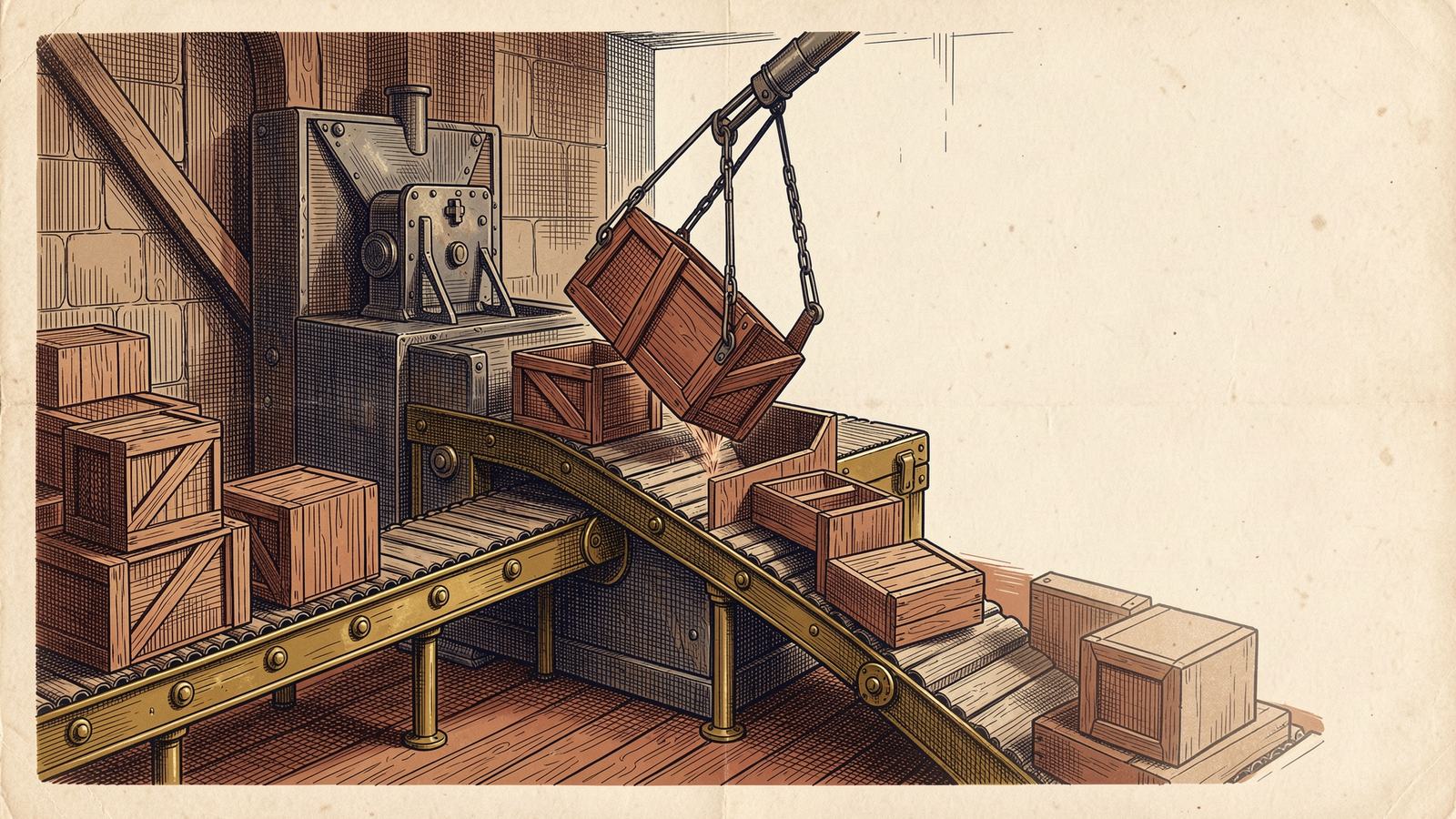
WAL flips the arrangement. The database file stays untouched while a transaction runs. New page versions are appended to a file named yourdb.sqlite-wal. A reader starts by noting how far the log extends, and from then on sees the main file plus the log up to that point. A writer adding more frames after that point does not disturb it.
There is a third file, yourdb.sqlite-shm. It is the wal-index, a small shared-memory structure (rarely over 32 KiB according to the SQLite docs) that lets connections find the latest version of a page in the log without scanning it. You never touch it, but you must not delete it while connections are open, and you must keep all three files together when you copy a database.
Periodically a checkpoint copies logged pages back into the main file. By default that happens automatically once the log reaches 1000 pages, and when the last connection closes.
Turn it on
import sqlite3

def connect(path: str) -> sqlite3.Connection:
    conn = sqlite3.connect(path, timeout=5.0)
    conn.execute("PRAGMA journal_mode=WAL")   # persistent, stored in the file
    conn.execute("PRAGMA synchronous=NORMAL") # per connection
    conn.execute("PRAGMA busy_timeout=5000")  # per connection, in ms
    conn.execute("PRAGMA foreign_keys=ON")    # per connection
    return conn
The same four pragmas work from any driver. Only the first one is persistent: the SQLite docs are explicit that journal_mode=WAL stays in effect when the database is reopened, which no other journal mode does. The other three reset to defaults every time a connection opens, so they belong in your connection factory, not in a migration.
One more constraint: the page size cannot be changed once the database is in WAL mode. If you want a non-default page_size, set it before you switch.
What each setting buys you
| Pragma | What it does | Trade-off |
|---|---|---|
journal_mode=WAL | Concurrent readers plus one writer | Needs local disk; three files instead of one |
synchronous=NORMAL | Syncs only at checkpoints, not every commit | After a power loss, the last commits can roll back. No corruption. |
busy_timeout=5000 | Waits up to 5 s for the write lock instead of failing at once | Slow writers can stack up behind each other |
wal_autocheckpoint=1000 | Pages before an automatic checkpoint (the default) | Higher means fewer checkpoints and a bigger log |
synchronous=NORMAL deserves a plain explanation because people read it as “unsafe”. In WAL mode the docs describe it this way: the checkpoint is the only operation that issues a sync. A process crash loses nothing. An operating system crash or power cut can lose transactions that committed after the last checkpoint, but the database stays consistent. If you are storing a shopping cart, that is fine. If you are storing payments, use synchronous=FULL and accept the extra fsyncs.
The write lock is still singular
Here is the mistake I made the first time. I switched a job runner to WAL, saw read latency drop, and assumed I could now fan writes out across eight worker threads. I couldn’t. Eight threads queued behind one write lock, and anything that waited longer than the default timeout got SQLITE_BUSY.
Two habits fix most of it:
- Start write transactions with
BEGIN IMMEDIATE. A transaction that begins as a read and later tries to upgrade to a write can fail instantly withSQLITE_BUSY, even with a busy timeout, because SQLite will not wait when waiting could deadlock. Taking the write lock up front avoids that. - Keep write transactions short. Do the network call, the file read, the slow computation first, then open the transaction, write, commit.
conn.execute("BEGIN IMMEDIATE")
try:
    conn.execute("UPDATE jobs SET state = 'done' WHERE id = ?", (job_id,))
    conn.commit()
except Exception:
    conn.rollback()
    raise
If you truly need many concurrent writers, SQLite is the wrong tool and a server database is the right one. We wrote about where that line sits in Postgres, SQLite and vectors in 2026, and about the managed-SQLite option in Turso and libSQL at the edge.
Three ways WAL bites in production
Network filesystems. The SQLite docs say it flatly: WAL does not work over a network filesystem, because the wal-index relies on shared memory between processes on one host. If your container mounts the database from NFS or a similar shared volume, do not enable WAL there. Local volumes, including a Docker volume or a block device attached to the VM, are fine.
The never-ending log. A checkpoint cannot recycle log frames that an open read transaction might still need. If at least one reader is active at every moment, checkpoints never complete and the -wal file grows without bound. The usual cause is not heavy traffic. It is a connection that ran a SELECT, never fetched the rest of the rows, and sat in the pool holding a snapshot open. Close cursors, and use a connection pool that resets state on release. If you already have a huge log, find the stuck reader, close it, then run:
PRAGMA wal_checkpoint(TRUNCATE);TRUNCATE waits for readers to finish and then resets the file to zero bytes, so run it during a quiet moment rather than in the request path. Our guide to database connection pooling in production covers the pool-state side of this.
Copying the database while it runs. Copying only yourdb.sqlite with cp while the app is live can give you a file that is missing everything still sitting in the log. Use the online backup API, VACUUM INTO 'backup.sqlite', or the sqlite3 shell’s .backup command. All three produce a consistent single file.
When to leave it off
Most reasons to skip WAL are about the environment, not the workload. Leave the default journal on if the database lives on a network share, if you need to open it read-only from a location where SQLite cannot create the -shm file, or if you need one atomic transaction across several attached databases (WAL guarantees atomicity per database, not across the set).
For an ordinary single-server app, background job queue, or local-first desktop tool, WAL with synchronous=NORMAL, a busy_timeout, and BEGIN IMMEDIATE for writes is the sensible baseline. If you are weighing SQLite against a managed database for a client project, the tradeoffs are the kind we walk through in our services work. For schema changes on a database you cannot take offline, see zero-downtime database migrations.
The takeaway: set four pragmas in your connection factory, keep write transactions short, and watch the size of the -wal file. If it keeps growing, you have a reader that never closed.
Frequently asked questions
- What does WAL mode do in SQLite?
- Instead of writing changes into the main database file with a rollback journal, SQLite appends them to a separate write-ahead log. Readers keep seeing a consistent snapshot of the main file plus the log, so they are not blocked by a writer. A checkpoint later copies the logged pages back into the main file.
- Is SQLite WAL mode safe for production?
- Yes, for a database that lives on a local disk and is used by processes on one machine. It has been available since SQLite 3.7.0 in 2010. It is unsafe on network filesystems, and with synchronous=NORMAL you can lose the most recent commits (but not corrupt the database) after a power failure.
- Why is my SQLite -wal file huge?
- Checkpoints cannot finish while a read transaction is always open, so the log keeps growing. Find the long-lived reader (often a connection left in a transaction) and close it. A periodic `PRAGMA wal_checkpoint(TRUNCATE)` during a quiet moment resets the file.
- Do I need to set WAL mode on every connection?
- No. The journal mode is stored in the database file, so setting it once is enough. Settings like `synchronous`, `busy_timeout` and `foreign_keys` are per connection and must be set every time you open one.
Sources
Sponsored



Sponsored
Discussion
Join the conversation.
Comments are powered by GitHub Discussions. Sign in with your GitHub account to leave a comment.
Sponsored