Web Development · Frameworks
Chrome 152: Media Pseudo-Classes and CPU Perf API
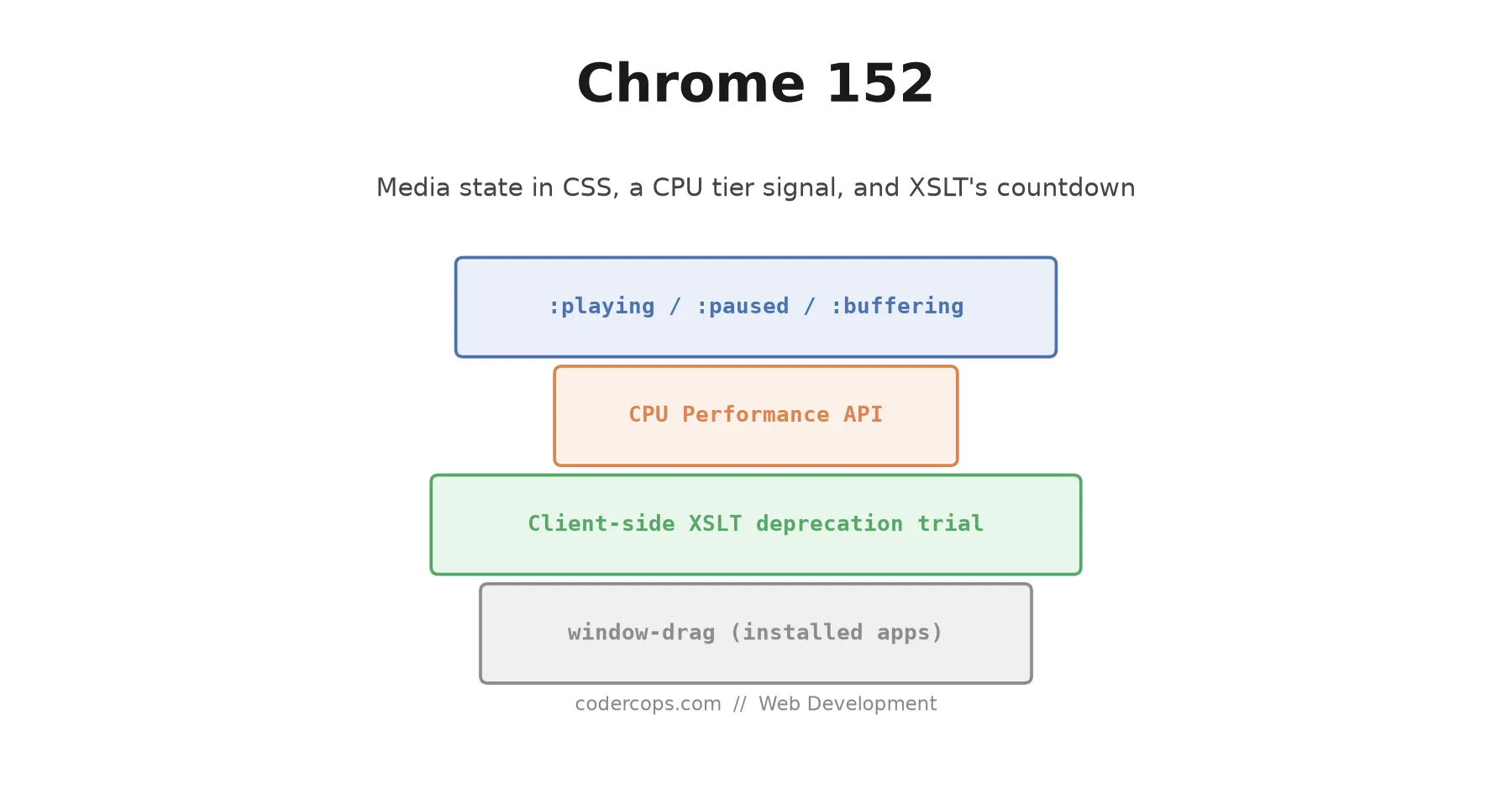
Chrome 152 shipped CSS pseudo-classes matching video and audio state, a CPU Performance API for device tiers, and the start of the end for client-side XSLT.

Prathviraj Singh
5 min read
Sponsored
Chrome 152 landed on August 25, 2026, and the two features worth actually changing code for are both about state you used to have to track yourself: what a <video> element is doing right now, and what the device underneath it can handle.
Media state, finally in CSS
Every custom video player built in the last decade has some version of the same boilerplate: attach a play listener, attach a pause listener, toggle a class, repeat for buffering, repeat for muted. Chrome 152 replaces most of that with pseudo-classes that match the element’s live state.
video:playing .play-icon { display: none; }
video:paused .play-icon { display: block; }

video:buffering .spinner,
video:stalled .spinner {
  display: block;
}

video:muted .volume-icon::after {
  content: "🔇";
}
The full set shipping in 152 is :playing, :paused, :seeking, :buffering, :stalled, :muted, and :volume-locked. That last one matches when the browser or OS has locked volume control, which matters more than it sounds. iOS Safari and some Android configurations don’t let a page adjust system volume, and until now there was no clean way to know that from CSS and hide a volume slider that does nothing.
None of this replaces JavaScript entirely. You still need script to actually call .play() or .pause() in response to a click. What goes away is the layer of code whose only job was mirroring player state into a class name so CSS could react to it. That layer was pure overhead, and it was also a common source of bugs: miss one event, and your play button and your actual playback state drift out of sync. A CSS pseudo-class can’t drift, because it’s reading the real state directly.
If you maintain a design system with a custom media player component, this is worth a look this quarter. I cover a full worked example, including a fallback for browsers that don’t support the new pseudo-classes yet, in a companion tutorial on building custom video controls with CSS-only media state.
A device performance signal that isn’t a benchmark
The other notable addition is the CPU Performance API, which gives a page a coarse read on the device’s processing headroom without running a synthetic benchmark on page load. The typical use case is deciding whether to enable something expensive and optional: a particle effect, a live blur, a higher-resolution canvas render.
if ('performance' in navigator && 'getCpuClass' in navigator.performance) {
  const tier = await navigator.performance.getCpuClass();
  if (tier === 'high') {
    enableFancyBackgroundEffect();
  }
} else {
  // No signal available. Default to the cheap path.
}
Two things matter about how you use this. First, it’s Chrome-only right now, so it has to be a progressive enhancement, feature-detected and defaulting to the conservative path everywhere else. Second, resist the urge to gate core functionality on it. Use it for “should this be prettier,” never for “should this work at all.” A device that reports a low tier today might report differently after a thermal throttle or a background download finishes, and code that assumes the tier is a stable fact about the hardware will make wrong calls.
Client-side XSLT: the deprecation clock just started
Chrome 152 opens a deprecation trial for client-side XSLT, the browser’s ability to transform XML documents in-page using an <?xml-stylesheet?> processing instruction. This is old, niche, and most teams building anything shipped in the last five years have never touched it. But it does still show up in legacy government sites, some RSS/Atom feed readers, and older enterprise integrations that predate the JSON-everywhere era.
A deprecation trial is not removal. It’s the browser vendor’s way of saying “start planning now,” usually a year or more before the feature actually disappears. If you have no idea whether your stack uses client-side XSLT, it almost certainly doesn’t. If you maintain something old enough to remember when XML was the default choice, it’s worth a five-minute grep for xml-stylesheet across your codebase before this becomes an emergency instead of a planned migration.
The narrow one: window-drag
Chrome 152 also ships a window-drag CSS property, which lets you mark a region of the page as a draggable titlebar for an installed, standalone web app window. This only applies inside a PWA-style installed app shell, not a normal browser tab, so unless you’re building an installable desktop app experience, this one is safe to skip entirely.
What to actually do this week
Realistically, most teams get one useful thing out of this release: if you own a custom video or audio player, the media pseudo-classes are a genuine simplification worth scheduling. Everything else here is either a progressive enhancement (CPU Performance API), a five-year runway item (XSLT), or scoped narrowly enough that it doesn’t apply to you (window-drag). Our web development team treats browser release notes like this one as a monthly review item precisely so a client’s codebase doesn’t accumulate a decade of “we’ll clean that up eventually” the way XSLT users are about to discover they have.
Read the state of your own media components with fresh eyes this week. If the answer is “we have three files just to keep an icon in sync with playback state,” Chrome 152 just made that code obsolete.
Frequently asked questions
- Do I need to change anything if I don't use custom video controls?
- No. The new media pseudo-classes are additive and only matter if you're styling audio or video elements directly. If you use the native browser controls or a player library that already handles its own state, Chrome 152 changes nothing for you.
- What is the CPU Performance API and is it safe to use in production yet?
- It's a new API that reports a coarse performance tier for the current device, intended for progressive enhancement decisions like whether to enable a heavier visual effect. It's Chrome-only as of 152, so treat it as an enhancement you feature-detect, not something you depend on. Wrap every call in a check for its existence and always ship a safe default.
- Is client-side XSLT actually going away now?
- Not immediately. Chrome 152 starts a deprecation trial, which is an early warning period, not a removal. But if any part of your stack still relies on the browser transforming XML with XSLT, this is the signal to move that transform to a build step or the server before Chrome pulls support entirely.
- What does window-drag actually do?
- It's a CSS property that marks a region of a page as a draggable titlebar area, but only inside an installed, standalone desktop web app (a PWA-style window, not a normal browser tab). If you're not shipping an installable app shell, you can ignore it.
Sources
Sponsored
More from this category
More from Web Development



Sponsored
Discussion
Join the conversation.
Comments are powered by GitHub Discussions. Sign in with your GitHub account to leave a comment.
Sponsored