Cybersecurity · Vulnerability Management
CVE-2026-65400: The macOS Screen Sharing Bug Attackers Are Using to Plant Miners
A Secure Remote Password bug in macOS Screen Sharing let attackers connect without valid credentials and get root. Apple patched it August 6, CISA added it to the KEV catalog on August 18. Here's what's affected and how to check exposure.

Prathviraj Singh
5 min read
Sponsored
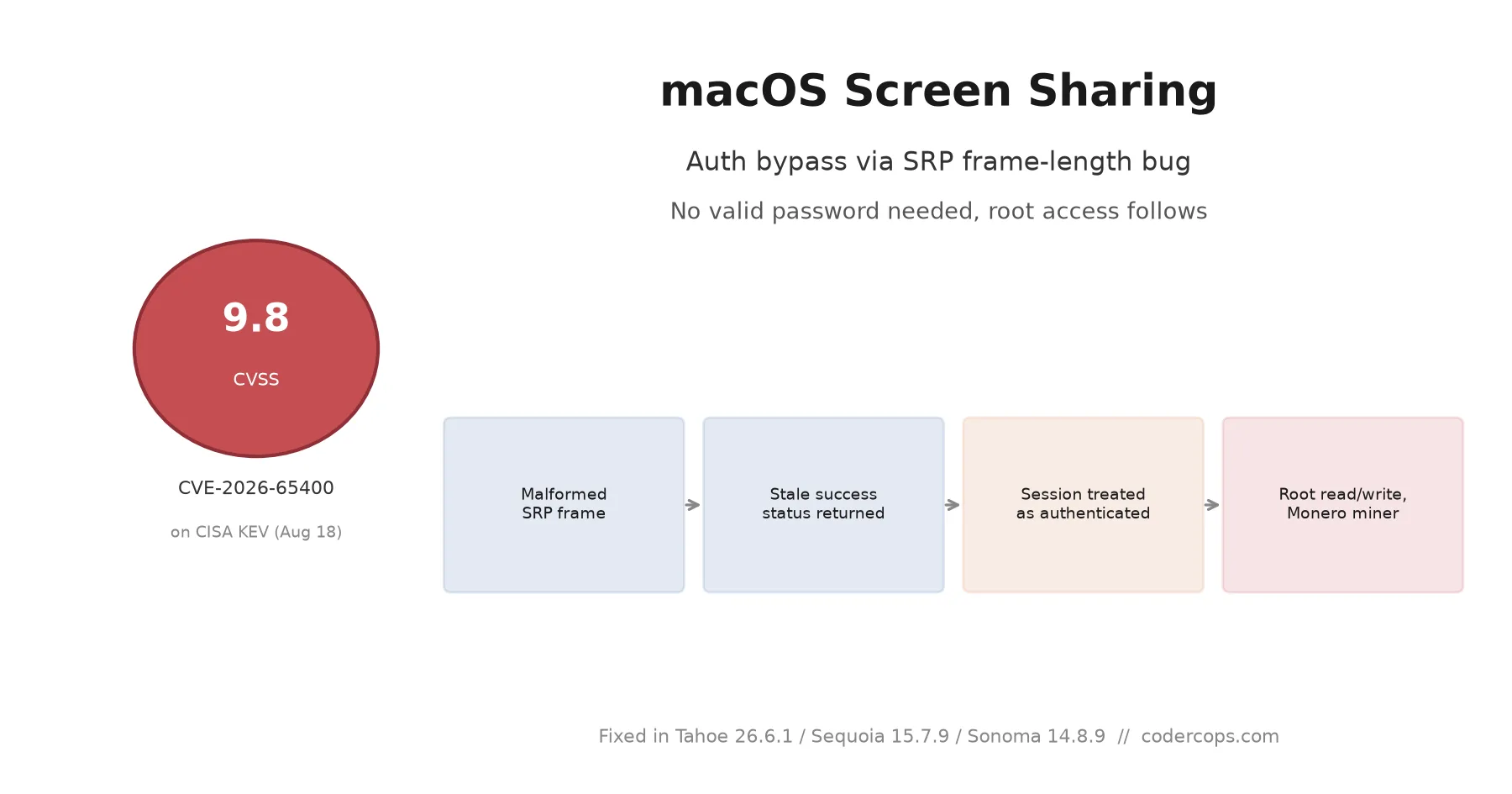
If you run a Mac with Screen Sharing turned on and reachable from the internet, the password prompt has not been doing its job. CVE-2026-65400 lets an attacker connect to macOS Screen Sharing without valid credentials, and every documented exploitation case ends with the attacker holding root and a cryptominer running on the box. Apple patched it August 6. CISA put it on the Known Exploited Vulnerabilities catalog on August 18 and bumped its score from 7.1 to 9.8. If you administer any Mac fleet, this is a today problem, not a next-sprint one.
What actually broke
macOS Screen Sharing authenticates remote connections using Secure Remote Password (SRP), a protocol designed so a client can prove it knows a password without sending the password itself. The bug is in how the service validated the length of an authentication frame. A malformed frame triggered a state-management error that made the service return a success status for a session that had never actually completed the SRP exchange. In plain terms: the check that was supposed to confirm “this client proved they know the password” could be tricked into returning “yes” for a client that hadn’t.
Once connected, the session isn’t sandboxed to a screen-sharing view. Attackers can read protected files and write attacker-controlled files with root privileges, which is enough to install anything they want, no separate privilege escalation bug required. That’s the part that makes this worse than a typical auth bypass: there’s no second step. Getting past the login screen is getting root.
Apple credits security researcher Alfredo Pesoli, working through Bynario Atlas, with reporting the issue. The fix was described as improved state management around the frame validation, which is a narrower description than most people would guess for a bug this severe.
Who’s actually getting hit
The Dutch National Cyber Security Centre (NCSC-NL) reported the exploitation pattern: attackers scanning the internet for Macs with TCP port 5900, the Screen Sharing / VNC port, exposed publicly. Every case NCSC-NL reviewed followed the same script: unauthenticated connection, root access, Monero miner dropped. No ransomware, no data exfiltration observed yet, just quiet resource theft that a lot of admins won’t notice until their cloud or colo bill or fan noise gives it away.
That pattern matters for prioritization. This isn’t a targeted APT campaign picking specific victims; it’s automated scanning hitting anything reachable. If your exposure is “we have a Mac mini running as a CI build agent with Screen Sharing on for remote debugging, and it’s got a public IP because nobody thought about it,” you’re exactly the profile getting hit right now.
Affected versions and fixes
| OS | Vulnerable | Fixed in | Build |
|---|---|---|---|
| macOS Tahoe | before 26.6.1 | 26.6.1 | 25G76 |
| macOS Sequoia | before 15.7.9 | 15.7.9 | 24G830 |
| macOS Sonoma | before 14.8.9 | 14.8.9 | 23J631 |
Check your version under System Settings → General → About, or run sw_vers from Terminal. If you’re managing a fleet through MDM, this is a good candidate for a forced-update policy rather than a recommended one, given the active exploitation.
$ sw_vers
ProductName:    macOS
ProductVersion: 26.6.1
BuildVersion:   25G76
What to do if you can’t patch today
Patching is the real fix, but if change control means you can’t push an OS update this afternoon, there’s a mitigation that closes the exposure without touching the OS: stop exposing Screen Sharing to the internet.
- Turn Screen Sharing off if you don’t actively need it: System Settings → General → Sharing → toggle off.
- If you need remote access, tunnel it. Put Screen Sharing behind a VPN or an SSH tunnel (
ssh -L 5901:localhost:5900 user@host) instead of forwarding port 5900 on your router or cloud firewall directly to the Mac. - Audit what’s actually exposed. A quick
nmap -p 5900 <your-public-ranges>against your own infrastructure will tell you fast whether you have a Mac sitting open that nobody remembers configuring that way.
Neither of those substitutes for the patch. Both buy you time without leaving port 5900 open to anyone scanning for it, which is exactly what’s happening right now.
The pattern worth remembering
This is the second remote-access-adjacent auth bypass to land on CISA’s KEV catalog in the same batch this month, alongside bugs in SharePoint’s JWT handling and VMware vCenter. The common thread across all three isn’t the vendor, it’s the asset class: infrastructure and remote-access services that teams stand up once, confirm they work, and then stop thinking about. Screen Sharing on a build Mac, an internal SharePoint instance, a vCenter console, none of these get the same patch-day urgency as a public-facing web app, and that’s precisely why they’re attractive targets. If you maintain a broader inventory of what’s reachable from outside your network, this is a good week to run it again rather than trust last quarter’s list.
Apple’s SRP implementation had run for years without this class of bug surfacing publicly. That’s not a reason to relax; if anything, an auth bypass this clean, in a protocol this well-studied, is a reminder that “mature and widely used” isn’t the same as “audited for this specific failure mode.” Patch the Macs that talk to the outside world first, then work back through the rest of the fleet.
Frequently asked questions
- What is CVE-2026-65400?
- An authentication bypass in macOS Screen Sharing. The service uses Secure Remote Password (SRP) to authenticate remote connections, and a frame-length validation error caused it to return a stale success status for connections that never actually completed authentication. The practical result is a network attacker can connect to Screen Sharing without a valid password.
- Which macOS versions are affected and what fixes it?
- Versions of macOS Tahoe before 26.6.1, Sequoia before 15.7.9, and Sonoma before 14.8.9 are vulnerable. Apple shipped fixes for all three on August 6, 2026: Tahoe 26.6.1 (build 25G76), Sequoia 15.7.9 (build 24G830), and Sonoma 14.8.9 (build 23J631).
- Is CVE-2026-65400 being actively exploited?
- Yes. The Dutch National Cyber Security Centre reported attackers scanning for and compromising Macs with port 5900 exposed to the internet. In every reported case, the attacker used the auth bypass to get root, then installed a Monero cryptocurrency miner. CISA added it to the Known Exploited Vulnerabilities catalog on August 18 and raised its severity score from 7.1 to 9.8.
- Do I need to patch if I don't use Screen Sharing?
- You should still update, since Apple's security updates bundle multiple fixes and staying current is cheap insurance. But the urgent exposure here is specific: it only matters if Screen Sharing is enabled and reachable from outside your local network. If it's off, or your Mac is behind a firewall with no inbound access to port 5900, you're not in the population attackers are scanning for.
- What should I do if I can't patch immediately?
- Turn off Screen Sharing in System Settings under General → Sharing until you can update. If you need remote access and can't disable it, put it behind a VPN or an SSH tunnel rather than exposing TCP port 5900 to the internet directly. That mitigation closes the exposure even on an unpatched machine.
Sources
Sponsored
More from this category
More from Cybersecurity
 R.01
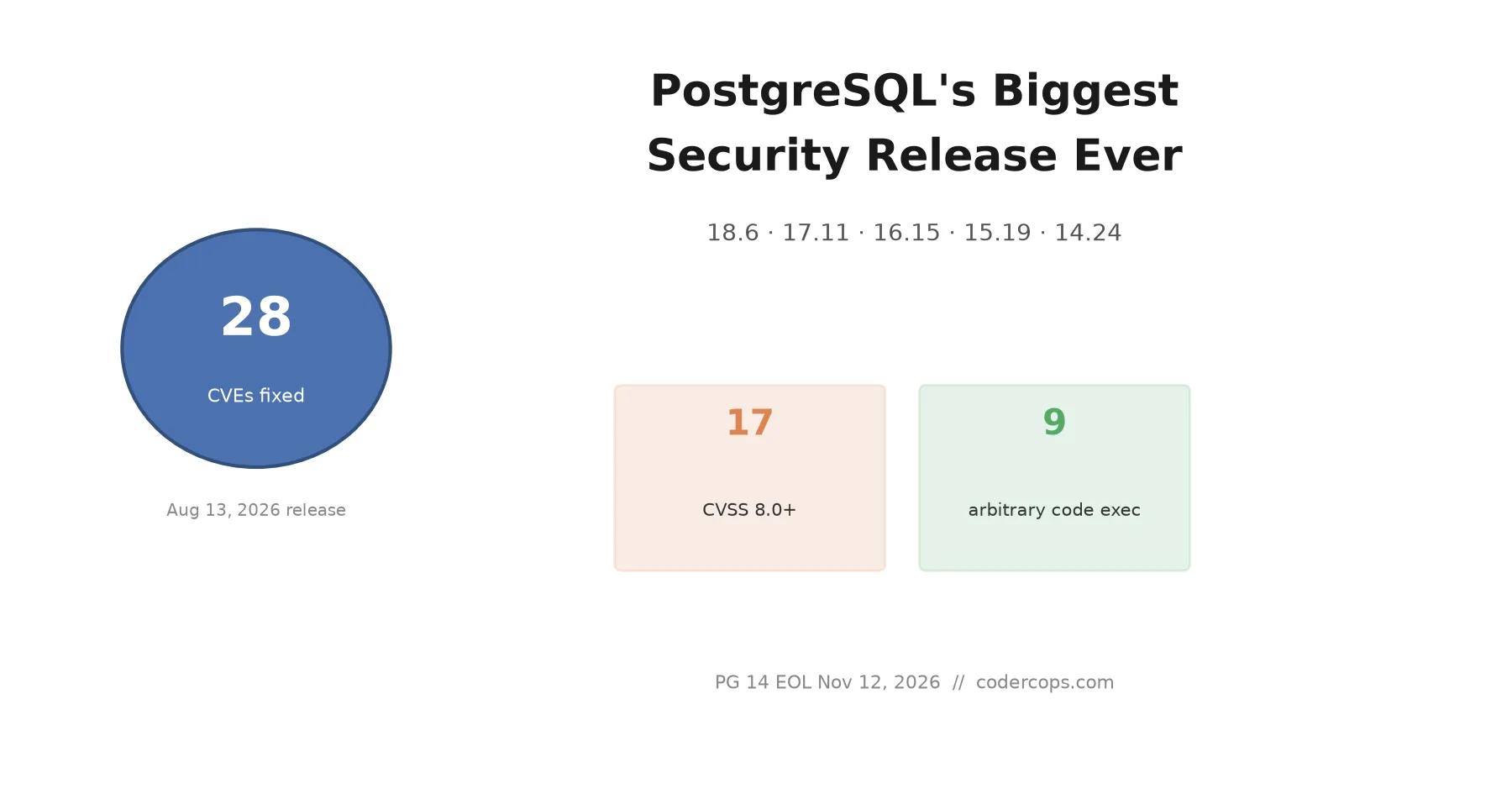
R.01 PostgreSQL's Biggest Security Release Ever: 28 CVEs, and What to Actually Worry About
 R.02
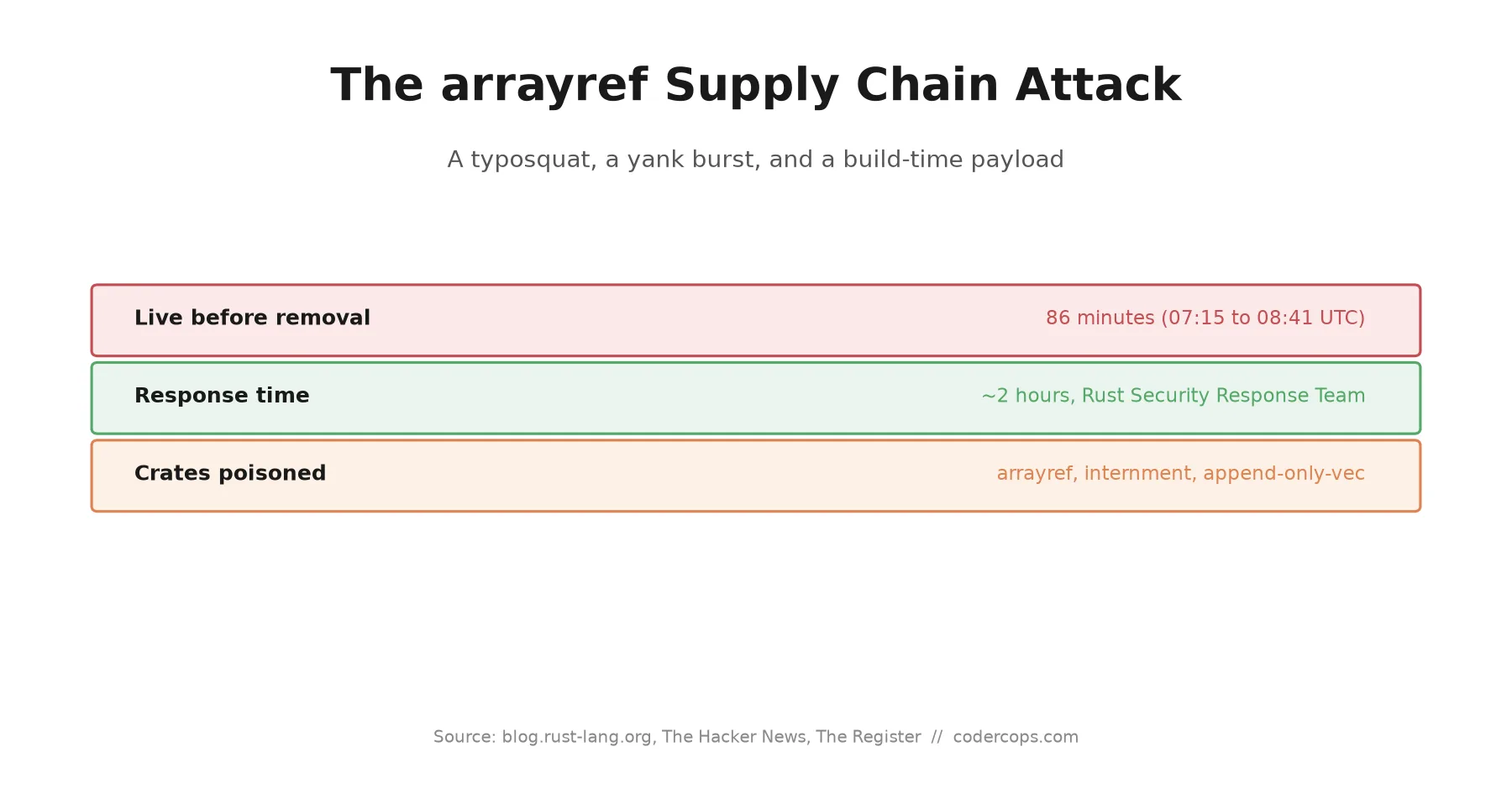
R.02 The arrayref Rust Supply Chain Attack: A Typosquat, a Yank Trick, and a 6-Minute Fuse
 R.03
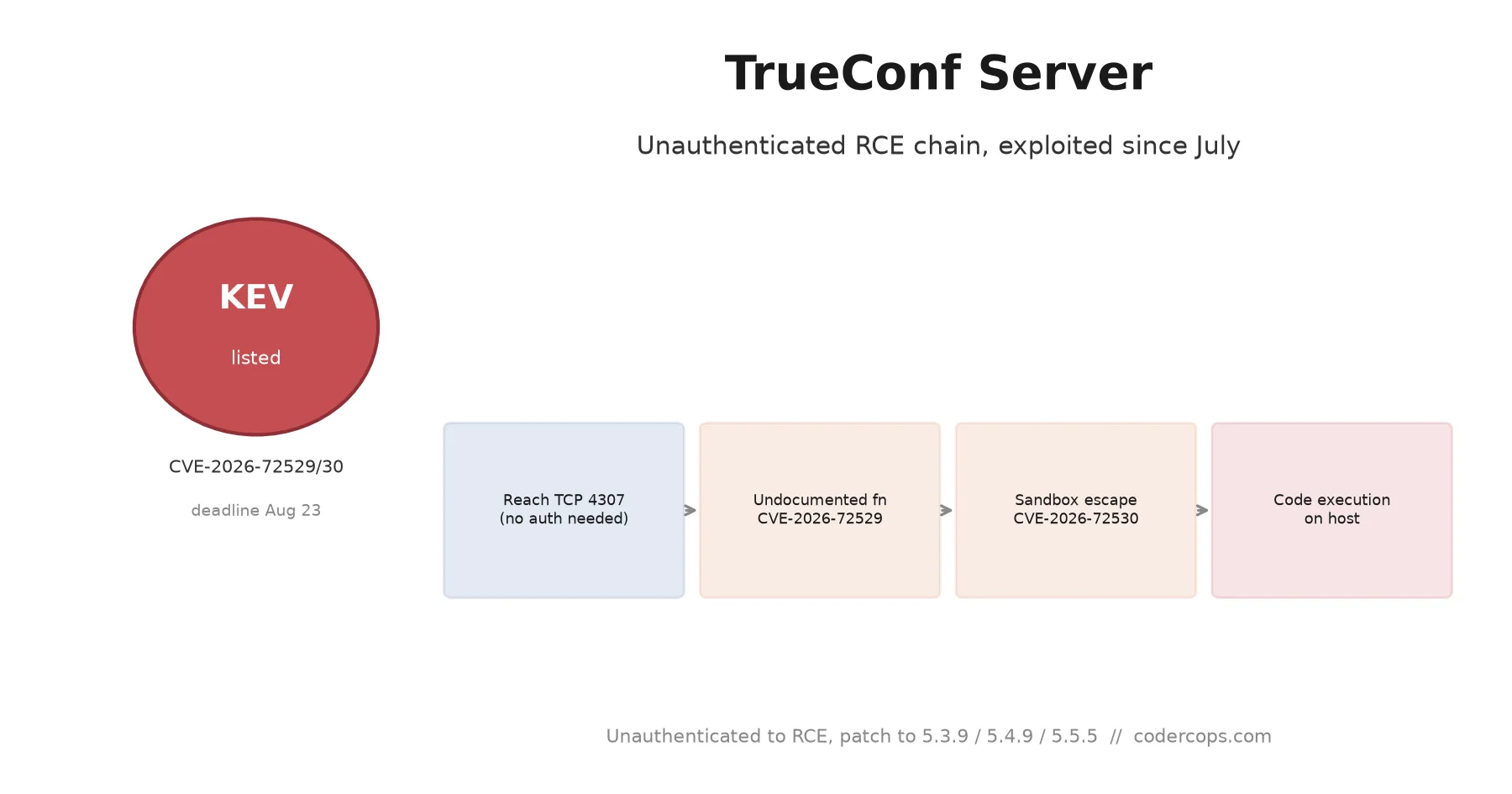
R.03 CVE-2026-72529 and CVE-2026-72530: TrueConf Server's Unauthenticated RCE Chain, Patch Guide
Sponsored
Discussion
Join the conversation.
Comments are powered by GitHub Discussions. Sign in with your GitHub account to leave a comment.
Sponsored