Web Development · JavaScript
Float16Array: When Half-Precision Saves Memory
Float16Array stores numbers in half the bytes of Float32Array, trading precision most workloads never used. What it's for, what it costs, where it fails.

Shashikant Gupta
5 min read
Sponsored
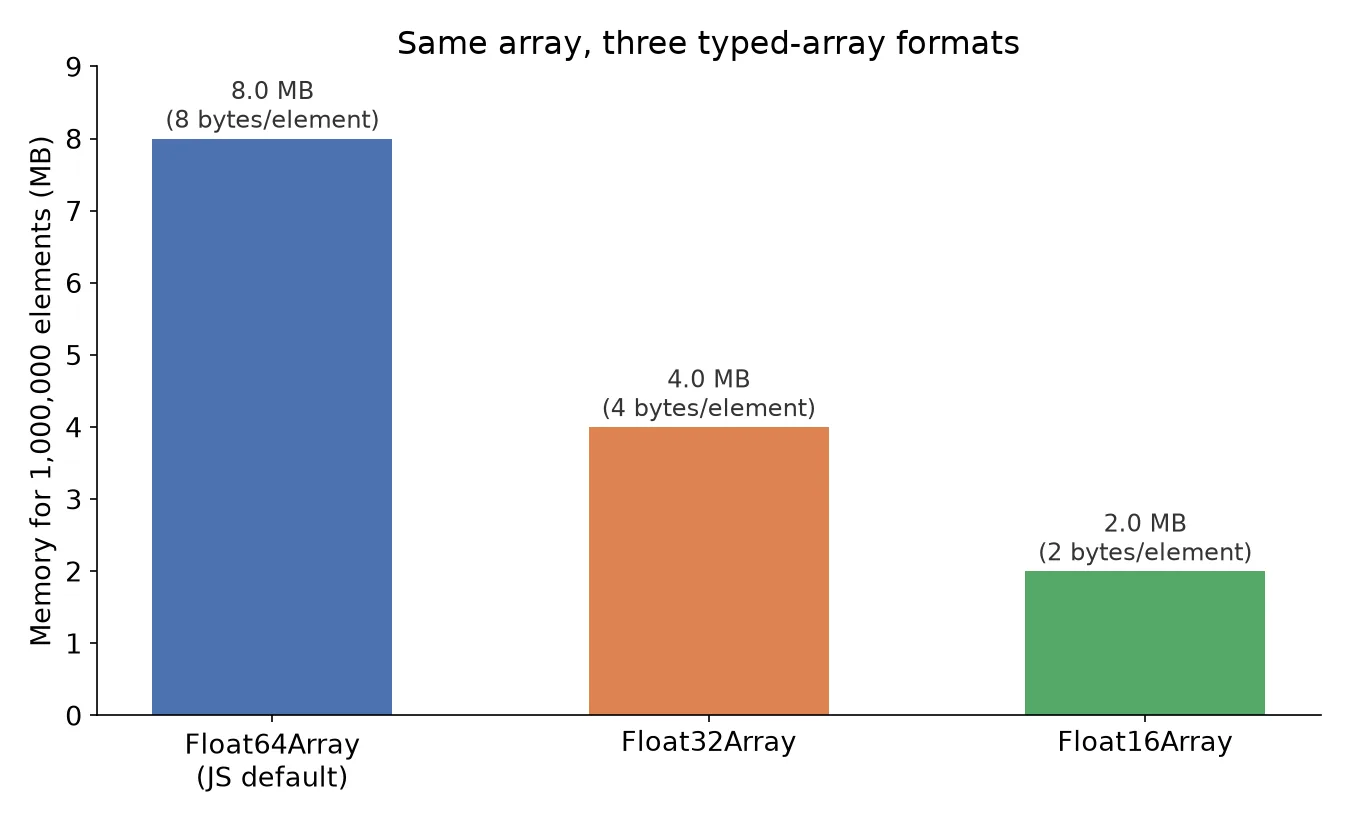
A million-element Float64Array costs 8MB. The same million numbers in a Float16Array cost 2MB, a quarter of the memory, for giving up precision most workloads never used in the first place. That’s the entire pitch for half-precision floats, and as of Chrome 135, Firefox 129, and Safari 18.2, it’s a native, standardized part of JavaScript rather than something you’d reach for a library to fake.
What it actually is
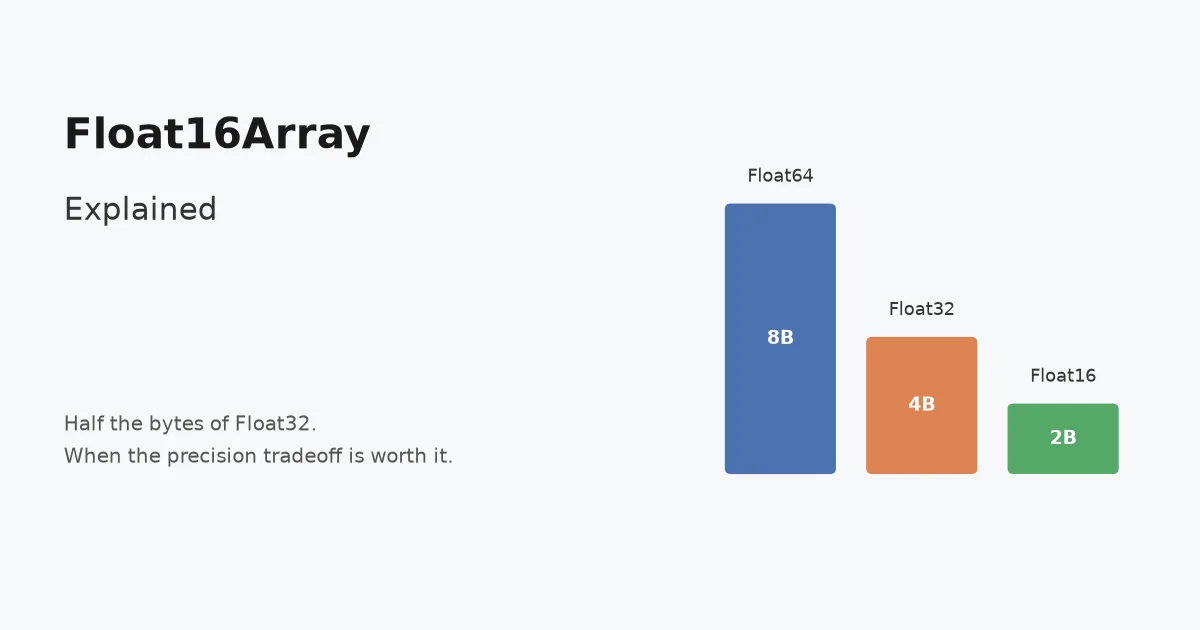
Float16Array is a typed array backed by IEEE 754 half-precision floating point numbers, 2 bytes per element instead of 4 (Float32Array) or 8 (a normal JavaScript number, which is a 64-bit double under the hood). The TC39 proposal reached Stage 4 in February 2025 and landed in all three major engines within months, reaching Baseline status in April 2025.
const weights32 = new Float32Array(1_000_000); // 4,000,000 bytes
const weights16 = new Float16Array(1_000_000); // 2,000,000 bytes

weights16[0] = 0.7315;
console.log(weights16[0]); // 0.7314453125 (rounded to float16 precision)
The language also ships Math.f16round() (one of several recent additions, alongside those in ECMAScript 2026), the float16 counterpart to the existing Math.fround(), which rounds a regular number to the nearest value representable in float16. It’s useful when you need to know ahead of time how a value will get truncated before it lands in the array.
Math.f16round(0.1 + 0.2); // rounds the float64 result to float16 precisionThe precision you’re trading away
Half-precision float gives you roughly 3-4 significant decimal digits and a maximum finite magnitude around 65,504, against roughly 7 digits and a vastly larger range for float32. Two concrete failure modes worth knowing before you reach for it:
| Float64 (JS default) | Float32 | Float16 | |
|---|---|---|---|
| Bytes per element | 8 | 4 | 2 |
| Significant decimal digits | ~15-17 | ~7 | ~3-4 |
| Max finite magnitude | ~1.8 × 10³⁰⁸ | ~3.4 × 10³⁸ | 65,504 |
| Typical use | General application data | GPU/graphics, ML inference | Quantized ML, normalized GPU buffers |
Store 100000 in a Float16Array and it overflows to Infinity, not a rounded approximation. Store a value like 123.456 and it gets rounded to whatever the nearest representable float16 value is, silently. Neither of those is a bug in the implementation; it’s the format doing exactly what half-precision floats do. The mistake is using Float16Array somewhere that assumed full precision was free.
Where it’s the right tool
The use cases that justify float16 all share one property: the workload was already tolerating reduced precision, or was going to convert to a low-precision format regardless.
Quantized ML model weights and activations. Machine learning models increasingly ship and run in reduced precision, float16 or the related bfloat16 format, specifically because neural network weights don’t need 7 digits of accuracy to produce correct predictions, and the memory savings let larger models fit in the same amount of RAM or VRAM. A JavaScript-based inference pipeline moving weights around benefits from Float16Array the same way the underlying model formats already do.
GPU compute and graphics buffers. WebGPU and WebGL both commonly use half-precision buffers for texture data, vertex attributes, and compute shader inputs, since GPU memory bandwidth is frequently the actual bottleneck, not arithmetic precision. Building those buffers from a Float16Array on the JavaScript side avoids an extra conversion step and halves the data transferred to the GPU compared to sourcing from Float32Array.
Large normalized datasets. Data that’s already scaled to a bounded range, 0 to 1, -1 to 1, a fixed percentage, doesn’t need float32’s extra range or precision. A million-point normalized dataset held in memory for client-side visualization or analysis is a reasonable candidate, provided you’ve checked that 3-4 significant digits doesn’t lose information that matters for your specific values.
Where it isn’t
For ordinary application data, financial figures, geographic coordinates, IDs, anything where a silent rounding error is a correctness bug rather than an acceptable approximation, Float16Array is the wrong tool regardless of the memory savings; the MDN reference lists the exact rounding behavior. It’s also not generally a speed optimization for CPU-bound arithmetic: JavaScript engines typically convert float16 values to float32 or float64 internally to perform math on them, so the benefit is memory footprint and transfer bandwidth, not computation throughput. If your bottleneck is CPU-bound math rather than memory or bandwidth, Float16Array won’t fix it and may add a false sense of having optimized something.
The same reasoning that applies to picking a database primary key strategy applies here: match the format to the actual constraint you’re solving for. If the constraint is memory or transfer bandwidth on data that already tolerates reduced precision, Float16Array is a real, standardized, Baseline-supported answer. If it isn’t, the 2-byte savings aren’t worth the precision hazard.
Frequently asked questions
- Is Float16Array actually part of standard JavaScript, or a library?
- It's a real language feature, not a userland library. The proposal reached TC39 Stage 4 in February 2025 and shipped as part of the language in Chrome 135, Firefox 129, and Safari 18.2, reaching Baseline (support across all three major engines) in April 2025. Libraries like @petamoriken/float16 existed as polyfills before the native version shipped and are only needed now for older browser support.
- How much memory does Float16Array actually save?
- Each element takes 2 bytes, versus 4 bytes for Float32Array and 8 bytes for a regular JavaScript number stored in a Float64Array. For a large typed array, say a million-element buffer, that's the difference between 2MB, 4MB, and 8MB for the identical count of numbers. The saving compounds further with GPU transfer bandwidth, since moving half the bytes to a GPU buffer is proportionally faster.
- What precision do you lose with float16?
- Float16 (IEEE 754 half-precision) gives you roughly 3-4 significant decimal digits and a maximum finite value around 65,504, compared to about 7 digits and a vastly larger range for float32. Values outside that range overflow to Infinity, and values requiring finer decimal precision than about 3-4 digits get silently rounded. This is fine for normalized data (0 to 1, or -1 to 1) and quantized ML weights, and wrong for money, precise coordinates, or anything where a small rounding error compounds into a real bug.
- Should I switch my existing Float32Array code to Float16Array for a speed boost?
- Only if you were already using Float32Array for a memory- or bandwidth-bound workload, like a large buffer headed to the GPU or a big numeric dataset held in memory, and you can tolerate the reduced precision. Float16Array typically is not faster for CPU-bound arithmetic; JavaScript engines commonly compute on float16 values by converting to and from float32 or float64 internally, so the win is memory footprint and transfer bandwidth, not raw computation speed. For ordinary application logic, the switch adds a precision hazard for no benefit.
Sources
Sponsored
More from this category
More from Web Development



Sponsored
Discussion
Join the conversation.
Comments are powered by GitHub Discussions. Sign in with your GitHub account to leave a comment.
Sponsored