Cybersecurity · Vulnerability Management
CVE-2025-68686: The FortiOS Patch Bypass That Punishes Devices You Never Cleaned Up
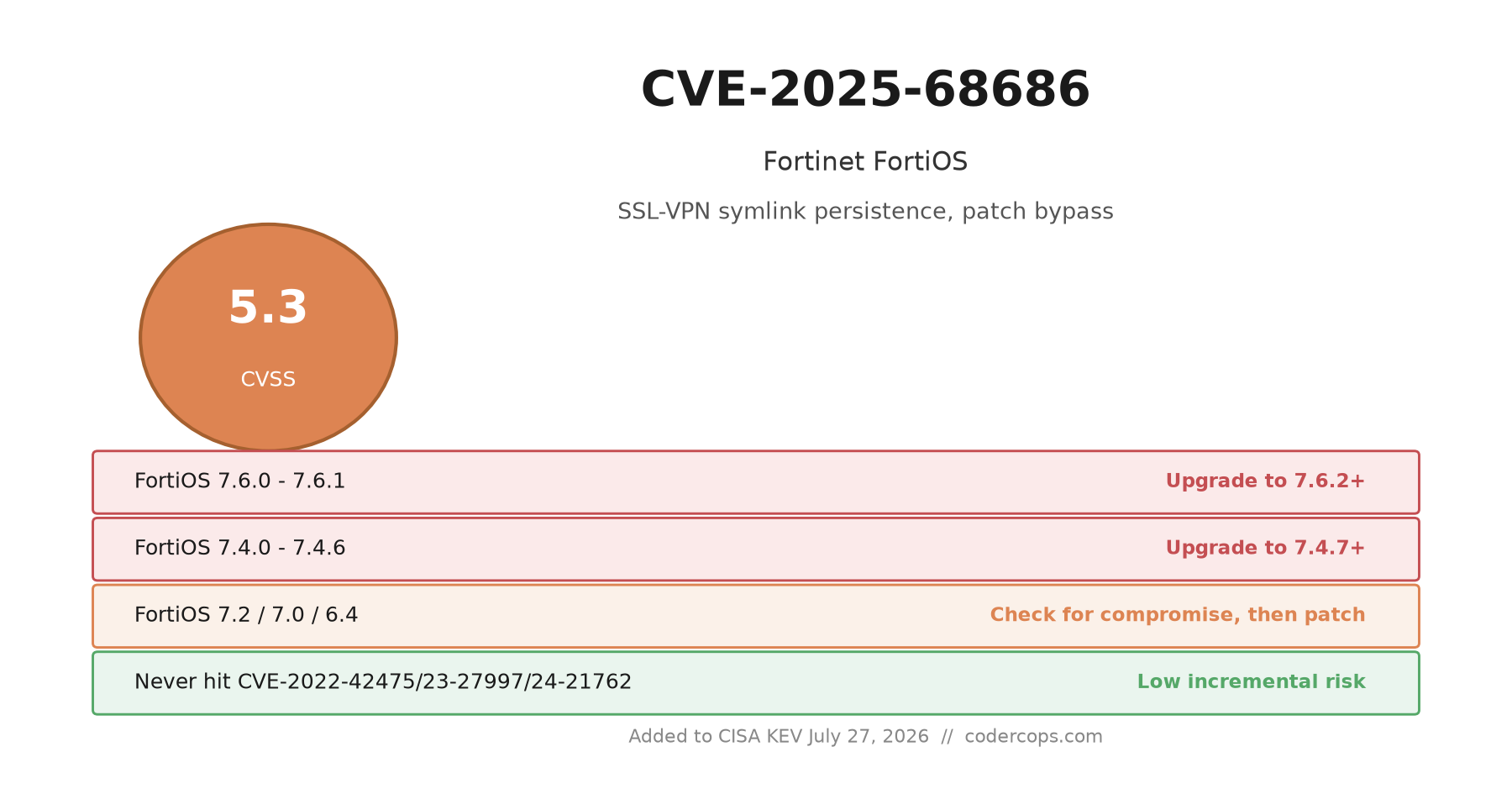
CISA added CVE-2025-68686, a FortiOS bypass of the SSL-VPN symlink persistence patch, to its KEV catalog on July 27. It only matters if a device was ever compromised through an older Fortinet bug and never forensically cleaned.

Prathviraj Singh
6 min read
Sponsored
CISA added CVE-2025-68686 to its Known Exploited Vulnerabilities catalog on July 27. If you run FortiGate firewalls, the version check is the easy part: upgrade FortiOS 7.6.x to 7.6.2 or later, and 7.4.x to 7.4.7 or later. The part that actually decides whether you’re at risk is a question most patch trackers don’t ask: has this device ever been compromised by CVE-2022-42475, CVE-2023-27997, or CVE-2024-21762, and if so, did anyone check the filesystem for what got left behind? A version number alone can’t answer that.
What the bug does
CVE-2025-68686 is a CVSS 5.3 exposure-of-sensitive-information flaw, and on paper that sounds mild. What makes it worth attention is what it undoes. Back in April 2025, Fortinet shipped a patch after discovering that attackers who’d previously broken into FortiGate devices through older vulnerabilities were planting a symbolic link inside the SSL-VPN language file directories, one that pointed from the user filesystem into the root filesystem. Once that link existed, the attacker could keep reading files off the device through the SSL-VPN interface even after the original entry point was patched, because the symlink itself wasn’t part of the vulnerable code, it was just sitting there in a directory nobody was checking.
Fortinet’s fix added a check that looked for symlinks in those directories and blocked requests that tried to reach them, keyed off matching the string /lang/custom in the request path. CVE-2025-68686 is what happens when a string match is the whole security control. Send a request for /lang//custom instead, with a second slash inserted, and the check doesn’t recognize the path as a match. The web server, meanwhile, normalizes that path fine and serves the file anyway. The check gets skipped, the symlink still works, and the attacker is back to reading whatever the link exposes.
That’s the entire vulnerability: a doubled slash defeats a patch. It’s not sophisticated, and that’s rather the point. It’s the kind of gap that shows up when a fix targets the specific technique observed in an incident rather than the underlying condition that made the technique possible.
Why this only matters for devices with a history
The catch, and the reason this bug shouldn’t cause blanket panic, is that exploiting it requires the symlink to already exist. An attacker can’t plant one through this vulnerability. They need prior filesystem-level access, which in practice means the device was compromised earlier through one of three specific bugs: CVE-2022-42475 (an SSL-VPN heap overflow patched in late 2022), CVE-2023-27997, better known as FortiOS Xortigate, or CVE-2024-21762, an out-of-bounds write in SSL-VPN patched in early 2024. All three saw real exploitation in the wild before they were fixed, and all three gave attackers a path to plant that symlink during the window they were unpatched.
So the actual population at risk isn’t every FortiGate running an old build. It’s the subset of devices that were internet-facing and unpatched during one of those three exposure windows, later got patched for the original bug, but never had anyone check whether an attacker had already been inside and left something behind. Patching a vulnerability closes the door. It doesn’t search the house for anything the previous visitor left in a drawer.
Affected versions and what fixes them
| Branch | Affected | Fixed |
|---|---|---|
| FortiOS 7.6 | 7.6.0 - 7.6.1 | 7.6.2 and later |
| FortiOS 7.4 | 7.4.0 - 7.4.6 | 7.4.7 and later |
| FortiOS 7.2 | All versions | Latest patched release on the 7.2 branch |
| FortiOS 7.0 | All versions | Latest patched release on the 7.0 branch |
| FortiOS 6.4 | All versions | Latest patched release on the 6.4 branch, or migrate to a supported branch |
Every one of these branches also received the original April 2025 symlink-removal patch, so a device that’s fully current has both fixes applied. The gap only opens for devices that got the original symlink patch but are still sitting on a pre-fix build for this specific bypass, which given how long some of these branches have been in production, is not a small set of devices.
What to actually check, beyond the version number
If your fleet includes any FortiGate that was internet-facing and running a vulnerable build during the 2022-2024 exposure windows, patching CVE-2025-68686 should be step one, not the whole plan. Pull the device logs and configuration history and look for a few specific things: symbolic links inside the SSL-VPN language directories that point somewhere they shouldn’t, admin accounts or local-in policies that changed without a matching change ticket, and configuration diffs against your last trusted backup that nobody can explain. Fortinet’s own incident writeups from the original symlink discovery describe exactly this pattern: read-only persistence that survived a patch cycle because nobody looked at the filesystem, only the version banner.
If you find anything, treat it as an active incident, not a patch gap. Rotate admin credentials and any certificates or shared secrets the device had access to, and don’t consider the device clean until a forensic pass confirms the persistence artifact is gone, not just that the current CVE is fixed. This is the same discipline that should apply to any edge device that was ever compromised: a version upgrade tells you the code is fixed, it doesn’t tell you the box is trustworthy.
The bigger pattern in this KEV batch
CISA’s July 27 update wasn’t only about Fortinet. The same batch added CVE-2026-16812, an unauthenticated command injection in Arista VeloCloud Orchestrator that scores a full 10.0 on CVSS, about as far from a medium-severity information-disclosure bug as it gets. The two are unrelated products from different vendors with completely different risk profiles, but pairing them in one alert is a useful reminder that KEV severity scores describe the exploit mechanism, not the operational urgency. A 10.0 unauthenticated RCE demands you patch today. A 5.3 persistence bypass demands you go back through years of incident history and figure out whether a box you thought was fine actually is.
If your organization runs perimeter Fortinet gear and can’t say with confidence which devices were ever exposed during those three older CVE windows, that’s worth fixing before the next KEV notice forces the question. A short compromise-assessment pass on your edge fleet, checking filesystem artifacts rather than just version numbers, catches this class of problem before it becomes an incident someone else discovers for you.
Frequently asked questions
- What does CVE-2025-68686 actually let an attacker do?
- It lets a remote, unauthenticated attacker send a specially crafted HTTP request that bypasses a check Fortinet added to strip out symbolic links planted in FortiOS's SSL-VPN language file directories. The underlying check looked for the literal string /lang/custom in the request path; requesting /lang//custom with a doubled slash skips the check while the web server still resolves to the same file. The attacker needs prior filesystem-level access to the device for this to do anything, so it's a persistence-restoration bug, not an initial-access one.
- Which FortiOS versions are affected?
- FortiOS 7.6.0 through 7.6.1, 7.4.0 through 7.4.6, and every version on the 7.2, 7.0, and 6.4 branches. Fortinet's fix landed in 7.6.2 and 7.4.7. If you're on 7.2, 7.0, or 6.4, move to the current patched release on that branch or upgrade to a supported later branch.
- If I patch to a fixed FortiOS version, am I safe?
- The patch closes this specific bypass technique. It does not undo anything an attacker already did to the device. If your FortiGate was ever exposed to CVE-2022-42475, CVE-2023-27997, or CVE-2024-21762 and you patched those without a filesystem-level compromise check, an attacker-planted symlink could still be sitting there, and patching CVE-2025-68686 just removes one specific way to keep using it. It doesn't remove the symlink itself or confirm the device is clean.
- How do I check if my FortiGate was actually compromised, not just vulnerable?
- Look for symbolic links inside the SSL-VPN language directories that point outside the expected web-root, check for unexpected files or modified timestamps in those paths, review the admin account list and local-in policies for changes you didn't make, and compare current configuration against your last known-good backup. If you never ran this check after patching one of the three older CVEs, don't assume the device is clean just because it's running a current FortiOS build.
- Why does CISA's KEV listing matter if my organization isn't a federal agency?
- The KEV deadline itself is a legal requirement for federal civilian agencies, not private companies. But a KEV listing means CISA has confirmed real-world exploitation, not a theoretical risk. For a bug like this one, that's a signal that attackers are actively hunting for FortiGate devices with leftover persistence from the 2022-2024 vulnerabilities, which is a good reason to run the compromise check even if no regulation forces you to.
Sources
Sponsored
More from this category
More from Cybersecurity
 R.01
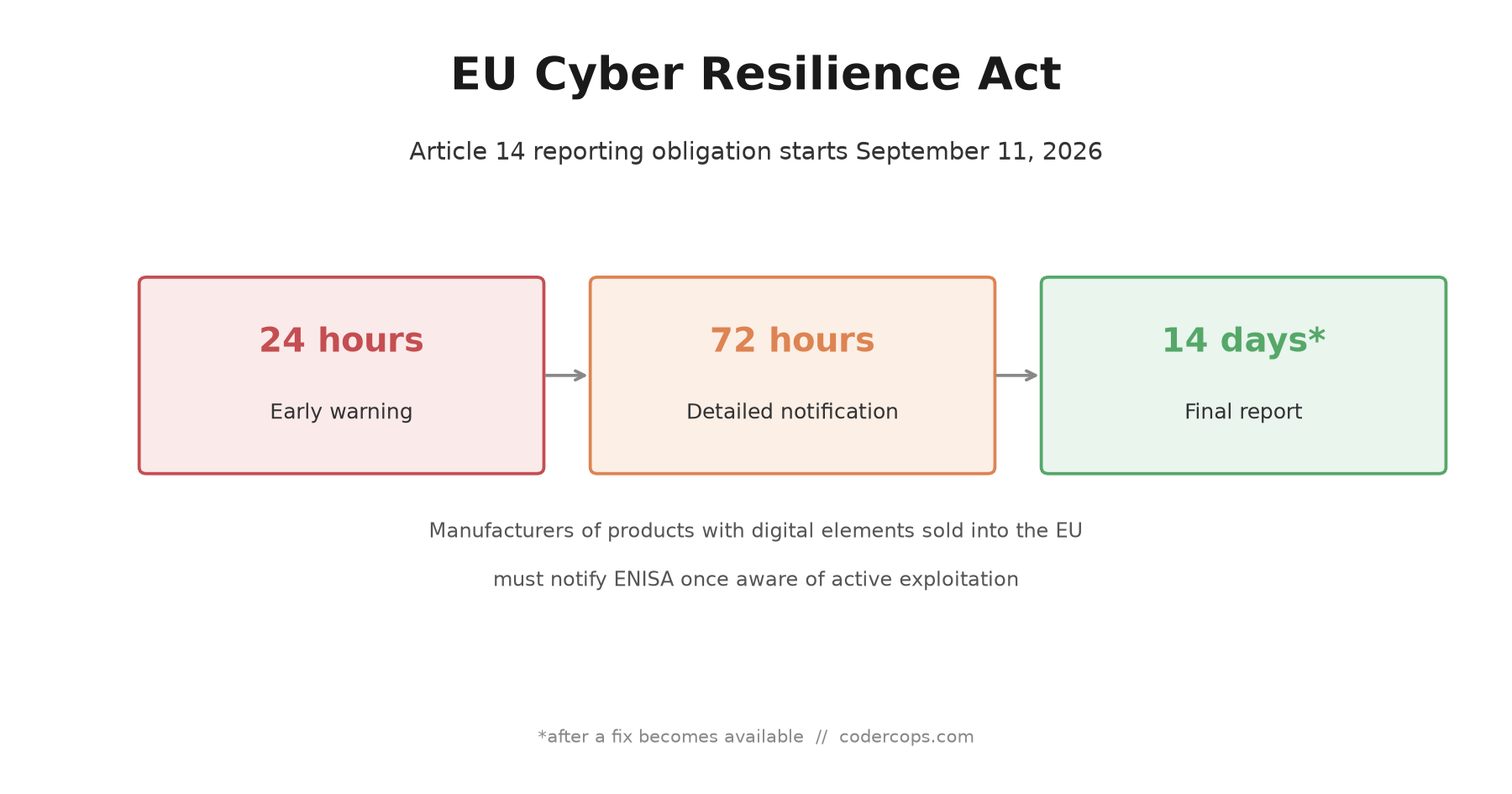
R.01 The EU Cyber Resilience Act's September 11 Deadline: What Software Teams Need Ready
 R.02
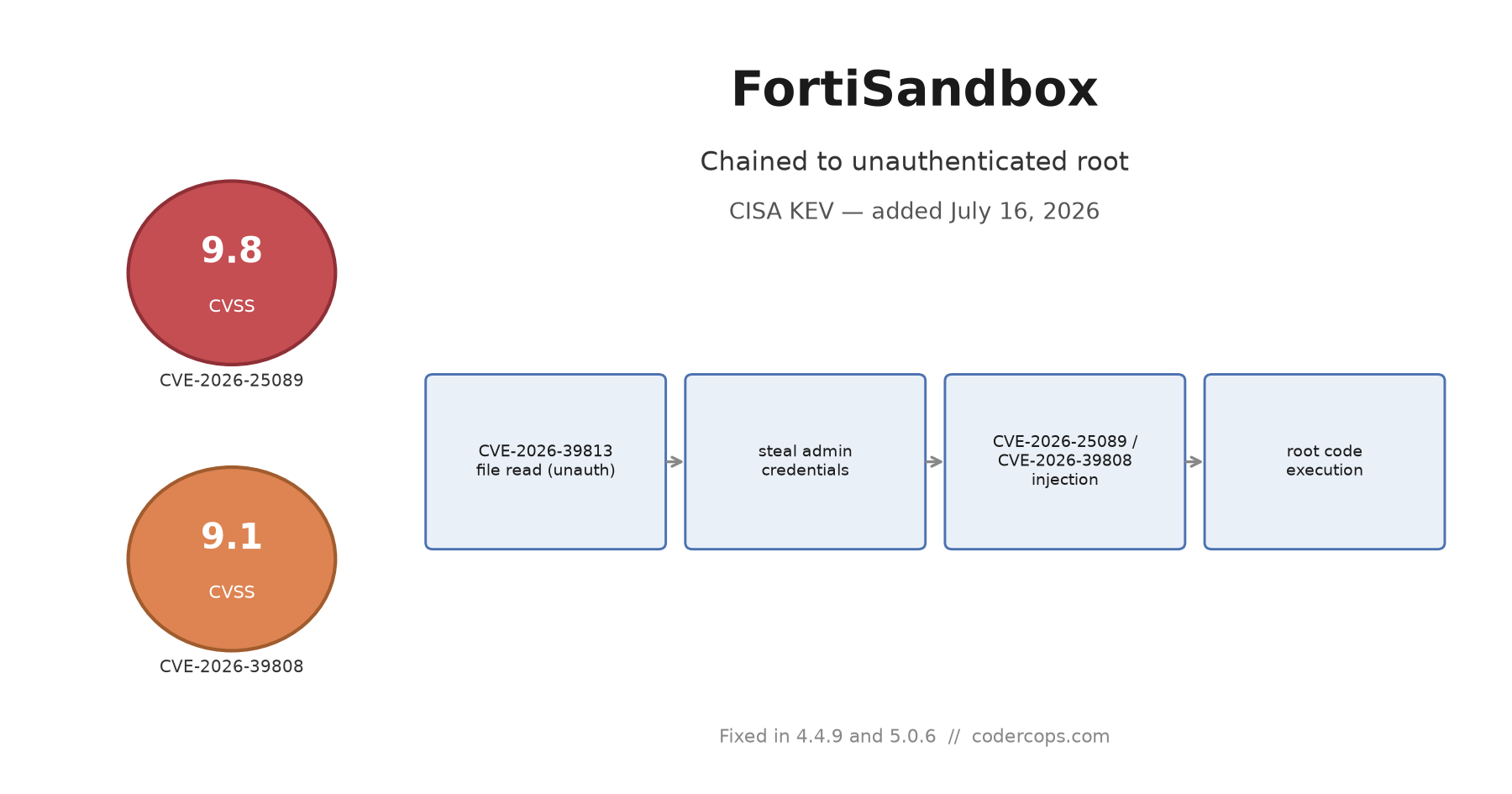
R.02 CVE-2026-25089 and CVE-2026-39808: The FortiSandbox Chain That Reaches Unauthenticated Root
 R.03
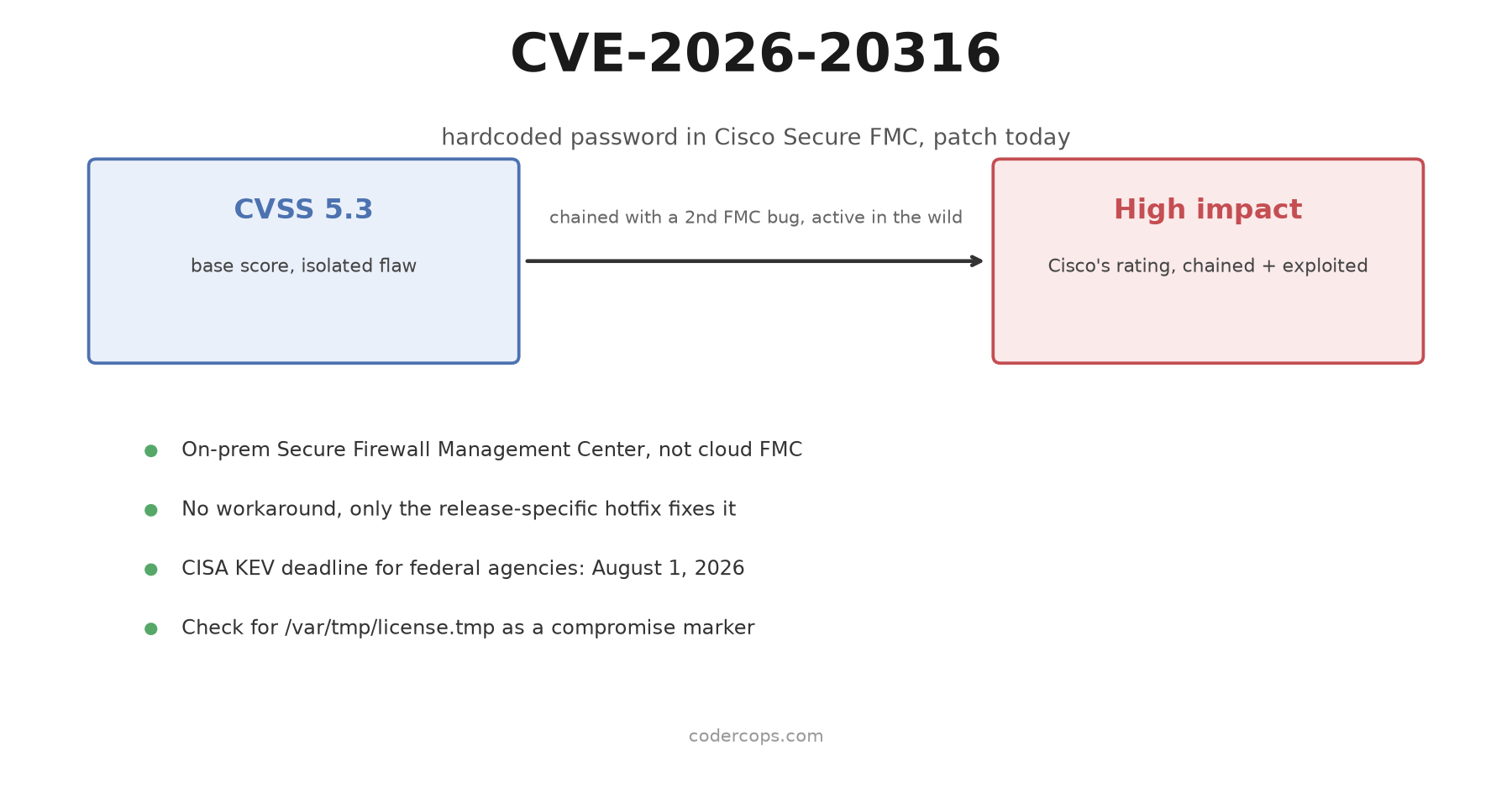
R.03 CVE-2026-20316: The Cisco Secure FMC Hardcoded Password CISA Wants Patched Today
Sponsored
Discussion
Join the conversation.
Comments are powered by GitHub Discussions. Sign in with your GitHub account to leave a comment.
Sponsored