Cybersecurity · AI Agent Security
Securing Your MCP Server: A Checklist Before You Ship It
Only 8.5% of public MCP servers use OAuth, and researchers watched a honeypot MCP server get hit within 48 hours of going live. Here's the practical checklist for authentication, tool scoping, and input handling before you expose one.

Prathviraj Singh
7 min read
Sponsored
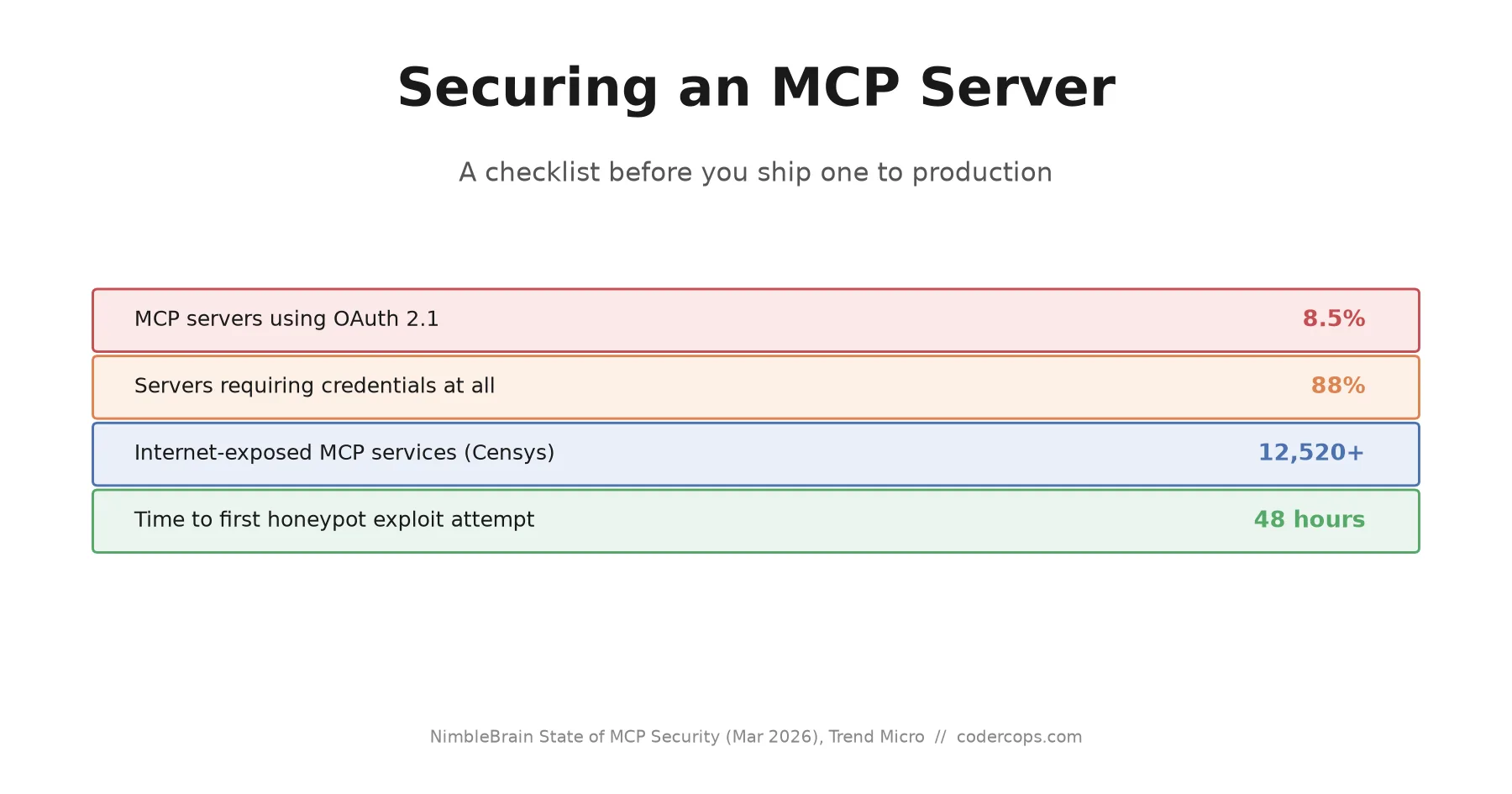
Trend Micro deployed a honeypot MCP server with one fake tool: get_aws_credentials(role="admin"). It got its first call within 48 hours, with no reconnaissance phase first. Whoever found it went straight for the credentials tool the moment they saw it. That’s the threat model for an MCP server sitting on the open internet right now, and most of them aren’t ready for it.
If you’re standing up an MCP server, whether for internal tooling or something you plan to publish, the short version is this: authentication is table stakes, not the finish line, and most public servers today don’t even have that.
The current state is worse than it should be
A NimbleBrain audit of the official MCP registry in March 2026 found 3,012 registered servers, and only 8.5% of them implement OAuth. Meanwhile 88% require some form of credential, which means the gap between “requires a credential” and “uses a real authorization flow” is filled almost entirely by static API keys and personal access tokens, the kind of long-lived secret that’s easy to leak and hard to rotate cleanly.
Trend Micro’s scans found the sharper end of that problem: 492 MCP servers exposed on the public internet with no client authentication and no traffic encryption at all, collectively offering access to 1,402 tools, over 90% of which allowed direct read access to their underlying data source. Follow-up research found that number had nearly tripled to 1,467 exposed servers, and Censys separately identified over 12,520 internet-accessible MCP services, the majority unauthenticated.
None of this is because the specification doesn’t say what to do. The MCP spec’s July 28, 2026 revision explicitly mandates OAuth 2.1 with PKCE for any remote HTTP-based server. Adoption just hasn’t caught up to the requirement, and the gap between what the spec says and what’s actually deployed is where these numbers come from.
Authentication: the checkbox everyone skips
If your MCP server is reachable over HTTP by anything other than a local process on the same machine, OAuth 2.1 with PKCE is the baseline, not an option to consider later. A few specifics worth getting right:
- Store refresh tokens in an encrypted secret store, not in application logs, error messages, or plaintext config files. This sounds obvious and is still one of the most common findings in audits.
- Validate the
iss(issuer) parameter per RFC 9207 before redeeming an authorization code, which closes an authorization-server mix-up vulnerability where a malicious server tricks a client into sending its code to the wrong place. - If you’re maintaining a server that predates the July spec revision and is still running the older session-based model, plan the migration now rather than treating it as optional. The older handshake is being phased out, not just deprecated on paper.
# Minimal shape of a PKCE-protected MCP tool endpoint (conceptual, not a full implementation)
def handle_tool_call(request):
    token = extract_bearer_token(request)
    claims = verify_oauth_token(token, expected_issuer=TRUSTED_ISSUER)  # validates iss per RFC 9207
    if not claims:
        return unauthorized_response()

    if not scope_permits(claims.scopes, request.tool_name):
        return forbidden_response()  # authenticated is not the same as authorized for this tool

    return execute_tool(request.tool_name, validate_arguments(request.arguments))
Scoping: the part a login screen doesn’t fix
Authentication tells you who’s connected. It says nothing about what they should be able to do once they’re in, and this is where most MCP servers actually fail. NimbleBrain’s audit found that most servers request permissions far beyond their stated function, largely because broad access is easier to build against than a properly scoped one.
A weather-lookup tool that also has filesystem write access is a design flaw, not a feature. Build tool permissions the same way you’d design least-privilege IAM roles: each tool gets exactly the access its function requires, nothing inherited from a shared broad credential because that was more convenient during development.
Input validation and sandboxing for tool execution
An MCP tool call’s arguments ultimately come from a language model’s output, which means they’re attacker-influenceable any time the model’s context includes untrusted content, a document it read, a webpage it fetched, output from another tool. Treat every tool argument as you would user input from an unauthenticated web form:
- Validate types, ranges, and formats before executing, don’t trust that the model produced well-formed arguments just because your schema asked for them.
- Sandbox tool execution that touches the filesystem or shell, so a malformed or malicious argument can’t escape its intended scope even if validation missed something.
- Watch for tool outputs feeding back into the model’s context as a prompt injection vector. A tool that fetches a webpage and returns its raw content can hand an attacker a way to inject instructions the model then treats as legitimate context, a failure mode we’ve covered in more depth in our guide to prompt injection attacks against AI apps.
Supply chain: treat third-party MCP servers like npm packages with install scripts
Installing someone else’s MCP server means granting a piece of code you didn’t write the ability to act through your agent’s permissions. That’s the same trust boundary as installing an npm package with a preinstall script, and it deserves the same scrutiny: check that the source is public and matches what’s published, pin to a specific version instead of always pulling latest, and verify the maintainer has a track record before granting broad tool access.
This isn’t hypothetical. We’ve covered malware distributed through fake AI coding skills and the mechanics of how npm supply chain attacks spread through legitimate CI pipelines elsewhere on this blog. An MCP server with broad tool access and a compromised maintainer account is the same attack shape, aimed at your agent’s permissions instead of your build pipeline.
The checklist
| Area | Minimum bar |
|---|---|
| Authentication | OAuth 2.1 with PKCE for any remote HTTP server, not static API keys |
| Token storage | Encrypted secret store, never logs or plaintext config |
| Authorization | Per-tool scopes matched to actual function, not one broad credential |
| Input handling | Validate every tool argument as untrusted input |
| Execution | Sandbox anything touching the filesystem or shell |
| Tool output | Treat fetched content as a prompt injection vector before it re-enters model context |
| Supply chain | Pin versions, verify source, scrutinize maintainer history before installing |
| Transport | Encrypt everything; an unencrypted MCP server is a plaintext credential leak waiting to happen |
Where to start this week
If you’re maintaining an MCP server today, or about to publish one, run through the checklist against what’s actually deployed, not what you assumed was configured when it shipped. The single highest-impact fix for most teams is the scoping audit: check what permissions each tool actually has against what its function needs, because that’s usually a bigger gap than the authentication mechanism itself.
MCP tooling is moving fast enough that the spec, the ecosystem, and the security practices around it are all still catching up to each other. If you’re building agent infrastructure and want a second set of eyes on the authorization model before it goes live, that’s the kind of review our engineering team does for clients shipping production AI agent systems.
Frequently asked questions
- What is an MCP server and why does it need special security treatment?
- An MCP (Model Context Protocol) server exposes tools, data, or actions that an AI agent can call directly, often with real permissions like reading files, querying databases, or making API calls on your behalf. Because the calling agent decides which tool to invoke and with what arguments based on model output, an MCP server sits at the boundary between an LLM's reasoning and your actual infrastructure, which makes weak authentication or overly broad permissions there more dangerous than in a typical internal API.
- Does OAuth 2.1 alone make an MCP server secure?
- No. Authentication answers who is allowed to connect, not what they're allowed to do once connected or whether the inputs they send are safe to execute. A properly authenticated client can still trigger command injection through an unvalidated tool argument, or exfiltrate data through a tool with permissions far broader than its stated function needs. Authentication is the first checkbox, not the whole checklist.
- How do I know if a third-party MCP server is safe to install?
- Check whether the source code is available and matches what's published on the registry, whether it requests permissions proportional to what it claims to do (a weather tool asking for filesystem write access is a red flag), whether it's pinned to a specific version rather than always pulling latest, and whether its maintainer has a track record. Treat it with the same scrutiny you'd apply to an npm package with a preinstall script, because functionally it's a similar trust boundary.
- What changed in the July 2026 MCP specification update?
- The 2026-07-28 revision aligns MCP's authorization model with OAuth 2.1 and OpenID Connect, mandating OAuth 2.1 with PKCE (using the S256 method) for any remote, HTTP-based MCP server. It also removes the older session model and drops the initialization handshake in favor of a cleaner authorization flow. The requirement is now explicit in the spec; actual adoption across public servers is still catching up.
- What's the single highest-impact fix if I can only do one thing this week?
- Audit what permissions your existing MCP servers actually have versus what they need. Broad, unscoped access is the most common finding in every published audit, and it's usually the easiest to fix without touching authentication infrastructure at all: most MCP servers request more than their stated function requires simply because it was easier to build that way.
Sources
Sponsored
More from this category
More from Cybersecurity
 R.01
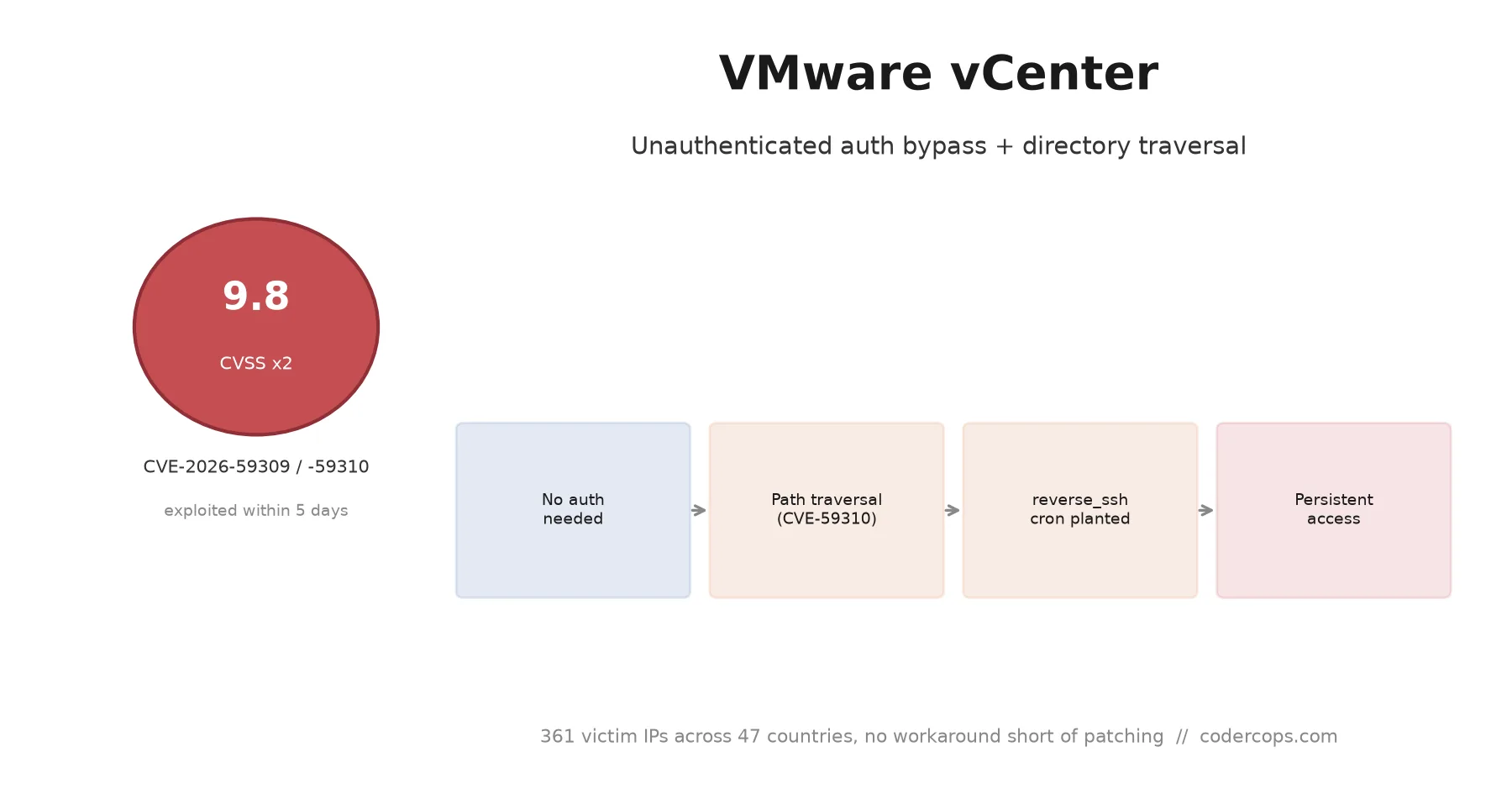
R.01 CVE-2026-59309 and 59310: VMware vCenter Bugs Attackers Hit in Five Days
 R.02
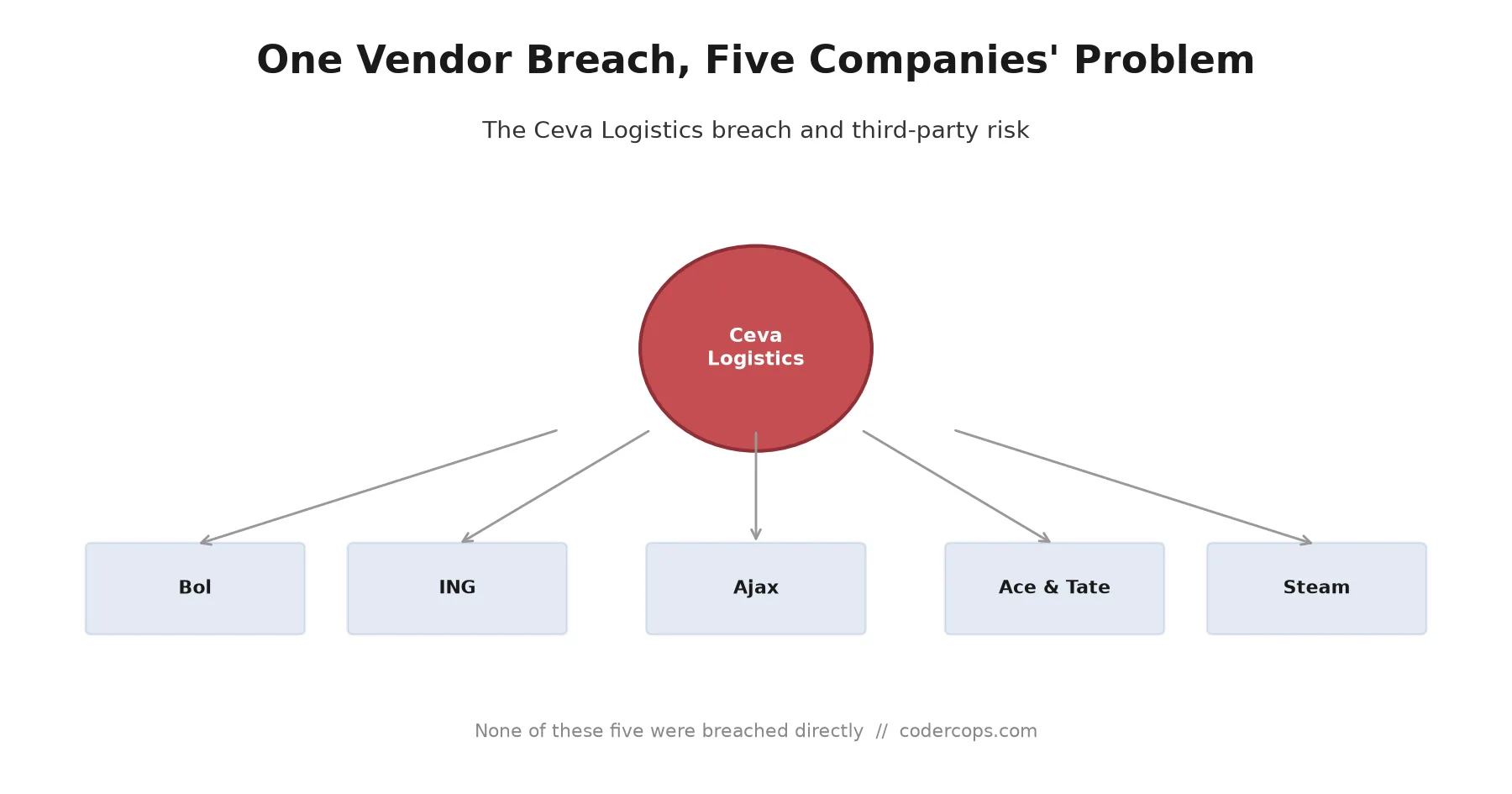
R.02 The Ceva Logistics Breach Shows Why Your Vendor's Vendor Is Your Problem
 R.03
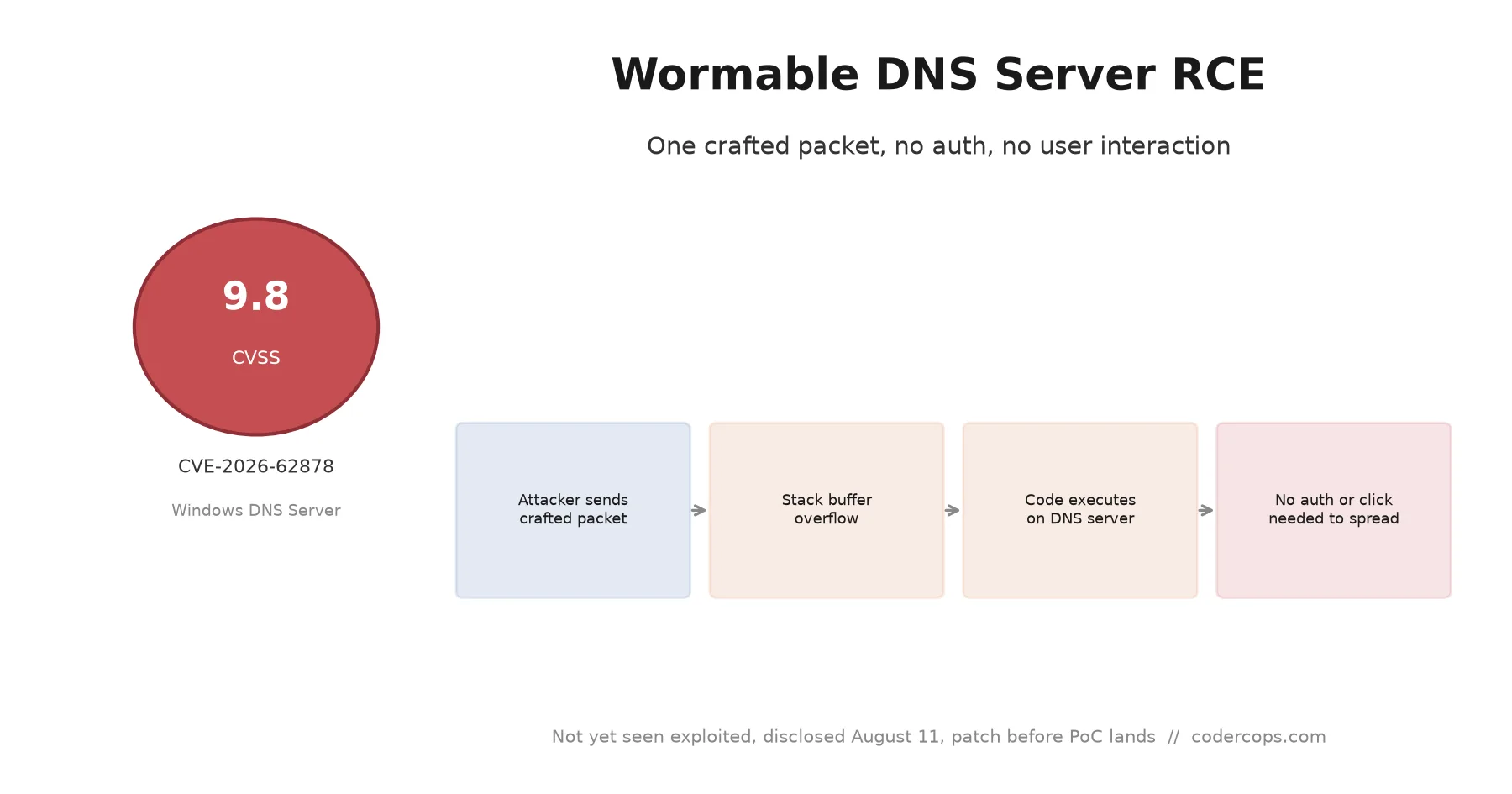
R.03 CVE-2026-62878: The Wormable Windows DNS Server Bug You Need to Patch Now
Sponsored
Discussion
Join the conversation.
Comments are powered by GitHub Discussions. Sign in with your GitHub account to leave a comment.
Sponsored