Cloud & Infrastructure · Deployment
Argo Rollouts: Canary Deploys on Kubernetes
Argo Rollouts replaces a Deployment with a controller that shifts traffic gradually and rolls back on bad metrics. Real manifests, plain Deployment to canary.

Prathviraj Singh
5 min read
Sponsored
A standard Kubernetes Deployment rolls out a new version by replacing pods in batches until every pod is running the new image. It has no idea whether the new version is actually working. If the new code throws 500s on every request, the rollout completes exactly as successfully as it would have if the release were fine, because pod readiness is the only signal a Deployment checks. Blue-green and canary deployments exist to close that gap, and Argo Rollouts is the tool that turns “canary deployment” from a manual process into something a controller runs and verifies for you.
What Rollouts actually replaces
Argo Rollouts installs a custom resource, Rollout, that is a near drop-in replacement for Deployment. Same pod template, same selector, same general shape. What it adds is a strategy field with real options: canary, which shifts traffic in defined steps, and blueGreen, which deploys the new version fully before cutting traffic over. Neither exists in a stock Deployment at all.
apiVersion: argoproj.io/v1alpha1
kind: Rollout
metadata:
  name: checkout-service
spec:
  replicas: 6
  selector:
    matchLabels:
      app: checkout-service
  template:
    metadata:
      labels:
        app: checkout-service
    spec:
      containers:
        - name: checkout-service
          image: registry.example.com/checkout-service:v2.4.0
          ports:
            - containerPort: 8080
  strategy:
    canary:
      steps:
        - setWeight: 10
        - pause: { duration: 5m }
        - setWeight: 25
        - pause: { duration: 5m }
        - setWeight: 50
        - pause: { duration: 5m }
        - setWeight: 100
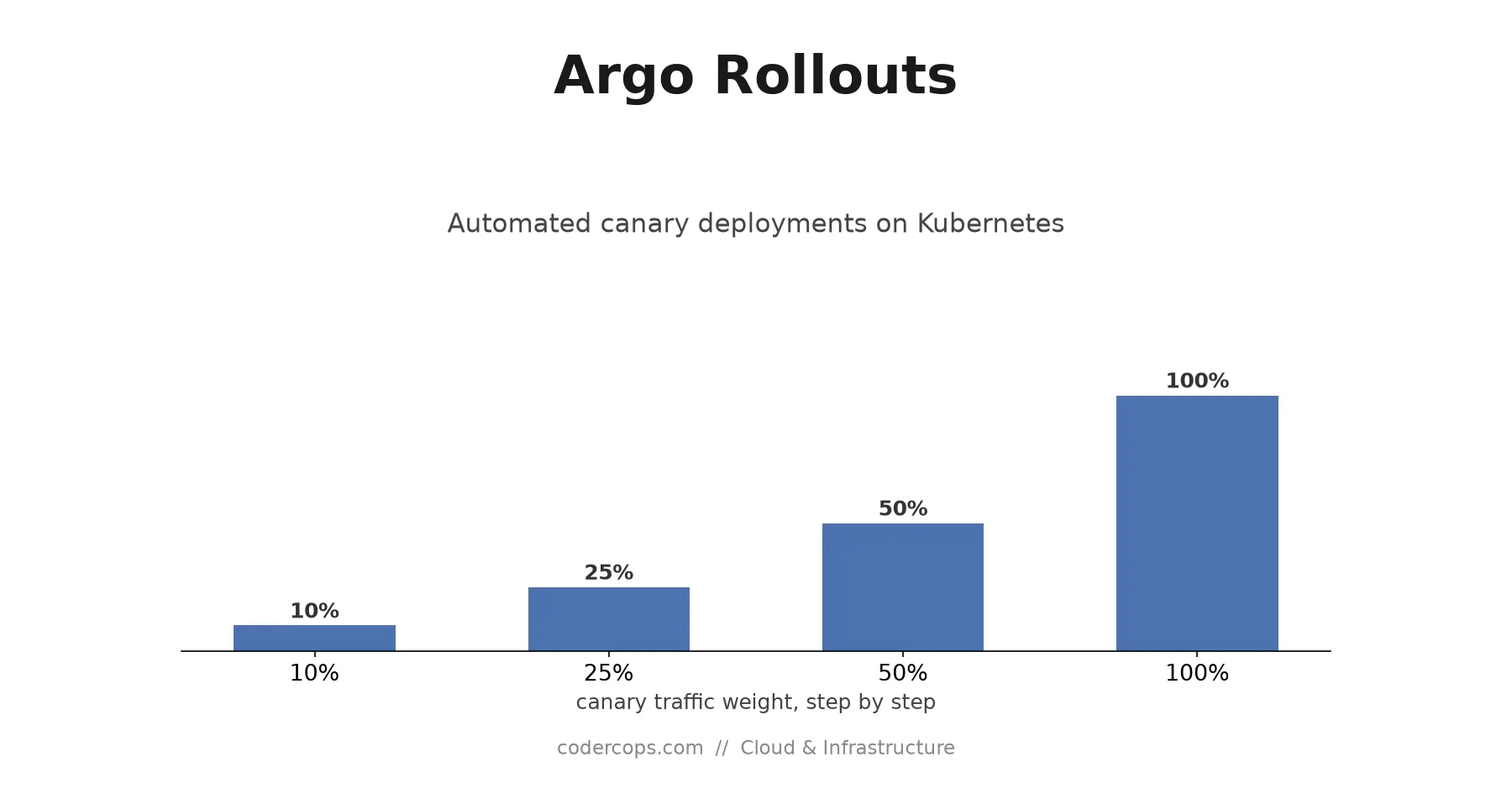
Applying this manifest with kubectl apply -f rollout.yaml starts the same way a Deployment would: new pods come up. Then it diverges. Only 10% of traffic reaches the new pods (setWeight: 10), the rollout pauses for five minutes, and only advances to the next step if you (or an automated check) let it proceed. kubectl argo rollouts get rollout checkout-service --watch shows the live state: how many pods are on stable vs canary, current traffic weight, and which step it’s paused on.
Traffic shifting needs a mechanism
Setting setWeight: 10 doesn’t move traffic on its own. Rollouts needs something underneath it that actually understands weighted routing, and it supports several:
- NGINX Ingress, via annotations Rollouts manages automatically
- Istio, via VirtualService weight updates
- AWS ALB, via target group weight adjustments
- Linkerd and the SMI (Service Mesh Interface) spec
If your cluster already runs one of these, point Rollouts at it in the trafficRouting section and it drives the actual splitting:
  strategy:
    canary:
      trafficRouting:
        nginx:
          stableIngress: checkout-service-stable
      steps:
        - setWeight: 10
        - pause: { duration: 5m }
        - setWeight: 50
        - pause: { duration: 5m }
        - setWeight: 100
Without a trafficRouting block, Rollouts falls back to weighting by pod count instead of true traffic percentage (roughly one canary pod out of ten total approximates a 10% split), which works but is coarser. A mesh or ingress integration gives you exact percentages regardless of replica count.
Gating steps on real metrics, not a timer
A five-minute pause with a human checking a dashboard is better than no canary at all, but it doesn’t scale and it’s easy to rubber-stamp. AnalysisTemplate is where Rollouts stops being a fancier rolling update and starts being an automated safety check.
apiVersion: argoproj.io/v1alpha1
kind: AnalysisTemplate
metadata:
  name: error-rate-check
spec:
  args:
    - name: service-name
  metrics:
    - name: error-rate
      interval: 1m
      count: 5
      successCondition: result[0] < 0.02
      failureLimit: 2
      provider:
        prometheus:
          address: http://prometheus.monitoring.svc.cluster.local:9090
          query: |
            sum(rate(http_requests_total{service="{{args.service-name}}",status=~"5.."}[2m]))
            /
            sum(rate(http_requests_total{service="{{args.service-name}}"}[2m]))
Wire it into the rollout with analysis steps instead of plain pause:
  strategy:
    canary:
      steps:
        - setWeight: 10
        - analysis:
            templates:
              - templateName: error-rate-check
            args:
              - name: service-name
                value: checkout-service
        - setWeight: 50
        - analysis:
            templates:
              - templateName: error-rate-check
            args:
              - name: service-name
                value: checkout-service
        - setWeight: 100
Now every step queries Prometheus for the canary’s error rate every minute, five times, and requires it to stay under 2%. failureLimit: 2 means it tolerates up to two bad samples (a single noisy minute doesn’t kill the release) but aborts after a third. If the analysis fails, the Rollout controller stops advancing and, depending on how you’ve configured abortScaleDownDelaySeconds, scales the canary back down and routes traffic fully back to the stable version, automatically, with no human needing to notice the dashboard in time.
Rolling back
If something goes wrong mid-rollout, whether analysis catches it or a human does, kubectl argo rollouts abort checkout-service immediately halts progression and reverts traffic to the last stable version. kubectl argo rollouts undo checkout-service reverts to a specific prior revision the way kubectl rollout undo does for a Deployment. Because Rollouts keeps the previous ReplicaSet running (not scaled to zero) during an active canary, rollback is a traffic-routing change, not a redeploy, which is the same instant-rollback property blue-green deployments offer, available here inside a canary strategy.
Where this fits
None of this is worth setting up for a low-traffic internal tool where a bad deploy affects three people who’ll just refresh the page. It earns its complexity on services where a bad release has a real blast radius: customer-facing APIs, payment flows, anything where “10% of users hit a bug for five minutes before an automated rollback” is a meaningfully better outcome than “100% of users hit it until someone notices.” If you’re weighing whether canary tooling is worth the operational overhead for your service, that’s the same tradeoff conversation we walk clients through as part of an infrastructure architecture review: match the deployment safety mechanism to what a bad release would actually cost you, not to what looks impressive in a runbook.
Argo Rollouts doesn’t replace judgment about what to test or what thresholds matter. It replaces the manual coordination of shifting traffic, watching dashboards, and remembering to roll back, with a controller that does the same thing every time, at 3am, without anyone paged unless the automated rollback itself needs a human to look at why.
Frequently asked questions
- What's the difference between a Kubernetes Deployment and an Argo Rollouts Rollout?
- A Deployment does a rolling update: it replaces old pods with new ones in batches, controlled by maxSurge and maxUnavailable, with no awareness of traffic percentage or application health beyond pod readiness probes. A Rollout is a custom resource that replaces Deployment and adds explicit strategies: canary (shift a defined percentage of traffic in steps, optionally pausing or running analysis between them) and blue-green (deploy fully, then switch traffic all at once after verification). It's a superset of what a Deployment does, with a release process a Deployment has no model for.
- Do I need a service mesh to use Argo Rollouts?
- No, but you need something that can split traffic by weight, and a service mesh is one option, not the only one. Rollouts supports NGINX Ingress annotations, AWS ALB target group weights, Istio, Linkerd, and the SMI (Service Mesh Interface) spec. Pick whichever traffic-shifting mechanism you already have in your cluster; Rollouts drives it rather than replacing it.
- What happens when an analysis run fails during a canary?
- The Rollout controller aborts the rollout automatically: it stops advancing to the next traffic step, and depending on your configuration, either pauses for manual intervention or immediately scales the canary back to zero and routes all traffic back to the stable version. No human has to be watching a dashboard for this to happen; the analysis run is what's watching.
- Can I use Argo Rollouts without Argo CD?
- Yes. Rollouts is a separate project from Argo CD and works as a standalone controller with kubectl and standard CI/CD pipelines. Argo CD integrates with it more smoothly if you're already using GitOps, showing rollout status and traffic weights in its UI, but it isn't a requirement.
- How is this different from just doing canary manually with two Deployments?
- You can hand-roll a canary with two Deployments and manual traffic splitting, and teams did exactly that before tools like this existed. What Rollouts adds is the automation: defined steps that advance on a timer or after analysis passes, automatic rollback on failed metrics, and a single resource that represents the whole release instead of two Deployments and a script coordinating them. The manual version works, it's just entirely on you to build and maintain the coordination logic Rollouts ships as a controller.
Sponsored
More from this category
More from Cloud & Infrastructure



Sponsored
Discussion
Join the conversation.
Comments are powered by GitHub Discussions. Sign in with your GitHub account to leave a comment.
Sponsored