Web Development · CSS
Baseline 2026: Three Features Safe to Ship Now
Trusted Types, shape(), and contrast-color() all reached Baseline in early 2026. What each replaces, with working code, and what newly available means.

Abhishek Gupta
5 min read
Sponsored
Three web platform features quietly crossed into Baseline Newly Available status in the first four months of 2026: Trusted Types, the CSS shape() function, and contrast-color(). Each one replaces a workaround developers have been hand-rolling for years. None of them need a polyfill anymore if your audience is on anything close to a current browser. Here’s what each one actually does, with code, and what “Baseline” should and shouldn’t change about your ship decision.
What Baseline status actually tells you
Before the specifics: “Baseline Newly Available” means Chrome, Firefox, and Safari have all shipped a feature in a stable release, and it passes the same interoperability tests across all three engines, so the edge cases (parsing, tie-breaking, color math) behave consistently rather than “mostly works, except in Safari.” It is not a claim that every visitor to your site has updated. If you’re checking whether a feature is safe to use, check your own traffic against the specific versions below, not just the Baseline label.
Trusted Types: XSS defense the browser actually enforces
Sanitizing user input before it hits innerHTML or similar DOM sinks has always been a discipline problem: one developer forgets to call the sanitizer once, in one code path, and you have a DOM-based XSS vulnerability that a linter won’t catch. Trusted Types, which reached Baseline in February 2026 once Firefox shipped support alongside Chrome and Safari, moves that enforcement into the browser itself.
You define a policy that transforms untrusted strings into a TrustedHTML (or TrustedScript, TrustedScriptURL) object:
const sanitizerPolicy = trustedTypes.createPolicy('app-sanitizer', {
  createHTML: (input) => DOMPurify.sanitize(input),
});

// Later, in your app code:
element.innerHTML = sanitizerPolicy.createHTML(userSuppliedContent);
Then you enforce it with a Content-Security-Policy header:
Content-Security-Policy: require-trusted-types-for 'script'; trusted-types app-sanitizer;Once that header is set, assigning a raw string directly to innerHTML throws a TypeError instead of silently executing. The browser refuses the assignment unless it came from your named policy. That’s the actual value: it turns “we’re supposed to sanitize everywhere” into “the browser won’t let us not sanitize,” which is a much stronger guarantee for a codebase with more than one contributor.
This pairs directly with the kind of prompt injection risk we’ve covered in AI-generated content pipelines: any app rendering LLM output into the DOM is exactly the workload Trusted Types was designed to make safer by default.
shape(): clip-path without hand-computed SVG math
clip-path has been able to create non-rectangular shapes for years through path(), but path() only accepts a single SVG path string with fixed values. Want a clipped shape that adapts to a resizing container? You needed a resize listener recalculating and reinjecting that path string.
shape(), which reached Baseline in the same February 2026 wave, replaces that with native CSS syntax that accepts the units you already use everywhere else:
.card {
  clip-path: shape(
    from 0% 20%,
    line to 80% 0%,
    curve to 100% 40% with 90% 10%,
    line to 100% 100%,
    line to 0% 100%,
    close
  );
}
Every coordinate here can be a percentage, rem, calc(), or a CSS custom property, so the clipped shape scales naturally with the element instead of needing JavaScript to keep an SVG path string in sync with layout. For a design system with a signature angled-card shape used across dozens of components at different sizes, that’s the difference between one CSS rule and a resize-observer utility function maintained across your codebase.
contrast-color(): accessible text color without a lookup table
Picking a text color that reads clearly against a dynamic or user-chosen background color has historically meant either hardcoding a light/dark pair per background or computing WCAG contrast ratios in JavaScript. contrast-color(), Baseline Newly Available as of April 2026 in Chrome 147, Firefox 146, and Safari 26, hands that calculation to the browser:
.badge {
  --badge-bg: var(--user-selected-color, #4C72B0);
  background: var(--badge-bg);
  color: contrast-color(var(--badge-bg));
}
The browser computes a contrasting color, targeting WCAG AA-level readability, against whatever --badge-bg resolves to at render time. This matters most for anything with user-configurable or dynamically-generated colors: tag pills, avatar backgrounds, status badges pulled from an API. Instead of maintaining a mapping table of background colors to safe text colors, or running a contrast calculation in your build step, you write one line of CSS and let it stay correct as new colors get added.
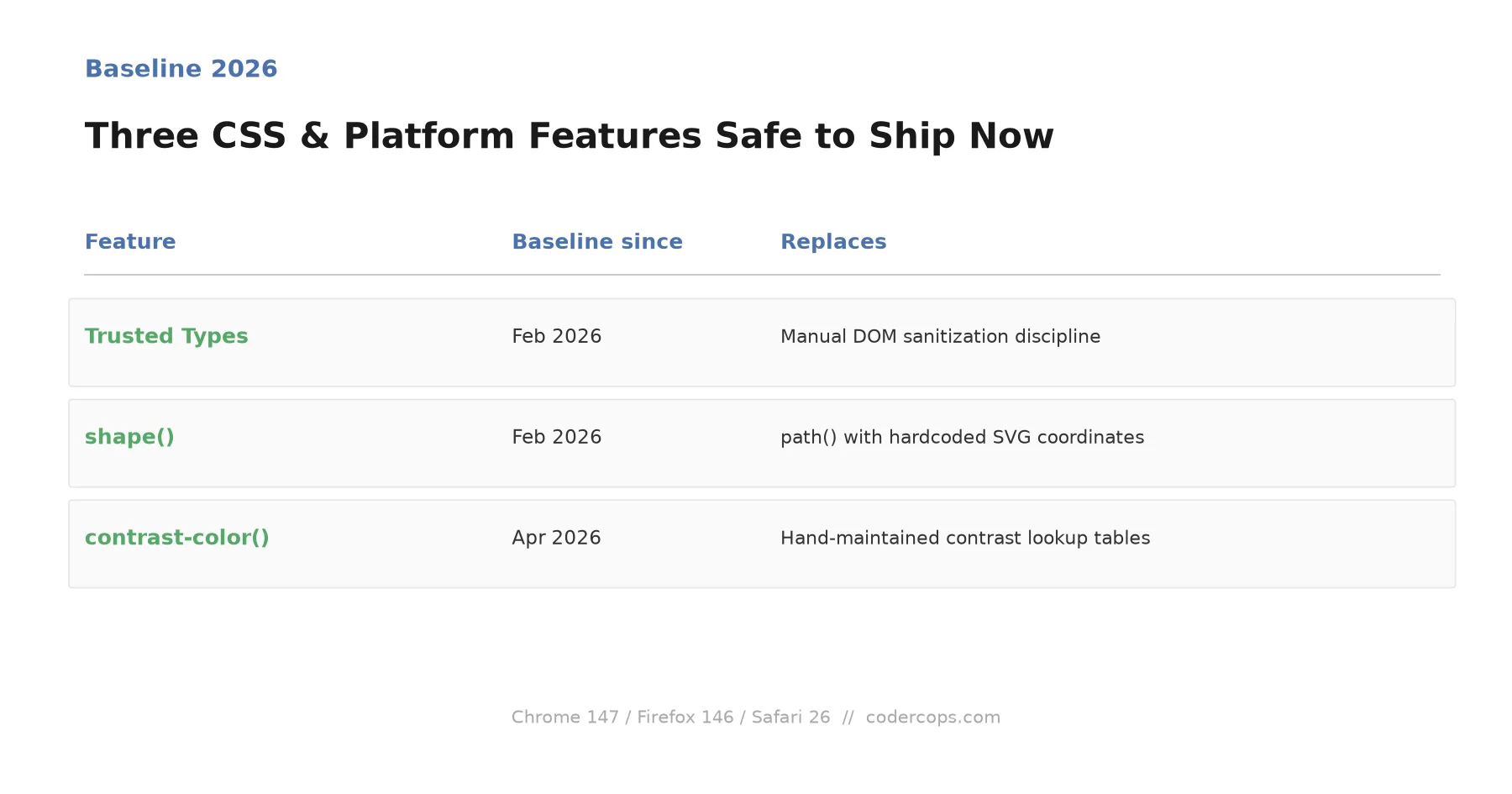
| Feature | Baseline since | Replaces |
|---|---|---|
| Trusted Types | February 2026 | Manual, discipline-only DOM sanitization |
shape() | February 2026 | path() with hardcoded SVG coordinates |
contrast-color() | April 2026 | Hand-maintained color contrast lookup tables |
What to actually do with this
None of these three features replace a framework, a design system, or your existing accessibility tooling. What they do is remove a specific category of manual work that used to require either a library or careful discipline to get right every time. If your product ships to a broadly current browser install base, and most consumer products in 2026 do, these are worth adopting on the next component touch rather than waiting for a dedicated migration sprint. Check your real traffic numbers first, then start with whichever one maps to a workaround you’re already maintaining today; for most teams, that’s Trusted Types, since DOM XSS is the one on this list with actual security consequences for shipping late.
Frequently asked questions
- What does 'Baseline Newly Available' actually mean, practically?
- It means Chrome, Firefox, and Safari have all shipped the feature in a stable release and it passes the Web Platform Tests consistently across engines, so you're not fighting subtly different behavior between browsers. It does not mean every visitor's browser has updated to that version. Baseline Newly Available is the signal that a feature is safe to build against going forward; Baseline Widely Available, reached a couple of years later once the version distribution has caught up, is the signal that you can drop the fallback entirely.
- Should I use these features today or wait?
- Check your own traffic first. If your analytics show a meaningful share of visitors on browser versions older than the ones listed here, either progressively enhance (use the feature where supported, fall back gracefully where not) or wait. For most consumer-facing products in 2026, Chrome 147, Firefox 146, and Safari 26 cover the large majority of active traffic, but 'most products' isn't your product until you check.
- Do Trusted Types replace the need for a sanitization library?
- No, they enforce that sanitization actually happens rather than relying on every developer remembering to call it. Trusted Types work at the browser API level: once you set the require-trusted-types-for CSP directive, the browser refuses to pass a raw string into an XSS-sensitive sink like innerHTML unless it went through a policy you defined. You still need a sanitization function; Trusted Types make it impossible to accidentally skip it.
- What's the actual difference between shape() and clip-path with path()?
- Both define a clipping region, but path() only accepts SVG path syntax as a single string, meaning fixed pixel values you have to recalculate by hand for responsive layouts. shape() uses native CSS syntax and accepts rem, %, calc(), and CSS custom properties directly in the shape definition, so a clipped shape can actually respond to viewport or container size changes without a resize listener and recalculated SVG string.
Sources
Sponsored
More from this category
More from Web Development



Sponsored
Discussion
Join the conversation.
Comments are powered by GitHub Discussions. Sign in with your GitHub account to leave a comment.
Sponsored