Cybersecurity · Authentication
Pass-TA-Key: How Malware Steals Google-Synced Passkeys Without Your Fingerprint
Unit 42 researchers found three ways local Windows malware can hijack Google Password Manager's synced passkeys, no biometric prompt or PIN required. Here's how the attacks work and what changes for anyone treating passkeys as unphishable.

Abhishek Gupta
5 min read
Sponsored
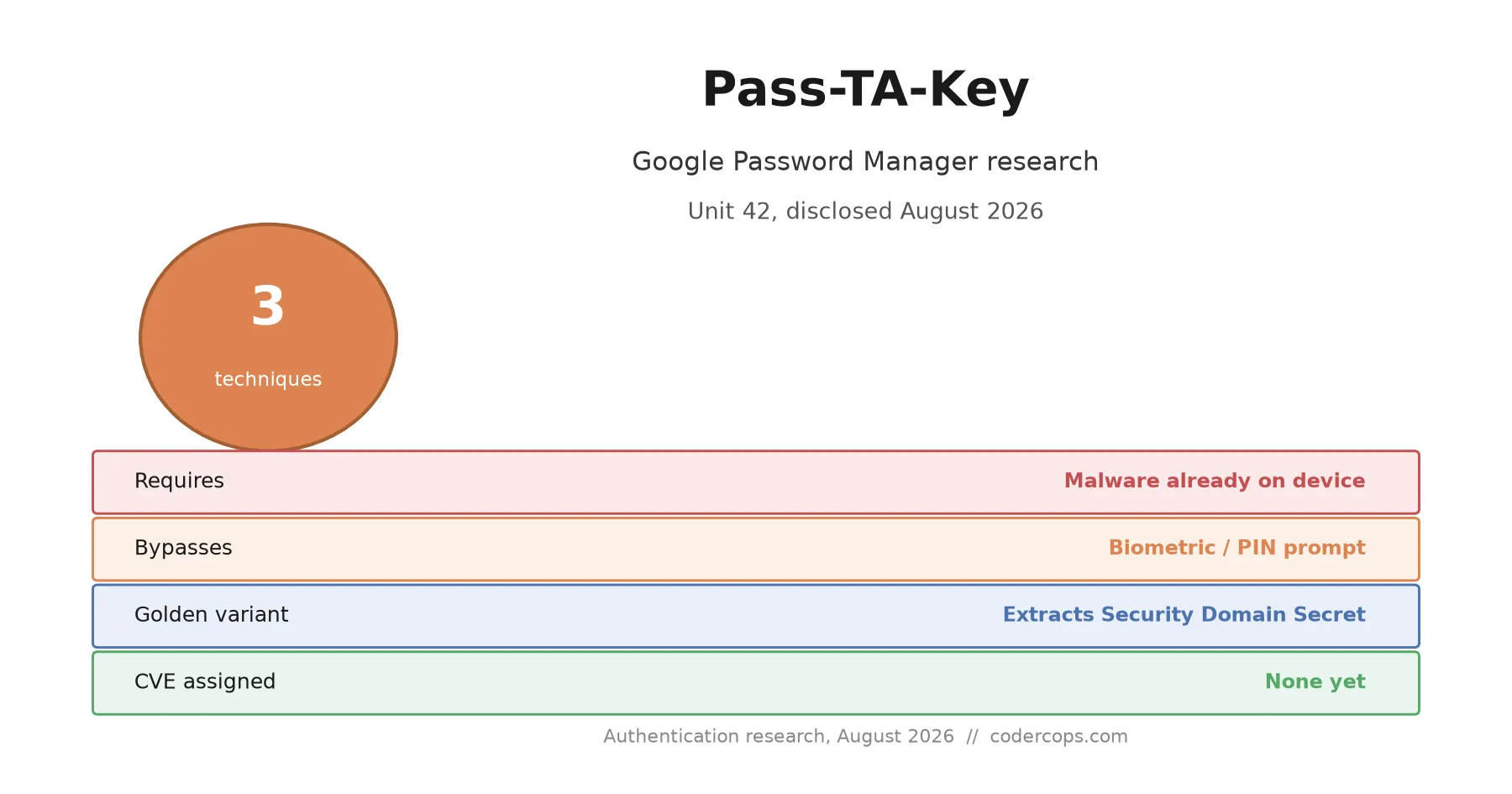
Passkeys were supposed to be the credential you couldn’t phish. Researchers at Palo Alto Networks’ Unit 42 just showed that malware already sitting on a Windows PC can steal them anyway, without ever asking for a fingerprint or a PIN. The techniques, grouped under the name Pass-TA-Key, don’t break the cryptography behind passkeys. They exploit the plumbing around them: how Chrome stores metadata, checks device trust, and re-enrolls a machine into Google’s sync system.
Three techniques, one root cause
Unit 42 documented three related attacks, escalating in what they let an attacker do:
Pass-TA-Key, the base technique, silently obtains a valid authentication assertion for a synced passkey without triggering the biometric or PIN prompt a user would normally see. From the service’s perspective, a legitimate login just happened.
Silver Pass-TA-Key goes further and installs an attacker-controlled user-verification key into the victim’s device trust chain, giving the attacker a persistent way to generate valid assertions going forward, not just a one-time bypass.
Golden Pass-TA-Key is the one worth taking most seriously. It extracts the 32-byte Security Domain Secret, the key Google uses to decrypt synced passkey private keys across a user’s entire account. With that secret, an attacker isn’t limited to the services touched during the active infection; they potentially get every synced passkey the victim has ever created.
None of these require cracking a passkey’s underlying public-key cryptography. They target a much softer surface: Chrome stores synced passkey metadata locally in an unencrypted, easily readable database. That alone hands malware a complete map of every service where the victim logs in with a passkey, without needing administrator privileges to read it.
Why this doesn’t undo the passkey argument
It’s tempting to read “malware can steal your passkeys” as “passkeys don’t work,” and that’s the wrong takeaway. Passkeys eliminate phishing at the point where the overwhelming majority of real account takeovers actually happen: a fake login page, a lookalike domain, a credential entered somewhere it shouldn’t be. Pass-TA-Key doesn’t touch that protection at all. Every one of these three techniques requires malware already running on the victim’s machine first.
That’s the same asterisk that has always applied to passwords, security keys, and every other credential type: once an attacker has arbitrary code execution on your endpoint, the credential you’re protecting stops being the weakest link. A password manager on an infected machine gets its vault dumped. A hardware key on an infected machine can be abused for as long as it’s plugged in. What’s new here isn’t that endpoint compromise is dangerous, it’s the specific mechanism, cloud sync metadata and device trust re-enrollment, that Google’s implementation exposed.
For teams that have been telling users “switch to a passkey and you’re safe from phishing,” the message doesn’t change. For teams or clients who’ve been saying “passkeys make endpoint security less important,” this is worth a correction, because it never did.
What actually changes for a product team
If you support Google-synced passkey login for your users, the honest answer right now is: not much changes on your side, because you don’t control Chrome’s local storage or Google’s sync implementation. A few things are still worth doing:
- Don’t relax endpoint security posture because passkeys are in place. EDR, patching, and malware defense on user devices remain exactly as necessary as they were before passkeys existed. Passkeys reduce phishing risk, not malware risk.
- Keep session and device-trust anomaly detection independent of the login method. A geographically odd or newly re-enrolled device authenticating with a “successful” passkey login should still trip the same fraud signals a suspicious password login would.
- Update how you talk about passkeys with clients. “Unphishable” is accurate and still a real selling point. “Unhackable” or “makes device security less important” was never true, and this research is a clean, citable example if that framing needs correcting internally.
If you’re weighing whether to add or expand passkey support in your product, this doesn’t change the calculus: the adoption data we covered last week still shows a roughly 30-point login success rate advantage over passwords, and that gap is unaffected by an attack that requires the endpoint to already be compromised. The decision to add passkeys and the decision to invest in endpoint security aren’t substitutes for each other; they’re separate line items that both still belong on the roadmap.
What’s still unknown
As of this research’s publication, there’s no CVE identifier, no confirmed list of affected Chrome versions, and no public remediation timeline from Google. Unit 42’s report also doesn’t describe active exploitation in the wild, which puts this in the category of disclosed research rather than an ongoing incident. That’s a meaningfully different urgency level than a KEV-listed, actively-exploited CVE, and it’s worth not overreacting to a research disclosure as if it were breaking news of a live attack. Worth tracking, not worth a fire drill. If your team wants a second opinion on how your authentication stack holds up against endpoint-level threats like this, not just phishing, our security team can walk through it with you.
Frequently asked questions
- What is the Pass-TA-Key attack?
- A set of three post-compromise techniques, disclosed by Palo Alto Networks' Unit 42, that let malware already running on a Windows PC hijack a victim's Google-synced passkeys. They exploit how Chrome handles device trust, credential metadata storage, and cloud re-enrollment, rather than breaking the underlying passkey cryptography.
- Do I need to worry about Pass-TA-Key if I use a passkey to log in?
- Only if malware is already running on your machine. These are post-compromise techniques, not a remote way to break into an account from the outside. The bigger risk is for anyone who assumed a passkey made their account safe even after an endpoint compromise, which was never quite true.
- Does this mean passkeys are less secure than passwords?
- No. Passkeys still eliminate phishing at the login step, which is where most real-world account takeovers start, and that protection is unaffected by Pass-TA-Key. What the research shows is that passkeys don't create a security boundary against a machine that's already infected, and passwords never did either. Both credential types lose to a fully compromised endpoint.
- What's the Golden Pass-TA-Key variant specifically?
- It's the most severe of the three techniques: malware extracts the 32-byte Security Domain Secret that Google uses to decrypt synced passkey private keys. With that secret, an attacker can potentially decrypt passkeys for every service the victim has synced, not just the ones actively used during the infection window.
- Has Google patched this?
- As of this research's publication, no CVE identifiers, affected Chrome version ranges, or confirmed remediation timeline have been published. The report also doesn't describe in-the-wild exploitation, so this is disclosed research rather than an active incident, which is a meaningfully different urgency level than the recent Langflow or N-central KEV entries.
Sources
Sponsored
More from this category
More from Cybersecurity
 R.01
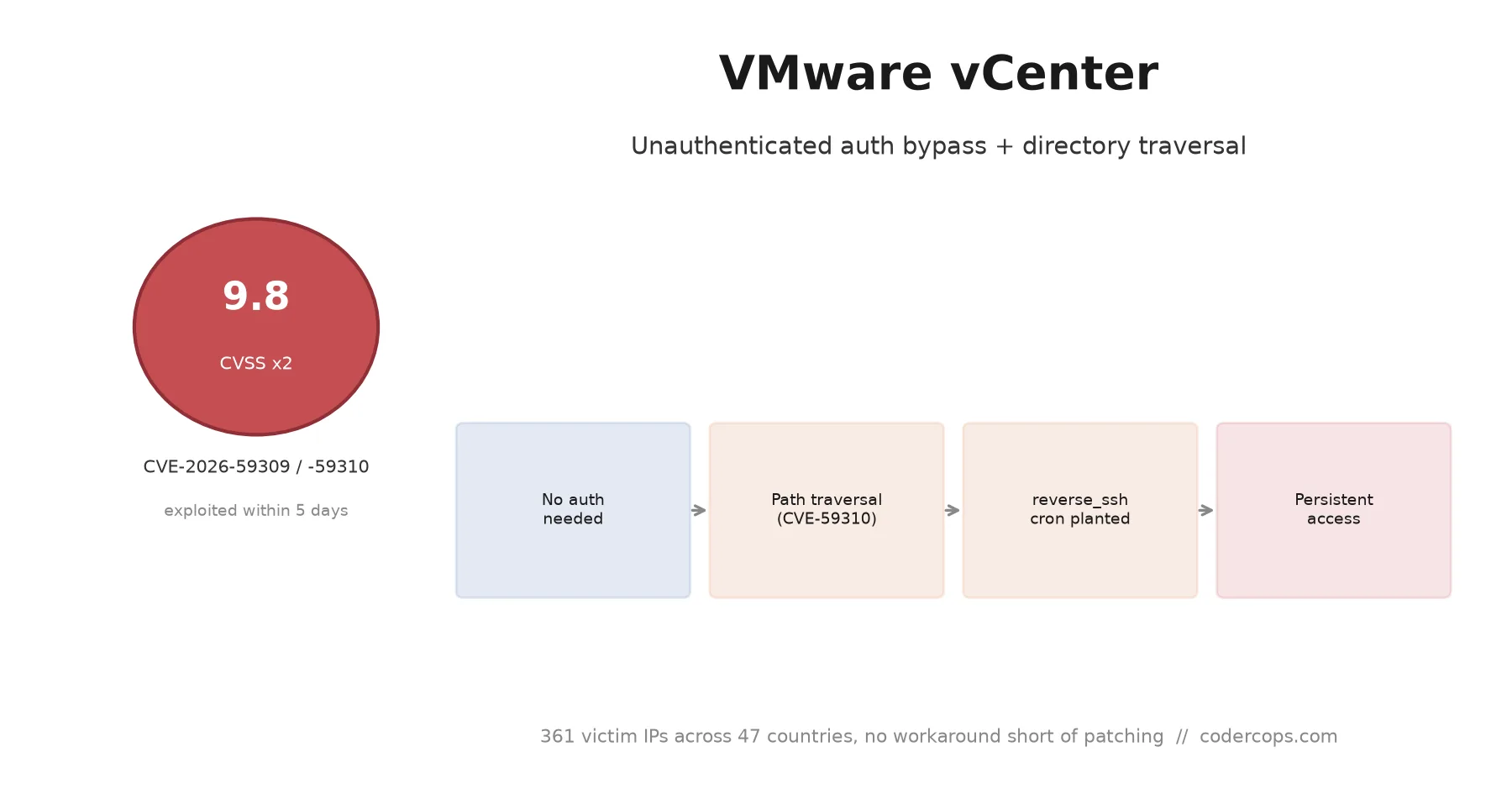
R.01 CVE-2026-59309 and 59310: VMware vCenter Bugs Attackers Hit in Five Days
 R.02
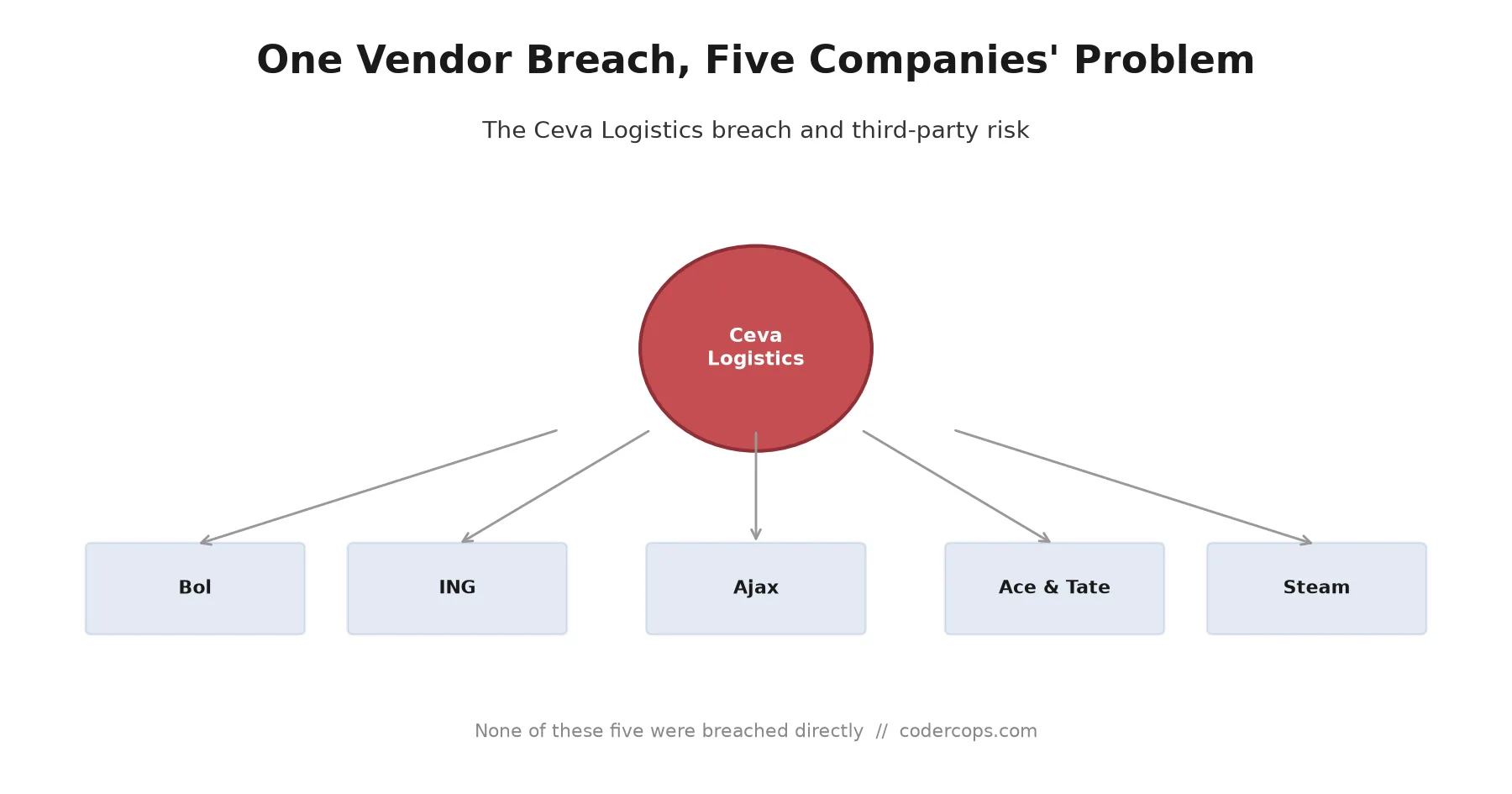
R.02 The Ceva Logistics Breach Shows Why Your Vendor's Vendor Is Your Problem
 R.03
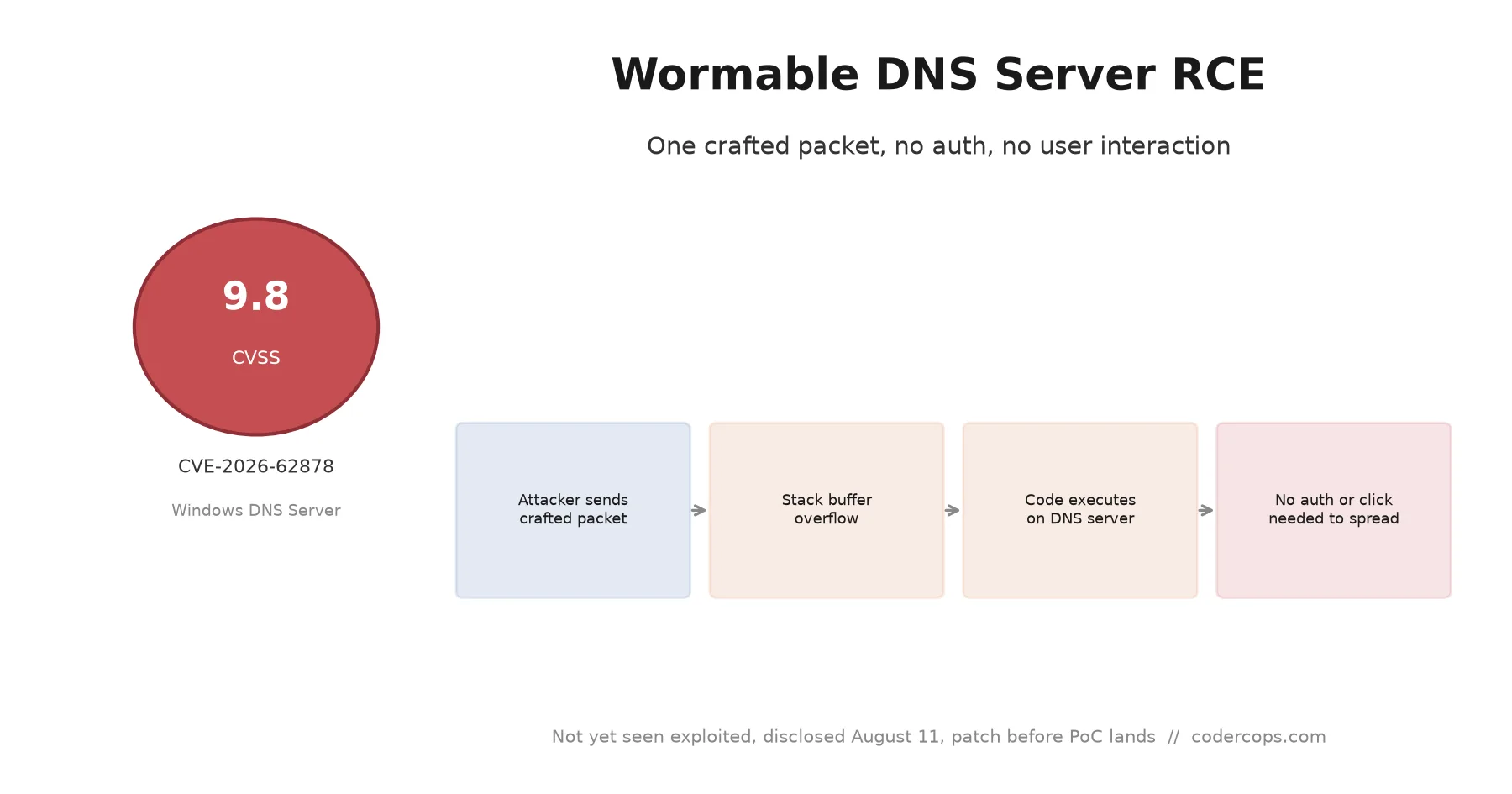
R.03 CVE-2026-62878: The Wormable Windows DNS Server Bug You Need to Patch Now
Sponsored
Discussion
Join the conversation.
Comments are powered by GitHub Discussions. Sign in with your GitHub account to leave a comment.
Sponsored