Technology · Build Tooling
hdiutil Is Deprecated in macOS 27: Migrating Build Scripts to diskutil image
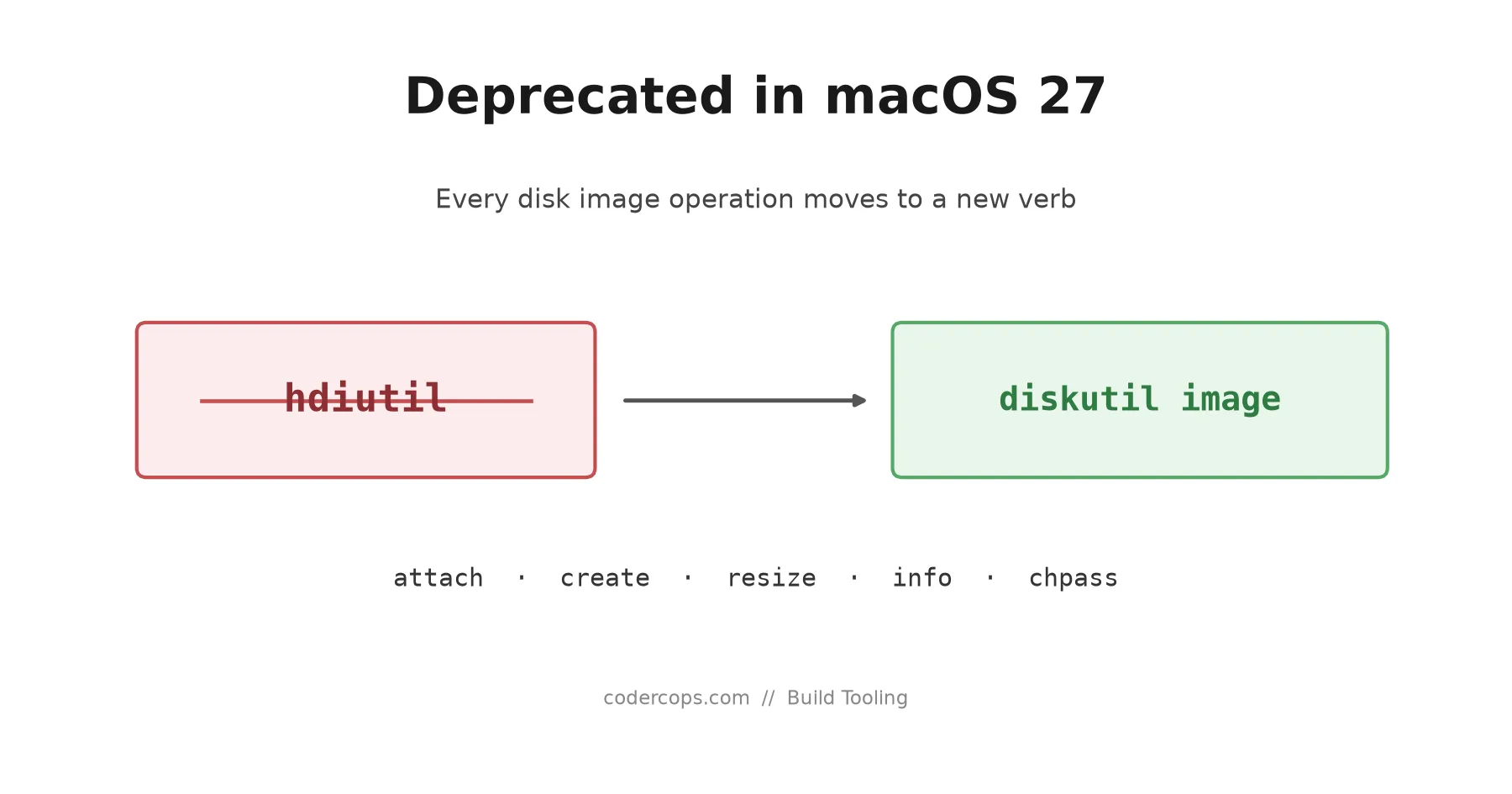
macOS 27 Golden Gate deprecates hdiutil and points every disk image operation at diskutil image instead. Here is the subcommand mapping, what is missing, and how to update a DMG build script without breaking CI.

Abhishek Gupta
6 min read
Sponsored
If you ship a Mac app, something in your build pipeline calls hdiutil. In macOS 27.0 that command is deprecated, and the man page now leads with a notice pointing you at diskutil image for every disk image operation. Jeff Johnson spotted it in the Golden Gate betas and wrote it up on 7 August 2026, which is how most of us found out.
The short version: nothing breaks today, the replacement covers the operations you actually use, and one option you might depend on in CI has no direct equivalent. That last part is the only bit worth scheduling time for.
What changed
diskutil picked up an image verb. It provides subcommands for attach, create, resize, info, and chpass. Between them that is the full surface of a normal packaging pipeline: build the image, mount it to lay out contents, resize if you got the size wrong, inspect it, change an encrypted image’s passphrase.
hdiutil still runs. Deprecation on Apple platforms means the tool works, the man page tells you it is on the way out, and at some future release it stops working. The gap between those two events has ranged from years to one major version, which is a wide enough range that “wait and see” is not a strategy.
There is also a forcing function that has nothing to do with deprecation. ASIF, the Apple Sparse Image Format introduced in macOS 26 Tahoe, is only supported by diskutil image. hdiutil cannot create or manipulate ASIF images at all. If you want a sparse image whose on-disk footprint tracks the data it actually contains, you were already going to have to move.
The subcommand mapping
| What you are doing | Old | New |
|---|---|---|
| Create a disk image | hdiutil create | diskutil image create |
| Mount an image | hdiutil attach | diskutil image attach |
| Grow or shrink an image | hdiutil resize | diskutil image resize |
| Inspect an image | hdiutil imageinfo | diskutil image info |
| Change an encrypted image’s password | hdiutil chpass | diskutil image chpass |
Check the deprecation notice at the top of man hdiutil on your own 27 machine before you trust a table on the internet, including this one. Apple has been editing that notice through the beta cycle.
Rewriting a DMG build step
Here is the shape most packaging scripts take. Create a read/write image, mount it, copy the app bundle in, add the /Applications symlink, unmount, convert to compressed read-only.
#!/usr/bin/env bash
set -euo pipefail

APP="build/MyApp.app"
VOL="MyApp"
STAGE="build/stage.dmg"
FINAL="build/MyApp.dmg"

# The old way
hdiutil create -volname "$VOL" -srcfolder "$APP" -ov -format UDRW "$STAGE"
MOUNT=$(hdiutil attach "$STAGE" -nobrowse | awk '/\/Volumes/ {print $NF}')
ln -s /Applications "$MOUNT/Applications"
hdiutil detach "$MOUNT"
hdiutil convert "$STAGE" -format UDZO -o "$FINAL"
The equivalent under diskutil image keeps the same structure. Flag names and output formatting differ, so read the help text rather than assuming a one-to-one swap:
#!/usr/bin/env bash
set -euo pipefail

# Check what your macOS 27 machine actually offers before committing to flags.
diskutil image create --help
diskutil image attach --help
Two things I would not guess at. First, parse mount points from structured output rather than awk over a human-readable line, because that awk was always fragile and a tool transition is a good excuse to fix it. Second, unmounting is still diskutil unmount, which you were probably already using elsewhere in the same script.
The CI gap: -puppetstrings
hdiutil -puppetstrings produced progress output specifically formatted for another program to parse. Build systems that show a progress bar during image creation read it. There is no documented equivalent under diskutil image. The percentage updates in place in the terminal, which is a fine experience for a person and a bad one for a script reading stdout.
If you scrape hdiutil progress, the honest migration is to delete that feature rather than port it. Show a spinner, or show nothing, and let the step take as long as it takes. That is a small regression in build output and a much smaller maintenance burden than parsing terminal control sequences.
One behavioural difference does go the other way. diskutil does not raise an authentication prompt where hdiutil sometimes did, which removes a class of “the build hung and nobody knows why” incidents on unattended runners. Anyone who has debugged a stalled macOS runner at 2am will recognise the value.
Migrate behind a version check
You will have macOS 26 and macOS 27 runners in the same fleet for a while. Do not fork the script; branch inside it.
macos_major() {
  sw_vers -productVersion | cut -d. -f1
}

create_image() {
  local volname="$1" src="$2" out="$3"
  if [ "$(macos_major)" -ge 27 ]; then
    diskutil image create "$out" --volume-name "$volname" --source "$src"
  else
    hdiutil create -volname "$volname" -srcfolder "$src" -ov -format UDRW "$out"
  fi
}
Verify the diskutil image create flag names on a real 27 machine before shipping this. The pattern is what matters: one function, one decision point, both paths exercised by CI while both operating systems are in the fleet. When 26 drops out of support you delete the else branch and the helper collapses into a direct call.
This is the same discipline that keeps any toolchain migration boring. Pick the seam, put the version check there, run both paths until one becomes dead code. It is how we handled the Xcode 26 changes to agentic build workflows, and it works for the same reason: the risky part of a platform migration is never the new API, it is the six months where both exist and nobody remembers which machine runs which.
What to actually do this week
Grep your repository for hdiutil. You will find it in more places than you expect: the packaging script, a notarisation helper, a test fixture that mounts a sample image, and at least one shell function somebody wrote in 2019 and nobody has read since.
For each hit, decide whether it needs diskutil image or whether it can be deleted. Then handle the progress-parsing question, because that is the only one with no mechanical answer. Everything else is a rename.
Deprecated does not mean broken. It means you get to do this on a Tuesday of your choosing instead of the morning of a release. Take the Tuesday.
Frequently asked questions
- Is hdiutil removed in macOS 27?
- No. It is deprecated, not deleted. Existing hdiutil invocations still run on macOS 27.0. Apple's deprecation notice tells you where each subcommand is going, which is the signal to migrate on your schedule rather than in an emergency. Treat removal as a question of when, not if.
- What replaces hdiutil create and hdiutil attach?
- diskutil image create and diskutil image attach. The diskutil image verb also provides resize, info, and chpass, which between them cover the operations a packaging or notarisation pipeline actually performs.
- Why can't hdiutil handle ASIF images?
- ASIF, the Apple Sparse Image Format that arrived in macOS 26 Tahoe, is only supported by diskutil image. If your workflow wants ASIF, hdiutil is not an option regardless of the deprecation, so that part of the move is forced rather than optional.
- What about hdiutil -puppetstrings in CI?
- That is the real gap. -puppetstrings emitted progress output designed for another program to parse, and there is no documented one-to-one replacement. diskutil image updates a progress percentage in place, which is fine for a human watching a terminal and awkward for a script parsing stdout. If your CI reads hdiutil progress, plan to drop that parsing rather than port it.
- Should I migrate now or wait?
- Migrate now behind a version check, while both tools work. Deprecation windows on Apple platforms have historically closed with less notice than teams expect, and a DMG packaging step is exactly the kind of thing nobody looks at until the release it blocks.
Sources
Sponsored
More from this category
More from Technology
 R.01
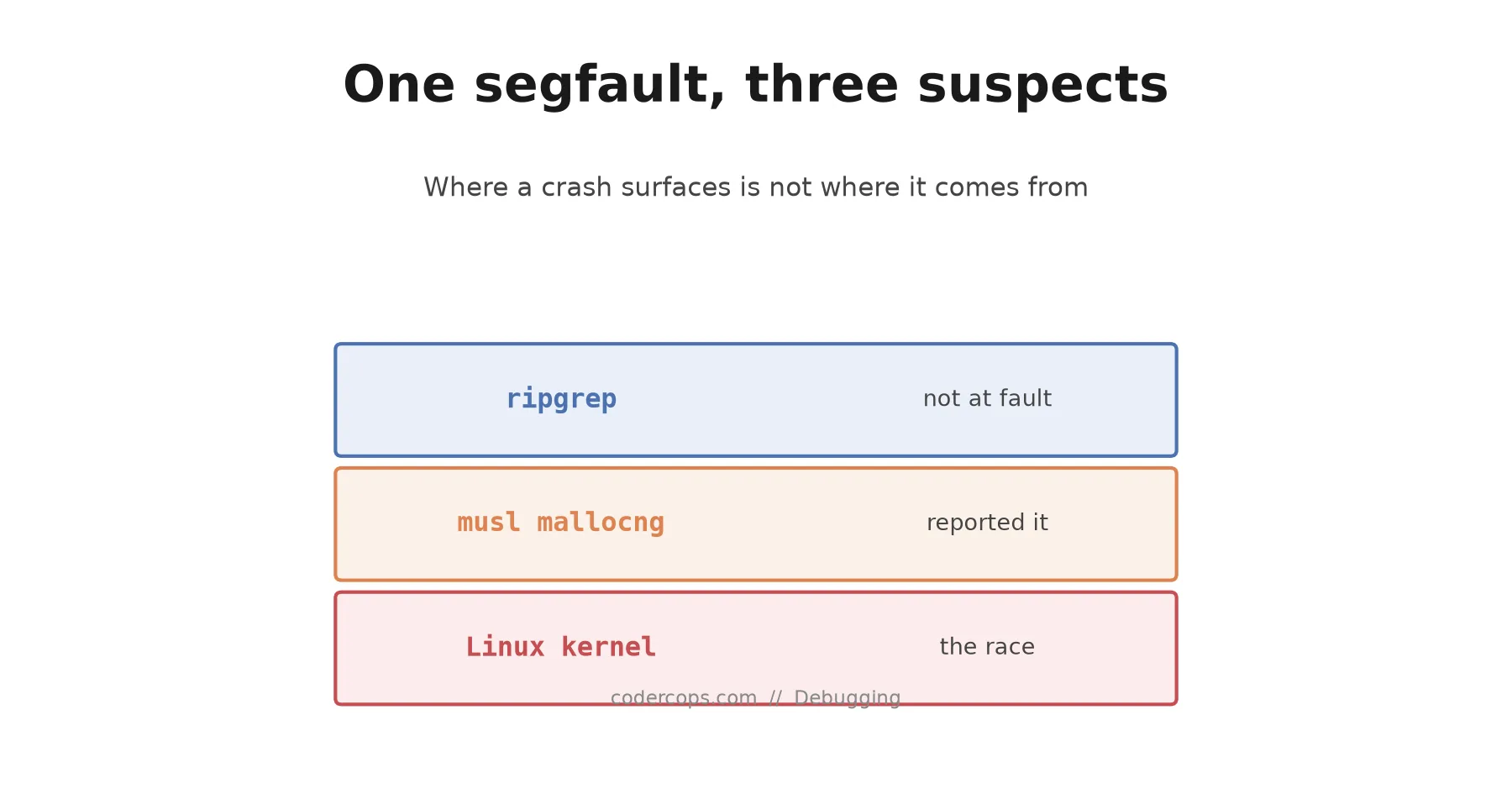
R.01 The ripgrep Segfault That Wasn't a musl Bug, or a ripgrep Bug
 R.02
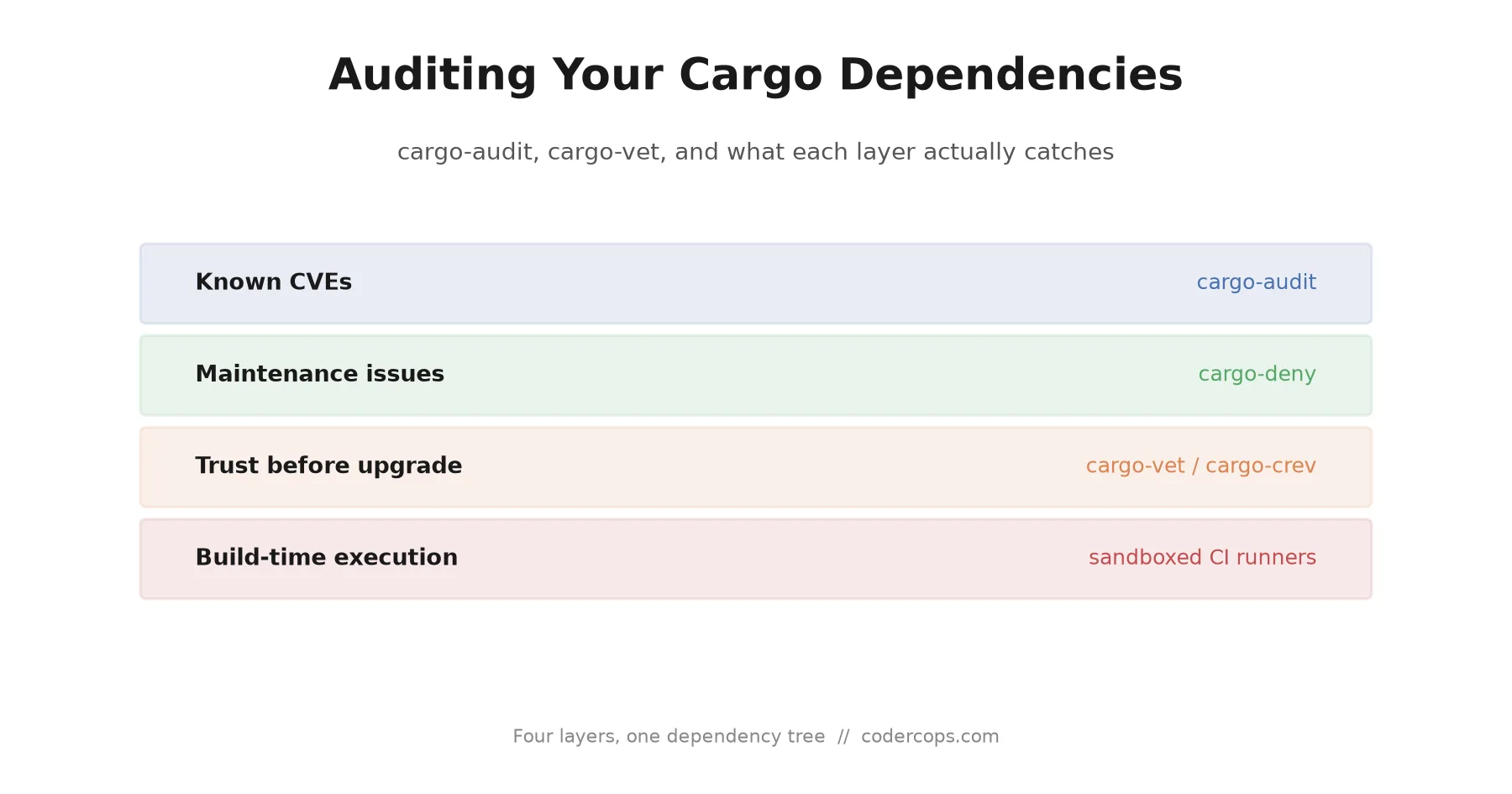
R.02 Auditing Your Cargo Dependencies: cargo-audit vs cargo-vet, and What Actually Catches an Attack
 R.03
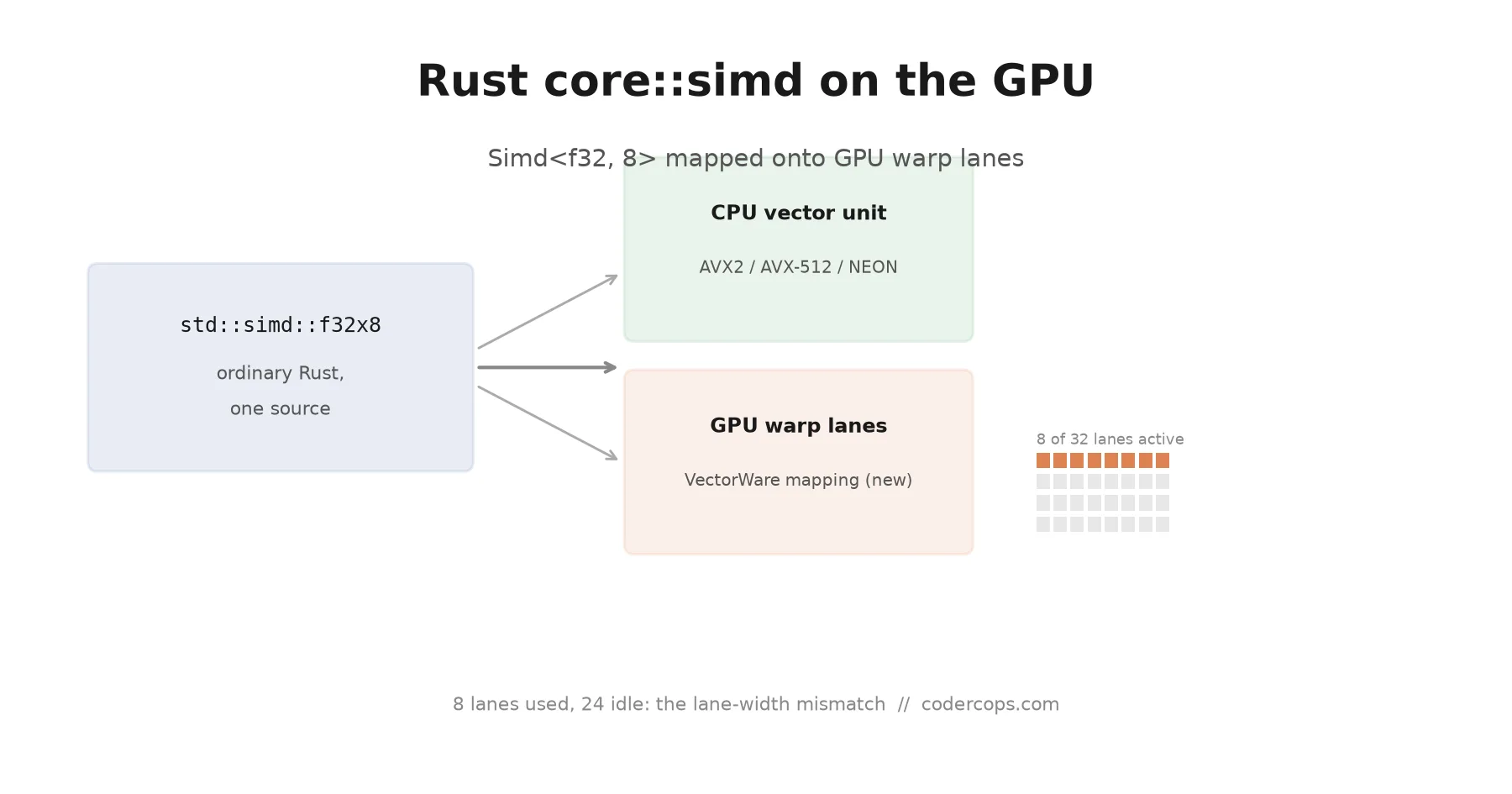
R.03 Rust's Portable SIMD Just Landed on the GPU. Here's Why That's a Bigger Deal Than It Sounds
Sponsored
Discussion
Join the conversation.
Comments are powered by GitHub Discussions. Sign in with your GitHub account to leave a comment.
Sponsored