Cybersecurity · Supply Chain Security
How to Harden Your npm Pipeline Against the Next Supply Chain Worm
The keyv and cacheable attack poisoned 2,234 package versions in one day, and it won't be the last. Here's the concrete checklist for install scripts, provenance, lockfile audits, and CI token scoping that actually reduces your exposure.

Abhishek Gupta
5 min read
Sponsored
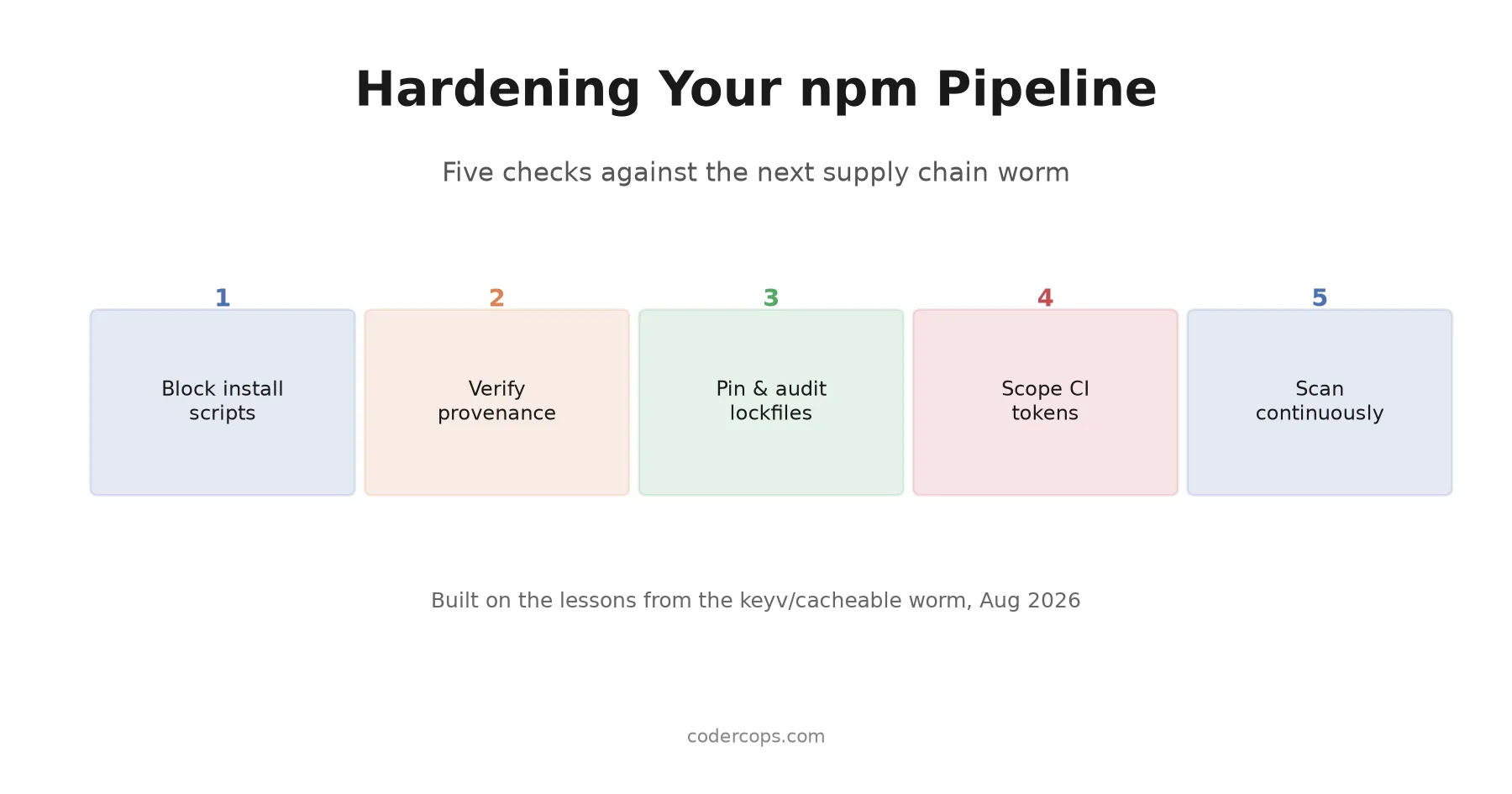
We wrote about the keyv and cacheable attack two weeks ago: 2,234 poisoned package versions across 444 package names in a single day, spread through a compromised maintainer account and a preinstall hook that harvested credentials the moment npm install finished. That post covered what happened. This one is the checklist for making sure the next one doesn’t get you, because there will be a next one. This is at least the fourth attack of this scale in the past year.
Block install scripts first
For sixteen years, any package in your dependency tree could run arbitrary code on your machine the instant it finished resolving, via preinstall, install, or postinstall hooks. That’s the delivery mechanism behind the keyv attack and at least three others before it. npm v12, shipped July 8, 2026, turns this off by default. If you’re not there yet:
# Block install scripts globally on older npm versions
npm config set ignore-scripts true

# Or scope it to a single install / CI step
npm install --ignore-scripts
If you’re already on npm v12, the default is already off, but check that nobody on your team ran npm approve-scripts --allow-scripts-pending and blanket-approved everything just to make a red CI check go green. An allowlist that approves scripts wholesale defeats the point of the change.
Provenance tells you where a package came from, not whether it’s safe
npm provenance cryptographically ties a published version to the exact source commit and CI workflow that built it. Verify it before trusting a new dependency:
npm audit signaturesHere’s the gap worth understanding, because it’s exactly what the keyv attackers used: provenance proves the code came from the claimed repository’s real pipeline. It does not prove a human reviewed the commit that triggered that pipeline. The keyv attacker had push access to the real repo’s main branch, and the real repo’s own GitHub Actions workflow built and signed the malicious release. Every provenance check passed, because every claim provenance makes was technically true. If you maintain packages of your own, branch protection requiring review before a merge to your release branch is the control that actually closes this gap, not provenance alone.
Audit your lockfile like you mean it
npm audit checks against a vulnerability database that only gets entries after an incident is publicly disclosed and cataloged, sometimes hours after an attack starts spreading. During an active incident, that lag matters. The faster path:
# Check whether a specific package and version resolved into your tree
npm ls keyv cacheable --all

# Cross-reference the resolved version's publish date against the
# incident's known timeline, then check vendor indicator-of-compromise
# lists (Socket, Wiz, Aikido typically publish these within hours)
npm view keyv time --json
Don’t stop at “the package name doesn’t appear in my direct dependencies.” Transitive dependencies are exactly how keyv and cacheable spread as far as they did, several layers deep in trees most teams never look at directly.
Move off long-lived publish tokens if you maintain packages
If your team publishes its own npm packages, a static NPM_TOKEN sitting in CI secrets is a standing liability: it works until someone notices it’s leaked and rotates it, which for a slow-moving team can be a long window. Trusted publishing replaces that with a short-lived OIDC token minted fresh per workflow run, so there’s no static credential to steal in the first place. It’s roughly a half-hour change per package and removes an entire class of the credential-theft attacks that keep recurring.
Scope what your CI job can actually reach
The real blast radius in the keyv attack wasn’t just the compromised package, it was every secret loaded into the GitHub Actions runner that ran npm install against it. That’s the control most teams underinvest in relative to how much it limits damage:
- Give CI jobs the minimum secret access they need for that specific job, not a shared credential set used across every workflow.
- Use short-lived, scoped tokens for cloud provider access instead of long-lived keys sitting in CI secrets indefinitely.
- Treat any secret a compromised install could have touched as compromised, and rotate it, rather than assuming a clean-looking install means nothing was read.
The checklist
| Control | What it stops |
|---|---|
Block install scripts (npm v12 default or --ignore-scripts) | Automatic code execution at install time |
npm audit signatures | Packages without valid provenance |
| Branch protection + required review on your own repos | A compromised account triggering a signed, unreviewed release |
| Lockfile audit against IOC lists during active incidents | Slow vulnerability-database lag |
Trusted publishing (OIDC) instead of static NPM_TOKEN | Long-lived token theft |
| Scoped, short-lived CI secrets | Blast radius when a dependency is compromised anyway |
The actual lesson
No single control on this list would have stopped the keyv attack by itself. Blocking install scripts would have neutralized the specific payload. Branch protection on the keyv repo itself, which the attacker didn’t control, would have needed to exist upstream, outside your influence entirely. That’s the honest limit of hardening your own pipeline: you can reduce your exposure and your blast radius, but you can’t fully outsource trust in every maintainer several layers deep in your tree.
What you can control is how much damage a compromised dependency does once it’s already running in your environment, and that’s what most of this checklist is actually for. If your team hasn’t run through this list against your current CI pipeline, this is the week to do it, not after the next incident report names a package you depend on. Our engineering team has walked several clients through exactly this kind of dependency and CI audit after an incident made it urgent; doing it before one does is cheaper every time.
Frequently asked questions
- What's the single highest-impact change I can make this week?
- Block install scripts from running automatically. If you're on npm v12 or later this is already the default; on older versions, run npm config set ignore-scripts true globally, or pass --ignore-scripts in CI. This one change would have blocked the payload delivery mechanism in the keyv/cacheable attack and at least three other major incidents in the past year, even though it doesn't stop a compromised package from existing in the first place.
- Does npm audit catch supply chain attacks like the keyv incident?
- Not reliably, and not quickly. npm audit checks against a database of known vulnerabilities, which means it's only useful after a compromise has been publicly disclosed and cataloged, typically hours to days after the attack starts. For active, fast-spreading incidents, security vendors like Socket, Wiz, and Aikido publish indicator-of-compromise lists faster than the standard vulnerability databases update, so cross-referencing those directly during an active incident finds exposure sooner.
- What does provenance actually protect against, and what does it miss?
- Provenance cryptographically proves a published package was built from a specific commit in a specific repository through a specific, auditable CI workflow, rather than uploaded by hand with a stolen token. It does not verify that a human reviewed the commit that triggered the build. An attacker with push access to a repo's main branch and no required review can trigger a fully legitimate, fully signed release of code nobody vetted, which is exactly what happened in the keyv attack.
- How do I check if I was affected by a specific attack after the fact?
- Check your lockfile (package-lock.json, yarn.lock, or pnpm-lock.yaml) for the affected package names, and compare the resolved version's publish date against the attack's known timeline. Security vendors typically publish specific poisoned version ranges within hours of a disclosed incident; cross-reference those directly rather than assuming a package name match alone confirms exposure.
- Should we require manual review for every dependency update?
- For direct dependencies with real functionality, yes, at least a diff review before merging a version bump, not a blind auto-merge from a bot. For the deep transitive tree, that's not practical at scale, which is why the other controls (blocked install scripts, scoped CI credentials, continuous scanning) matter more there. Treat manual review as your first line of defense for what you directly depend on, and automated controls as your defense for everything underneath it.
Sources
Sponsored
More from this category
More from Cybersecurity
 R.01
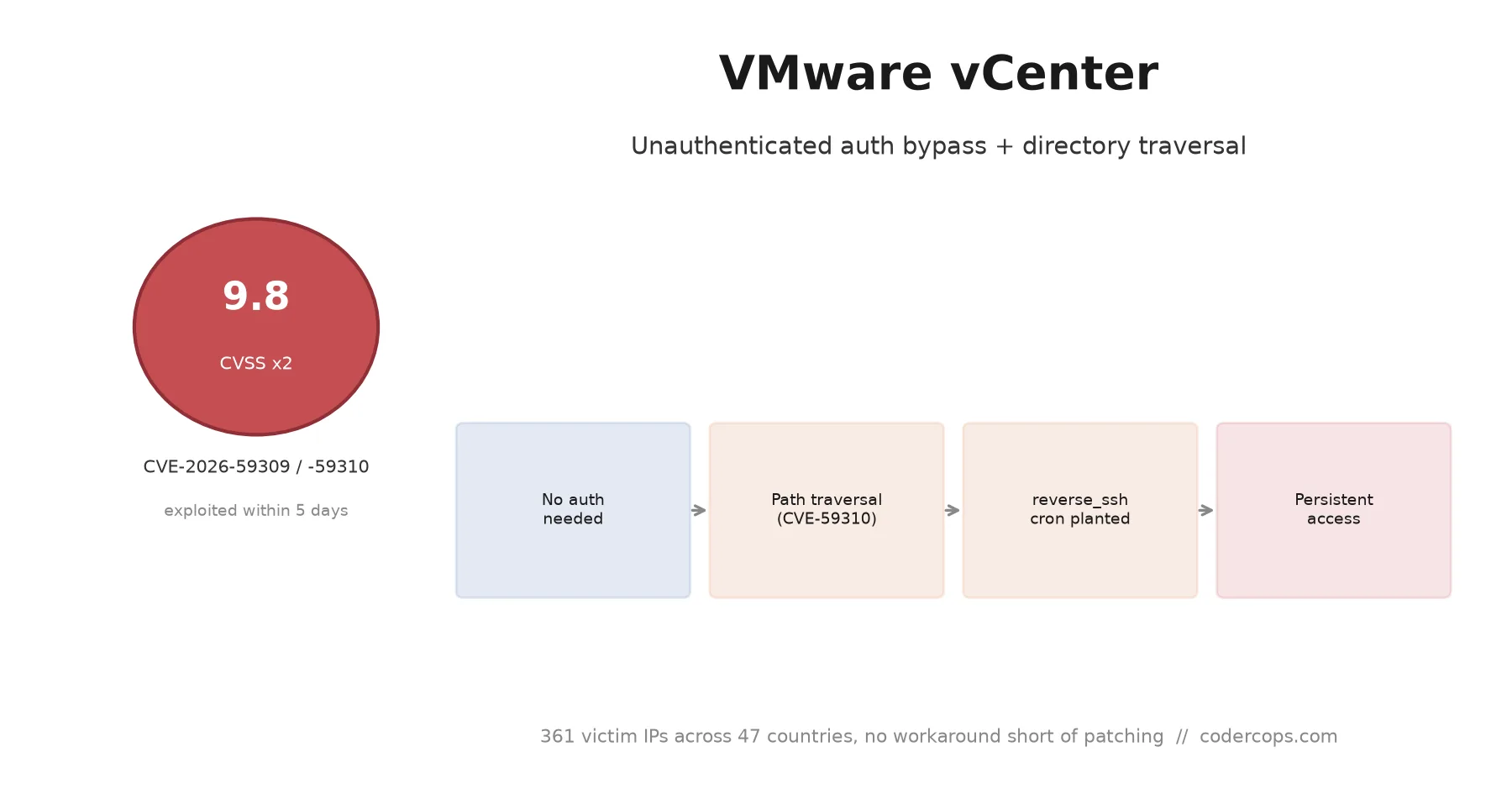
R.01 CVE-2026-59309 and 59310: VMware vCenter Bugs Attackers Hit in Five Days
 R.02
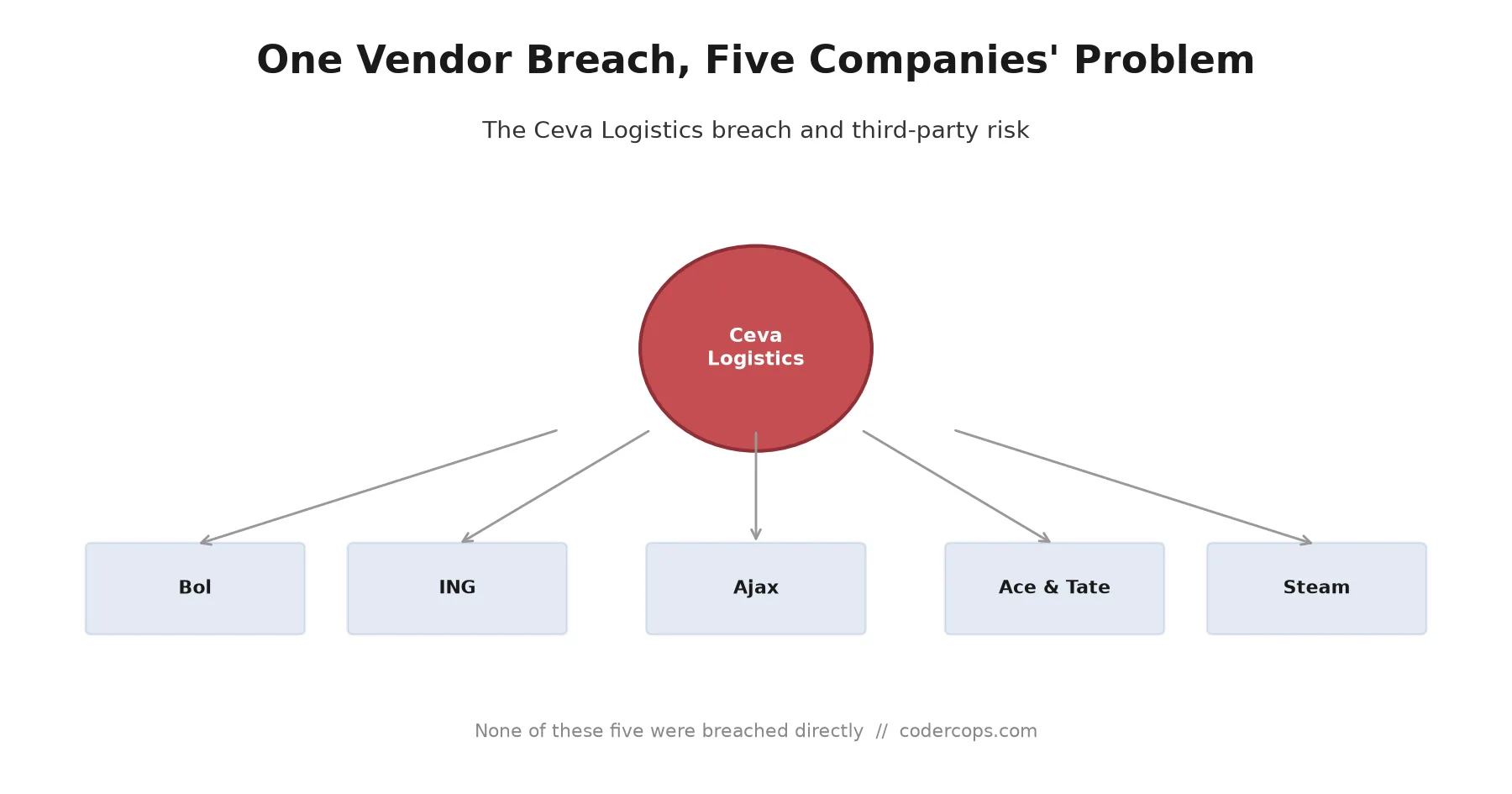
R.02 The Ceva Logistics Breach Shows Why Your Vendor's Vendor Is Your Problem
 R.03
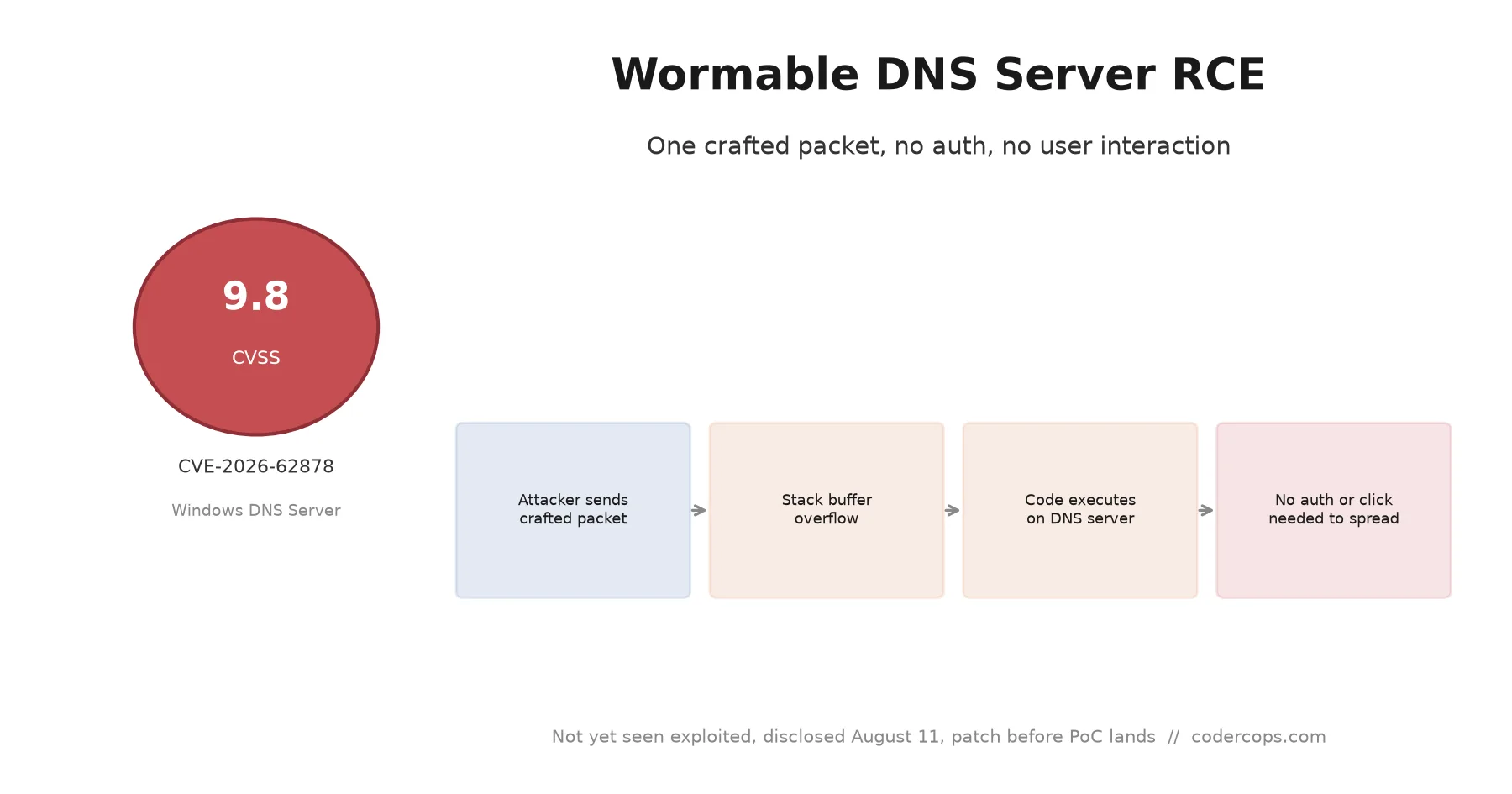
R.03 CVE-2026-62878: The Wormable Windows DNS Server Bug You Need to Patch Now
Sponsored
Discussion
Join the conversation.
Comments are powered by GitHub Discussions. Sign in with your GitHub account to leave a comment.
Sponsored