Web Development · JavaScript & TypeScript
Run TypeScript in Node.js Without a Build Step
Node.js 24 made type stripping stable and on by default: node file.ts just runs. What that buys you, what syntax it can't handle, and when you compile.

Abhishek Gupta
5 min read
Sponsored
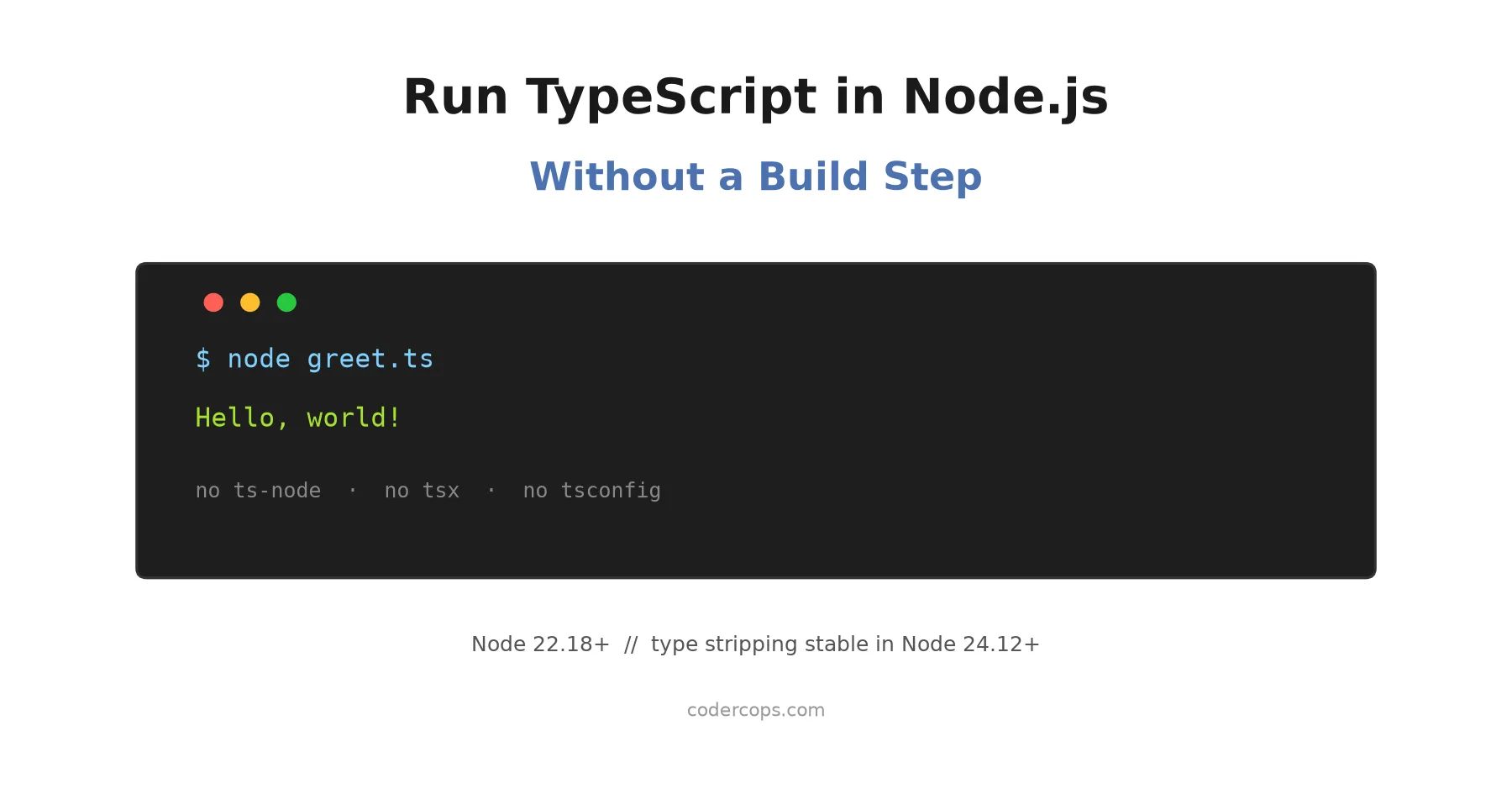
Save a file as math.ts, run node math.ts, and it just works. No ts-node, no tsx, no tsconfig.json required, no build step. That’s been true since Node.js 22.18.0 shipped type stripping on by default in mid-2025, and as of Node 24.12 and 25.2 it’s no longer even flagged experimental. If you’ve been avoiding native TypeScript execution because it felt half-finished, it’s worth a second look.
What type stripping actually does
The mechanism is narrower than it sounds, and understanding the boundary saves you a debugging session later. Node.js runs your .ts file through amaro, a stripping engine that recognizes TypeScript-only syntax and deletes it, replacing removed characters with whitespace so line numbers and stack traces still line up correctly. What’s left is plain JavaScript, and that’s what actually executes.
// greet.ts
function greet(name: string): string {
  return `Hello, ${name}!`;
}

console.log(greet("world"));
$ node greet.ts
Hello, world!No compilation happened here in the sense TypeScript developers usually mean it. string never got checked against anything; it was just deleted. If you write greet(42) instead, Node.js will still print Hello, 42! without complaint, because there’s no type checker in this path at all, only a syntax remover.
What works and what doesn’t
Type stripping only handles syntax it can delete cleanly. Anything that requires generating new JavaScript, rather than removing existing text, isn’t supported and throws a SyntaxError at parse time.
| TypeScript feature | Native execution |
|---|---|
Type annotations (x: string) | Works, erased |
| Interfaces, type aliases | Works, erased |
import type { Foo } from './foo.ts' | Works, erased |
Type-only namespaces (namespace T { export type A = string }) | Works, erased |
enum Color { Red, Green } | SyntaxError, generates runtime code |
namespace N { export let x = 1 } | SyntaxError, holds a runtime value |
Parameter properties (constructor(public x: string)) | SyntaxError, generates a field assignment |
| Legacy experimental decorators | SyntaxError, generates wrapper code |
.tsx files | Not supported at all |
The pattern across every unsupported case is the same: if TypeScript needs to emit actual JavaScript to make the feature work, rather than just deleting the TypeScript-specific characters, native execution can’t do it. Enums are the one most people hit first, since they’re common in older codebases. The fix is usually a const object with as const:
// Instead of: enum Status { Active, Inactive }
const Status = { Active: "active", Inactive: "inactive" } as const;
type Status = (typeof Status)[keyof typeof Status];
That pattern is erasable-syntax-friendly and runs natively, with equivalent type safety for the common case of comparing against known values.
Two rules that trip people up
File extensions in imports are mandatory, not optional. import { add } from './math' fails; import { add } from './math.ts' works. This is the opposite of how most bundler-based setups behave, where the extension is conventionally omitted, so it’s the single most common error when moving an existing project over.
tsconfig.json is ignored completely by native execution. Path aliases (@/utils resolving to src/utils), target downleveling, and any compiler option you’ve configured simply don’t apply when Node runs the file directly. If your codebase depends on path aliases, native execution won’t resolve them, and you’ll need a loader or keep your build step for that part of the project.
A practical example: a small CLI script
This is the sweet spot for native execution, a script you run locally or in CI that doesn’t need to ship anywhere:
// check-env.ts
import { readFileSync } from "node:fs";

interface EnvCheck {
  key: string;
  required: boolean;
}

const checks: EnvCheck[] = [
  { key: "DATABASE_URL", required: true },
  { key: "LOG_LEVEL", required: false },
];

function run(checks: EnvCheck[]): void {
  const missing = checks.filter((c) => c.required && !process.env[c.key]);
  if (missing.length > 0) {
    console.error(`Missing required env vars: ${missing.map((c) => c.key).join(", ")}`);
    process.exit(1);
  }
  console.log("Environment OK");
}

run(checks);
$ node check-env.ts
Environment OKNo package.json build script, no dist/ folder, no watching a compiler. That’s a real reduction in moving parts for the kind of internal tooling most teams accumulate over time, the deploy scripts, the one-off data migrations, the healthcheck utilities that used to live as .js files specifically to avoid the build-step overhead.
Should you drop ts-node or tsx entirely?
For scripts, tests, and backend services where you control the Node version, yes, and it’s worth doing. It’s one fewer dependency, one fewer place for version drift between your local machine and CI, and one fewer thing to explain to a new team member.
Keep a real build step, whether that’s tsc, esbuild, or a bundler, for three cases: anything that ships to a browser, since native execution is a Node.js runtime feature with no browser equivalent; anything using enums, parameter properties, or path aliases you’re not ready to refactor away; and any pipeline where you want type errors to fail the build rather than fail silently at runtime. We covered the type-checking side of this tradeoff in more depth in our TypeScript 7 migration guide, which is worth reading alongside this if you’re deciding how much of your toolchain to simplify at once.
The honest framing is that type stripping removes the build step, not the type checker. Those are two different jobs that TypeScript tooling used to bundle together by default, and now you get to choose how tightly you want them coupled.
Related reading: building CLI tools in TypeScript, Biome for linting and formatting and how to hire a TypeScript developer.
Frequently asked questions
- Do I need a flag to run TypeScript in Node.js now?
- No, as of Node.js 22.18.0 and 23.6.0, type stripping is on by default with no flag required. Earlier versions (22.6.0 through 22.7.0) needed --experimental-strip-types. If you're on Node 24.12.0, 25.2.0, or later, the feature is also marked stable instead of experimental, so you won't see the experimental warning either.
- Does Node.js type-check my TypeScript when I run it directly?
- No. Type stripping only removes type syntax so the JavaScript underneath can run; it never validates that the types are correct. A file with a real type error will run exactly the same as one without, right up until the mismatched value causes an actual runtime failure. Run tsc --noEmit separately, in CI or a pre-commit hook, if you want type checking.
- Why does my import of a local file fail with 'Cannot find module'?
- Node.js requires explicit file extensions in TypeScript imports, so import { add } from './math' fails but import { add } from './math.ts' works. This is different from how most bundler-based TypeScript setups let you omit the extension, and it's the single most common migration surprise.
- Can I use enums with native TypeScript execution in Node.js?
- Not directly. Enum declarations generate real JavaScript code (an object with reverse mappings), and type stripping only erases syntax, it doesn't generate new syntax. Node.js will throw a SyntaxError on an enum. Use a union of string literals or a plain object with an as const assertion instead, both of which are erasable-syntax-friendly and type-check the same way for most practical purposes.
- Should I still use tsx or ts-node for my project?
- For scripts, CLI tools, tests, and small backend services where you control the Node version, native execution replaces them entirely and removes a dependency. Keep a bundler or the TypeScript compiler in the loop for anything that ships to a browser, needs path aliases from tsconfig.json, uses enums or decorators, or where you want a hard type-check gate as part of the build rather than a separate step.
Sources
Sponsored
More from this category
More from Web Development



Sponsored
Discussion
Join the conversation.
Comments are powered by GitHub Discussions. Sign in with your GitHub account to leave a comment.
Sponsored