Cybersecurity · Supply Chain Security
The Keyv and Cacheable npm Attack: 2,234 Poisoned Package Versions in One Day
A compromised maintainer account on August 4 turned keyv and cacheable into a self-propagating npm worm that stole cloud, CI, and GitHub credentials from packages with tens of millions of weekly downloads. Here's what happened and how to check if you were hit.

Abhishek Gupta
5 min read
Sponsored
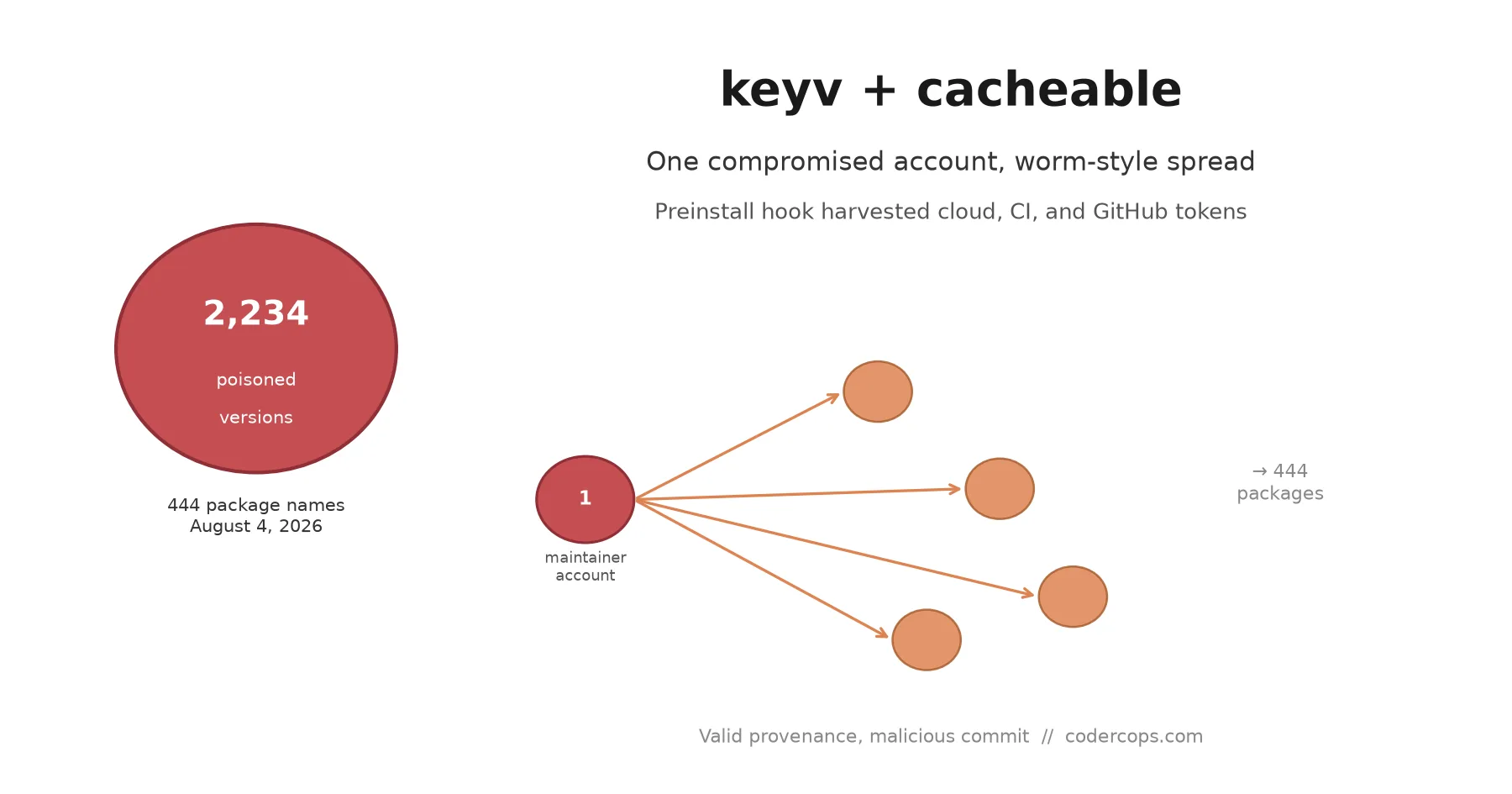
On August 4, an attacker took over one npm maintainer’s account and turned it into a worm. By the end of the day, 2,234 poisoned package versions across 444 package names were sitting on the registry, each one carrying a script that stole cloud credentials, CI tokens, and GitHub secrets the moment someone ran npm install.
What happened
Keyv and cacheable are key-value storage libraries, the kind of low-level utility package that ends up several layers deep in dependency trees you’ve never directly looked at, with adapters for Redis, Postgres, SQLite, and MongoDB. That ubiquity is exactly why they made a good target.
The attacker compromised the maintainer’s GitHub account and pushed malicious commits straight to the main branch of the keyv and cacheable repositories. Because the repos’ own GitHub Actions workflows build and publish releases automatically, the attacker didn’t need to touch npm directly. They cut a new release through the legitimate pipeline, and the legitimate pipeline shipped the malicious code with a valid npm provenance signature attached, because as far as the signing mechanism could tell, the code genuinely did come from that repo’s real workflow.
At least ten packages across the two namespaces went out first, each carrying a preinstall hook named setup.mjs. That script ran automatically during install, before any application code executed: it downloaded a standalone Bun runtime, ran an obfuscated second-stage payload, and started harvesting. Cloud provider credentials, npm and other registry publish tokens, GitHub tokens, database connection strings, private keys, and (per Wiz’s analysis) memory contents from GitHub Actions runners, which can expose secrets loaded for entirely unrelated jobs running on the same infrastructure.
Why it spread instead of staying contained
The stolen npm tokens weren’t just used to republish keyv and cacheable. The malware used them to poison every other package those tokens had publish access to, the same self-propagating pattern security researchers have started calling “Shai-Hulud” style after an earlier worm in the same family. Each newly poisoned package’s tokens, once harvested, extended the reach further. That’s how a single compromised account turned into 444 poisoned package names in one day, spanning maintainers and organizations with no direct connection to the original victim beyond a shared dependency.
Wiz’s writeup ties the payload to the same malware lineage behind the TeamPCP and antv supply chain incidents earlier in the year, which suggests this isn’t an isolated actor experimenting once, but a toolkit getting reused across campaigns. If you’ve hardened against one of those earlier incidents, the indicators of compromise are worth cross-checking against this one too, since the infrastructure and techniques overlap.
Why provenance didn’t stop this
npm’s provenance attestation exists to answer one question: did this published package actually come from the source repository and CI pipeline it claims to, rather than being uploaded by hand from someone’s laptop with a stolen token? It answers that question correctly here. The malicious versions really were built by the real repo’s real GitHub Actions workflow.
What provenance doesn’t verify is whether a human reviewed the commit that triggered the build. An attacker with push access to main and no branch protection requiring review can trigger a fully legitimate, fully signed release of code nobody but them has seen. That’s a gap worth checking in your own release pipelines, not just the ones you depend on: does merging to your release branch require a second set of human eyes, or does anyone with push access effectively have a direct line to a signed, published artifact? We covered the mechanics of setting this up correctly in our guide to npm trusted publishing with OIDC, which closes a different but related gap (long-lived publish tokens sitting in CI secrets waiting to be stolen in the first place).
What to check right now
Pull up your lockfile, whichever one your project uses, and search for keyv and cacheable along with their transitive dependents. If either resolves to a version published on or after August 4, 2026, don’t assume you’re fine just because the install succeeded without visible errors; the payload was designed to run silently.
Socket, Wiz, and Aikido all published indicator-of-compromise lists and detection queries within hours of the attack going public, including the specific poisoned version ranges. Cross-reference your dependency tree against those rather than trying to eyeball version numbers by hand.
If you find a poisoned version anywhere in a project that ran npm install during the exposure window, treat the blast radius as the entire CI job, not just the package. Rotate cloud provider credentials, database connection strings, GitHub tokens and deploy keys, and any registry publish tokens that job had access to. If you can’t fully account for what secrets were loaded into that runner’s environment, rotate everything plausible rather than guessing which ones mattered.
The actual lesson
This is at least the fourth npm supply chain worm of this scale in the past year, following incidents that hit TanStack, React Native, and Aria packages and others before that. The pattern is consistent every time: a maintainer account gets compromised, CI credentials with broad publish access get harvested, and the compromise spreads faster than most teams’ dependency review can catch it.
npm install running a preinstall script with full filesystem and network access on every one of your machines and CI runners is the actual attack surface here, not any single bad actor. npm 12 blocking install scripts by default closes part of that gap if you’ve upgraded and haven’t opted back in for convenience. If your team hasn’t audited which of your dependencies still run install-time scripts, and why, this is the week to do it, not after the next one of these lands. If you want help auditing a dependency tree or hardening a CI pipeline against exactly this failure mode, our engineering team has done this work for clients running production Node services.
Frequently asked questions
- What happened in the keyv and cacheable npm attack?
- On August 4, 2026, an attacker compromised the npm account of a maintainer behind the keyv and cacheable package families (key-value storage libraries with adapters for Redis, Postgres, SQLite, and MongoDB). They pushed malicious commits directly to the packages' main branches and published new versions carrying a credential-stealing payload. The malware then used the stolen publish tokens to poison further packages, spreading worm-style to 2,234 versions across 444 package names before it was contained.
- What did the malicious code actually do?
- Each poisoned package shipped a preinstall hook (a script named setup.mjs) that ran automatically on npm install. It downloaded a standalone Bun runtime, ran an obfuscated second-stage payload, and harvested cloud provider credentials, npm and other registry tokens, GitHub tokens, database connection strings, and private keys. It also read memory from GitHub Actions runners, which can expose secrets those runners had loaded for unrelated jobs.
- How did the packages get valid provenance if they were malicious?
- npm provenance is meant to prove a published package was built from a specific, auditable source commit through a trusted CI pipeline like GitHub Actions, rather than uploaded by hand. The attacker didn't bypass that; they compromised a maintainer's GitHub account, pushed the malicious code directly to the real repository's main branch, and let the repository's own GitHub Actions workflow build and publish it. The provenance signature was technically accurate, since the code really did come from that repo and that workflow. It just proves the pipeline ran, not that a human reviewed what it built.
- How do I check if I was affected?
- Check your lockfile (package-lock.json, yarn.lock, or pnpm-lock.yaml) for keyv, cacheable, or any of their transitive dependents, and look at the resolved version's publish date. Anything installed or updated on or after August 4, 2026 that pulled in a poisoned version should be treated as a potential compromise. Security vendors including Socket, Wiz, and Aikido published indicator lists and detection queries within hours of the attack; cross-reference your dependency tree against those.
- What should I rotate if I think I was hit?
- Everything the affected CI job could reach, not just npm tokens. That means cloud provider credentials, database connection strings, GitHub personal access tokens and deploy keys, and any secrets loaded into the GitHub Actions runner during the affected window. If the runner's memory was readable, assume any secret present in that job's environment was exposed, even ones unrelated to the compromised package.
Sources
Sponsored
More from this category
More from Cybersecurity
 R.01
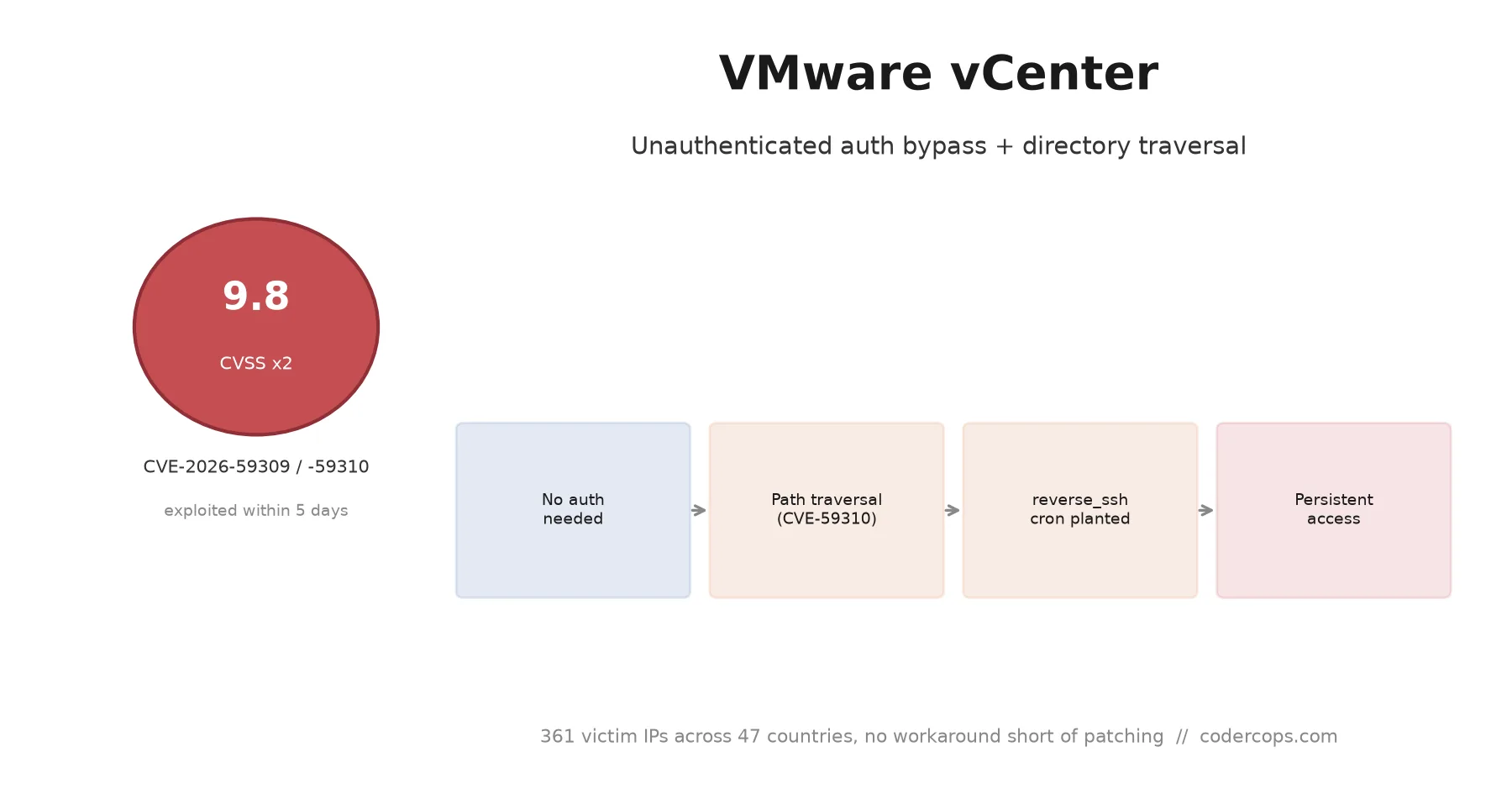
R.01 CVE-2026-59309 and 59310: VMware vCenter Bugs Attackers Hit in Five Days
 R.02
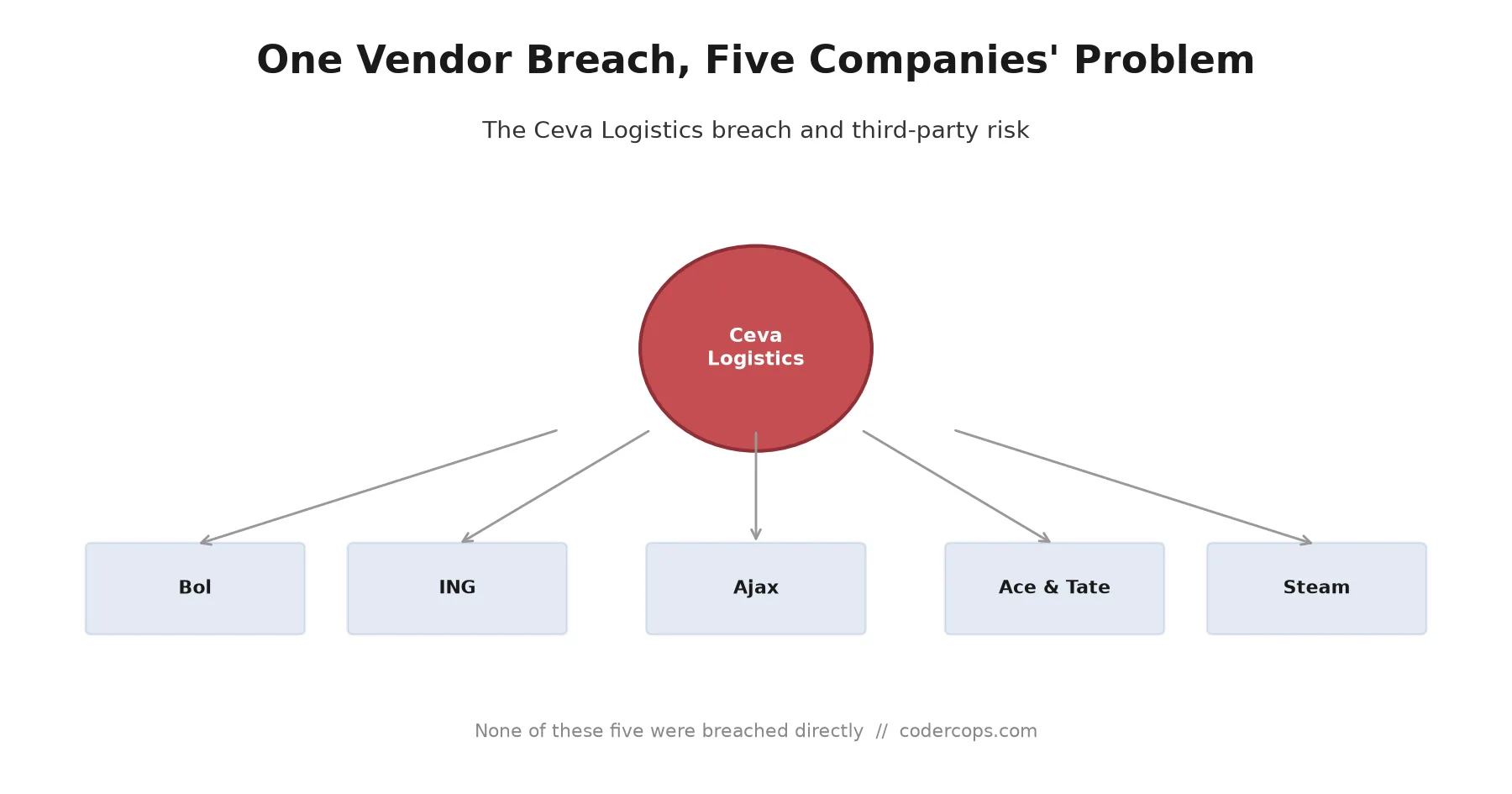
R.02 The Ceva Logistics Breach Shows Why Your Vendor's Vendor Is Your Problem
 R.03
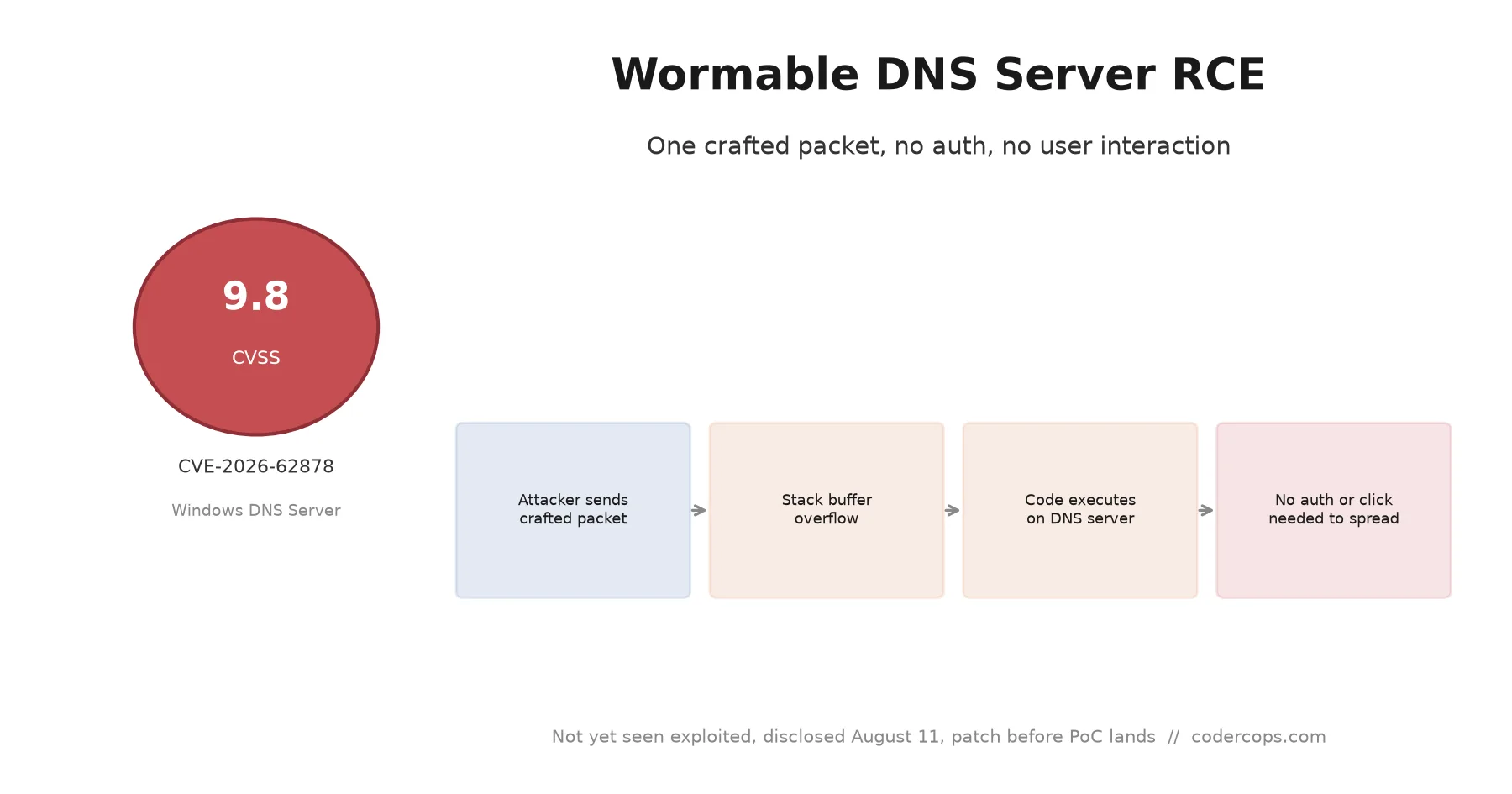
R.03 CVE-2026-62878: The Wormable Windows DNS Server Bug You Need to Patch Now
Sponsored
Discussion
Join the conversation.
Comments are powered by GitHub Discussions. Sign in with your GitHub account to leave a comment.
Sponsored