AI Integration · Model Releases
Meta Ships Muse Code: Its First Terminal Coding Agent, Built on Muse Spark 1.2
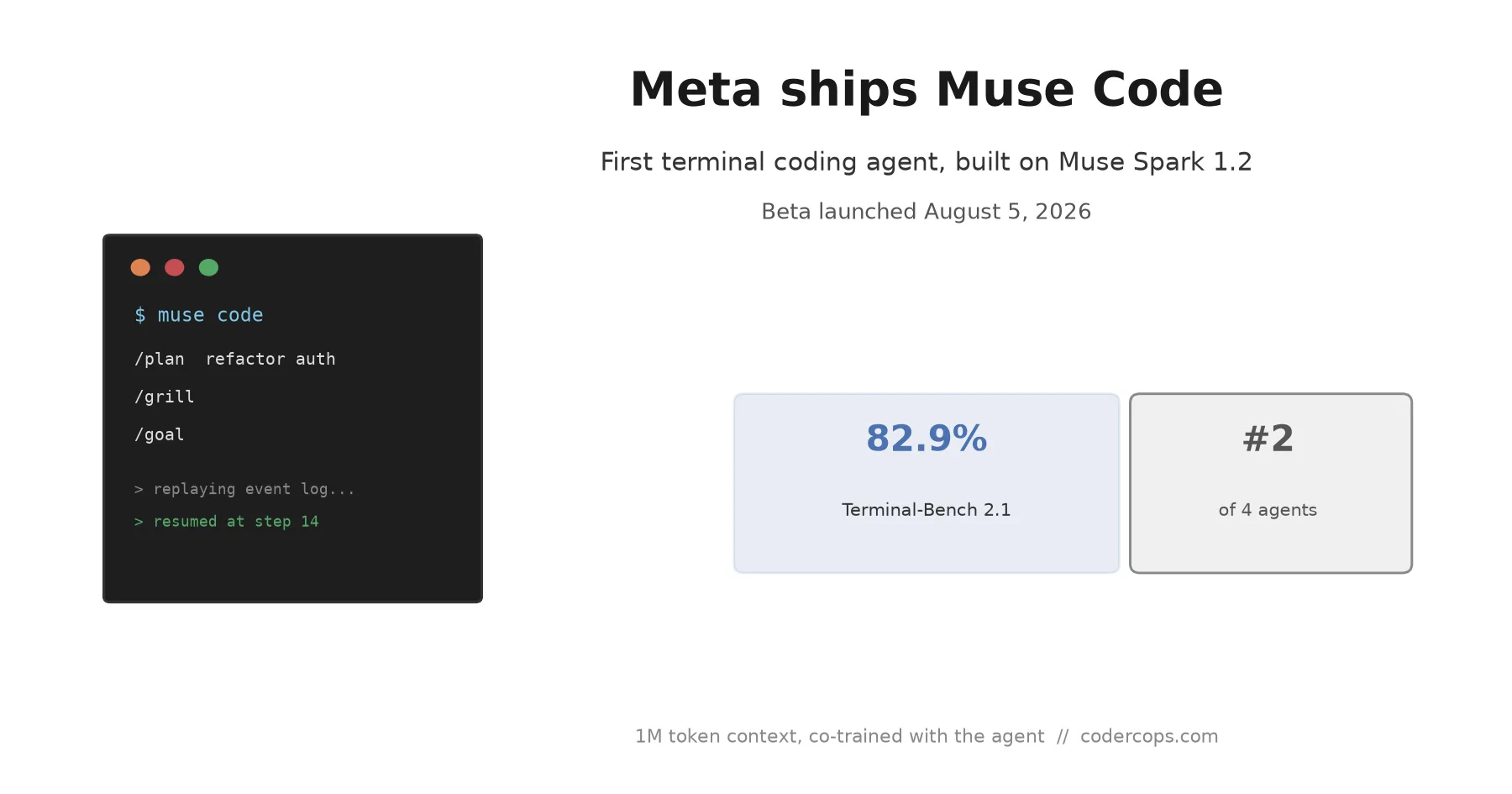
Meta entered the terminal coding agent market on August 5 with Muse Code, running on the new Muse Spark 1.2 model. It scores 82.9% on Terminal-Bench 2.1, ahead of Codex and Grok Build, behind Claude Code. Here's what actually shipped.

Shashikant Gupta
5 min read
Sponsored
Meta spent the past year watching OpenAI, Anthropic, and xAI ship terminal coding agents while it stayed on the sidelines. On August 5, that changed: Muse Code launched in beta, running on a new coding-focused model called Muse Spark 1.2, and Meta’s own benchmark numbers put it solidly in the middle of the pack rather than out front.
What shipped
Muse Spark 1.2 is an update to Muse Spark 1.1, the model Meta launched in July as its first release from its Superintelligence Labs group. The 1.2 update keeps the 1-million-token context window from 1.1 but was, according to Meta, co-trained alongside the Muse Code harness itself rather than fine-tuned onto an agent product after the fact. That distinction matters more than it sounds: a model trained specifically against the tool-calling patterns and feedback loops its own agent will use tends to handle that agent’s actual workflow more reliably than a general-purpose model wrapped in a separate harness later.
Muse Code itself is a terminal application, the same product category as OpenAI’s Codex, Anthropic’s Claude Code, and xAI’s Grok Build. It runs with parallel sub-agents and worktree isolation, meaning it can work on multiple parts of a task concurrently in isolated git worktrees rather than serializing everything through one context.
Three built-in skills shape how it works. /plan turns a task description into an approval-gated plan before any code changes happen. /grill takes that plan and stress-tests it, looking for gaps before execution starts. /goal then drives the agent toward completing the objective. It’s a more structured front-loaded workflow than “describe the task and watch it go,” aimed at catching bad plans before they turn into bad code.
The other notable engineering detail is the crash-safe event log: every model call, tool run, approval, and file edit gets appended to a local log as it happens. If the process crashes, a network connection drops, or the terminal session gets killed, restarting reads that log and resumes exactly where the agent stopped rather than losing the session and starting over. Anyone who’s had a multi-hour agentic coding session die to a dropped SSH connection will recognize why that’s worth shipping.
Where it actually lands on benchmarks
Meta published its own numbers, which is worth keeping in mind, but they’re specific enough to be checkable rather than vague marketing claims.
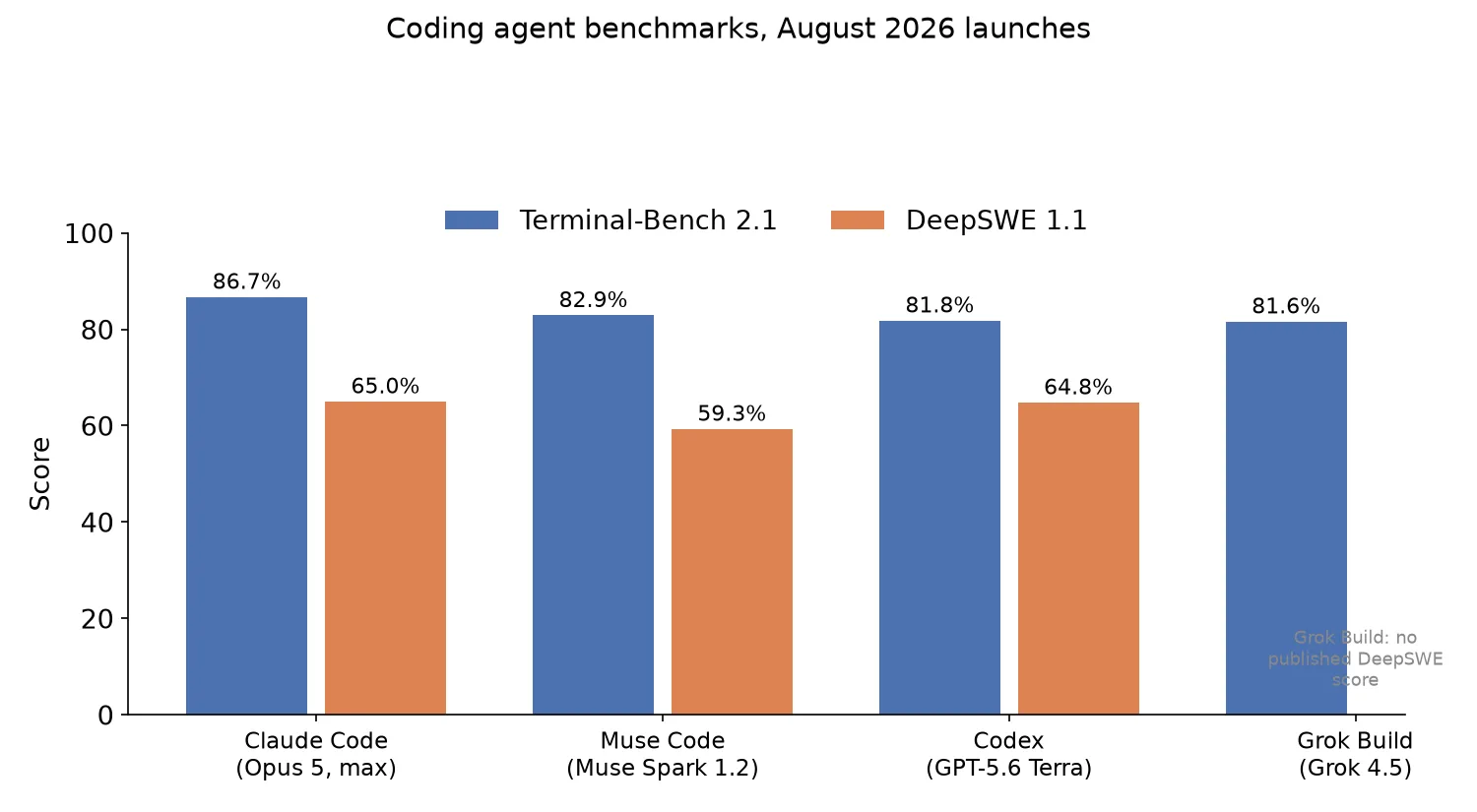
On Terminal-Bench 2.1, a benchmark that scores agents on real terminal-based coding tasks, Muse Code scored 82.9%. That puts it ahead of Codex running GPT-5.6 Terra (81.8%) and Grok Build running Grok 4.5 (81.6%), but behind Claude Code running Claude Opus 5 at max reasoning effort, which leads at 86.7%.
| Agent | Model | Terminal-Bench 2.1 | DeepSWE 1.1 |
|---|---|---|---|
| Claude Code | Claude Opus 5 (max effort) | 86.7% | 65.0% |
| Muse Code | Muse Spark 1.2 | 82.9% | 59.3% |
| Codex | GPT-5.6 Terra | 81.8% | 64.8% |
| Grok Build | Grok 4.5 | 81.6% | — |
On DeepSWE 1.1, a separate benchmark focused on software engineering tasks, the ordering shifts: Muse Code posts 59.3%, landing third behind Claude Opus 5 (65.0%) and GPT-5.6 Terra (64.8%). Notice that Codex actually outperforms Muse Code on this benchmark despite trailing on Terminal-Bench, which is the useful takeaway here: single-benchmark rankings don’t hold across different task types, and “second place” on one leaderboard doesn’t generalize.
What this means if you’re picking a coding agent
None of these agents are separated by a wide enough margin on either benchmark to make the choice obvious from scores alone. An 82.9% versus 86.7% gap on Terminal-Bench, or third versus first on DeepSWE, is real but not decisive, especially since both benchmarks test general capability rather than your specific codebase, language mix, and tooling.
What’s more likely to actually decide which agent fits your team: how well the tool integrates with your existing workflow (git worktrees, CI, your editor), how its plan-and-approve loop matches how your team already reviews AI-generated changes, and whether you’re comfortable running a beta product against production code at all. Muse Code’s structured /plan and /grill skills are a genuine differentiator in workflow, not just benchmark score, if your team wants more friction before code gets written rather than less.
We’ve tracked the broader shift toward agentic terminal tools taking over from IDE plugins in our rundown of the current agentic IDE landscape; Muse Code is the latest entrant in that race, not a category-defining move on its own. If you’re deciding what to standardize on for your team, run the actual candidates against a real slice of your codebase rather than picking off a launch-day leaderboard, since that’s the only benchmark that reflects your workload. Meta’s Muse Spark 1.1 release from last month is worth reading for context on where this model family started; 1.2 is an iteration on that base, not a from-scratch model.
Muse Code is a legitimate, competitive entry into a category that had exactly three serious players a month ago. It’s not yet the agent to default to over an established workflow, but it’s the clearest signal yet that terminal coding agents are becoming a market every major AI lab intends to compete in, not a niche a couple of labs happened to build first.
Frequently asked questions
- What is Muse Code?
- Meta's first terminal-based coding agent, released in beta on August 5, 2026. It runs on Muse Spark 1.2, a coding-focused update to Meta's Muse Spark model family, and is built to work directly in a developer's terminal rather than as an IDE plugin or chat interface.
- How does Muse Code compare to Claude Code, Codex, and Grok Build on benchmarks?
- On Terminal-Bench 2.1, Muse Code scored 82.9%, ahead of Codex running GPT-5.6 Terra (81.8%) and Grok Build running Grok 4.5 (81.6%), but behind Claude Code running Claude Opus 5 at max effort (86.7%). On DeepSWE 1.1, Muse Code placed third at 59.3%, behind Claude Opus 5 (65.0%) and GPT-5.6 Terra (64.8%). It's competitive with the field, not a clear leader on either benchmark.
- What does the crash-safe event log actually do?
- Muse Code appends every model call, tool invocation, approval, and file edit to a local log as it happens. If the process crashes or the session is interrupted, restarting reads that log and resumes exactly where the agent left off, rather than losing the session's state and starting the task over. For long-running or multi-hour agentic tasks, that removes one of the more frustrating failure modes of terminal agents: losing an hour of progress to a dropped connection.
- Is Muse Code available now?
- It's in beta as of August 5, 2026. Meta has not published general-availability pricing or a firm timeline for exiting beta as of this writing, so teams evaluating it should expect rough edges and check Meta's own release notes before committing a production workflow to it.
- Should we switch our team's coding agent to Muse Code?
- Not based on launch benchmarks alone. Muse Code is competitive on Terminal-Bench 2.1 and DeepSWE but doesn't lead either, and it's still in beta. If your team is already invested in a different agent's workflow and tool integrations, the benchmark gap here is too narrow to justify a switch on its own. It's worth a real evaluation against your actual codebase if you're choosing a coding agent for the first time or are already unhappy with your current one.
Sources
Sponsored
More from this category
More from AI Integration
 R.01
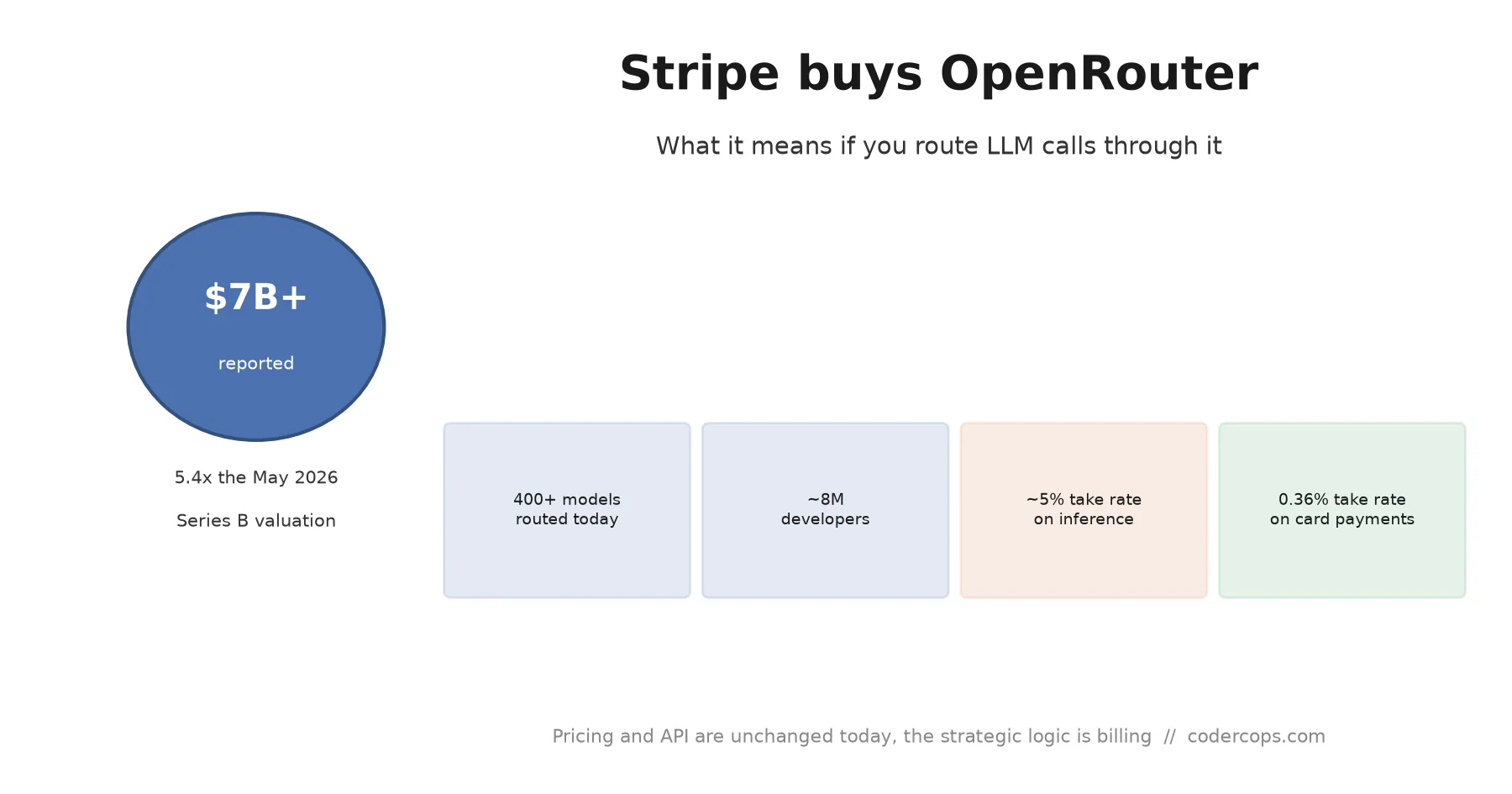
R.01 Stripe Bought OpenRouter for $7B. Here's What It Means If You Route LLM Calls
 R.02
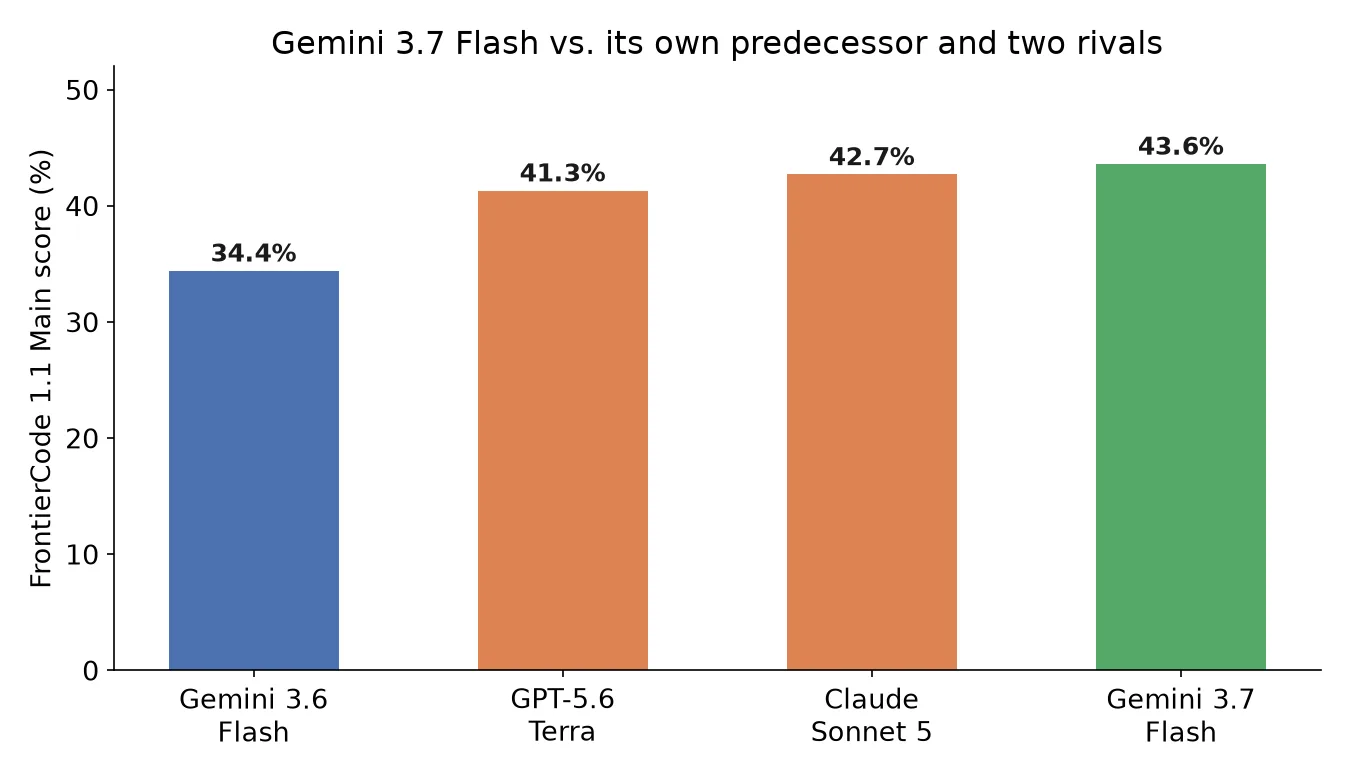
R.02 Gemini 3.7 Flash Is Out: What Google's Coding-Focused Model Actually Changes
 R.03
R.03 Gemini 3.7 Flash Is Out: Google's Cheap, Fast Coding Model Just Got Better at Both
Sponsored
Discussion
Join the conversation.
Comments are powered by GitHub Discussions. Sign in with your GitHub account to leave a comment.
Sponsored